
Len's Island Beginner's Guide | Gameplay Tips & Tricks
Starting on Len's Island? Here is everything you need to get a head start in this game.
Game Guide by Faviyan Mustafiz on Jul 18, 2025
Whether setting foot on lush beaches for the first time or delving into shadowy caves, these focused tactics cover combat mastery, resource optimization, world customization, and cooperative strategies.
Each section provides straightforward, actionable advice so you can make wise choices, maximizing survival and progression as you plant, harvest, forge alliances, and conquer challenges.
Critical Strikes
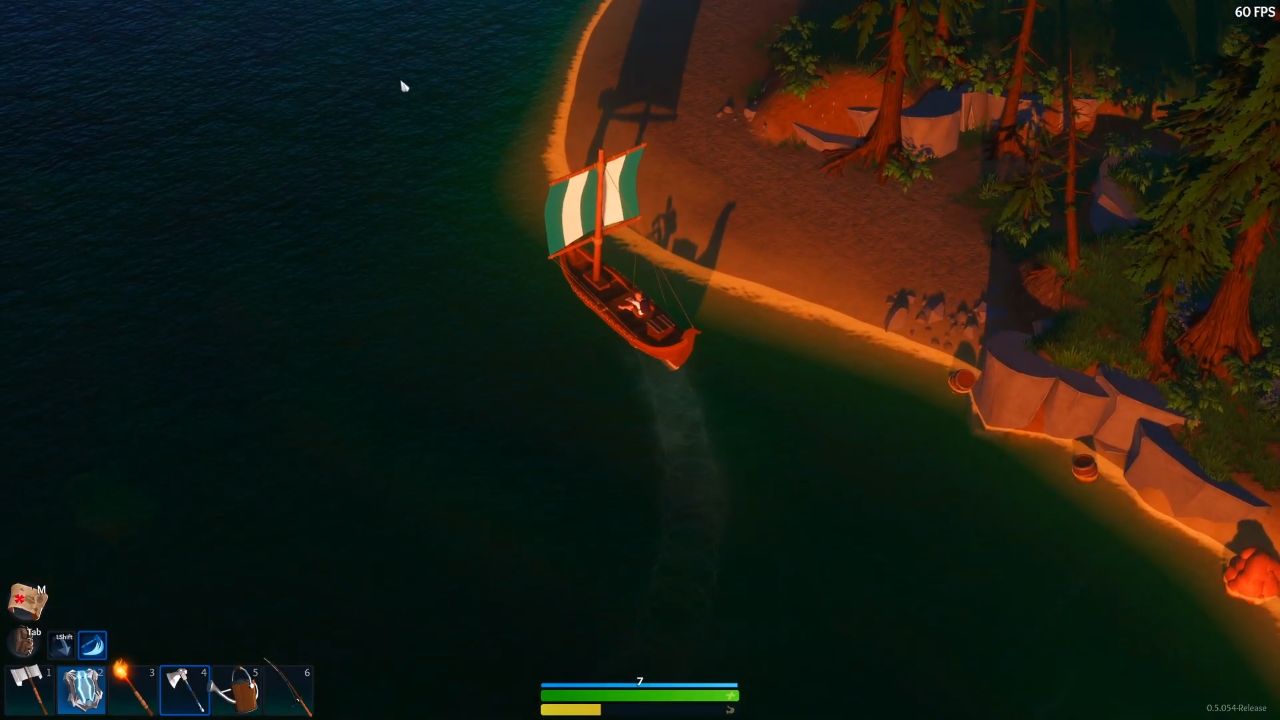
Achieving critical strikes transforms combat and harvesting. When attacking with any weapon or tool, a shrinking on-screen circle indicates the timing window: press your input precisely as the ring aligns with the center to trigger a yellow‑halo critical.
This timing mechanic increases damage—turning a Pickaxe strike from 17 to 29 damage—and speeds harvests with the Scythe, Axe, and Hoe.
Practice timing on low‑level mobs or resource nodes to internalize the rhythm, then apply it consistently for improved efficiency.
Backpack Upgrades
Inventory space dictates the success of every expedition. At the Workbench, expand the default 12‑slot Backpack to capacities of 20, 32, and beyond.
Upgrades require materials like Leather, Iron Ingots, Enchanted Threads, and occasionally rare Crystal Shards.
More slots reduce tedious trips home and unlock advanced Notice Boards in towns, granting long‑distance waypoints and exclusive side missions.
Prioritize upgrades before purchasing weapons or armor to streamline looting and crafting.
Action Bar Storage
Your Action Bar doubles as emergency storage for stackable resources: assign Wood, Stone, Fiber, or Ore to empty slots, stacking up to ten units each.
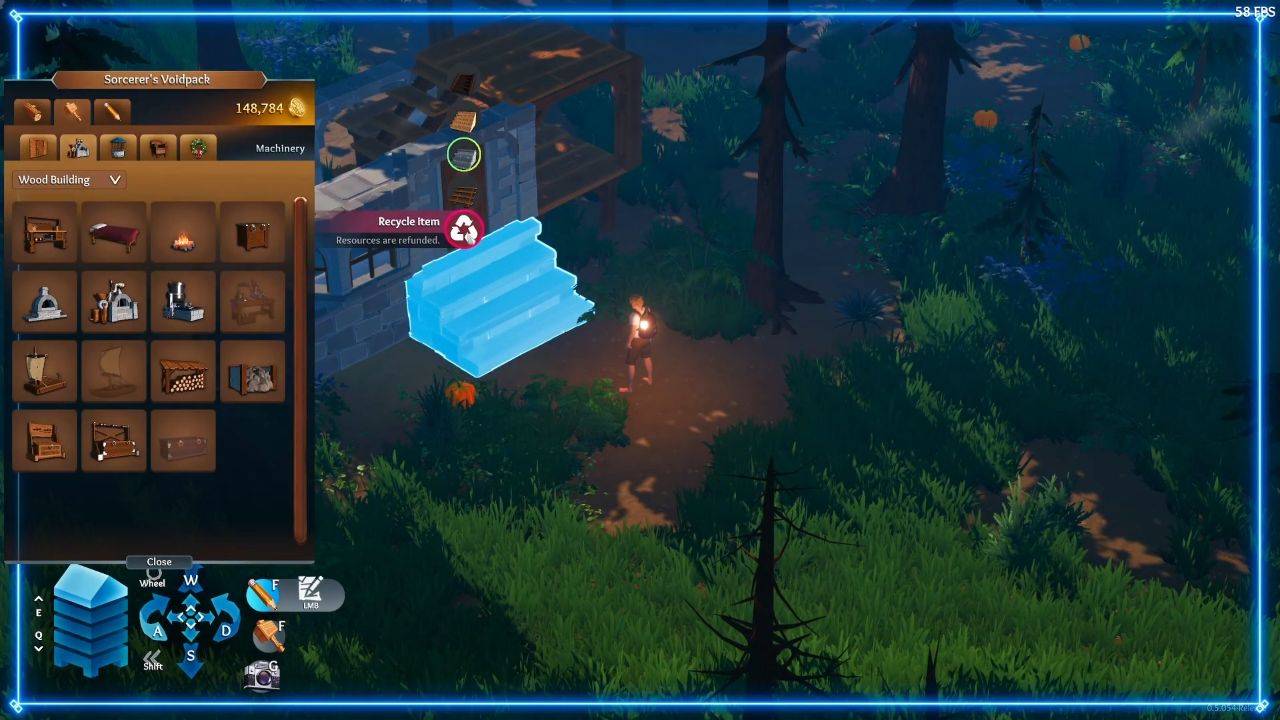
This tactic frees backpack space during large‑scale woodcutting or mining runs. Later, unload materials at chests or crafting stations.
Remember to clear your Action Bar before intense combat, as occupied slots cannot hold other tools.
World Settings
Tailor your island adventure by adjusting Hunger Drain, Enemy Aggression, Resource Respawn, and initial Backpack Size when creating a world.
In non‑permadeath modes, revisit settings mid‑game: lower hunger rates for relaxed play, increase resource respawn for extended gathering, or boost enemy aggression to challenge seasoned players.
Fine‑tuning these parameters ensures a personalized balance between risk and reward.
Healing
Health management relies on multiple methods. Standing near a Bonfire restores roughly 10 HP per second. Maintaining a full Hunger Bar grants a five HP heal every three seconds.
Cooked meals—like Grilled Fish, Hearty Stew, or Fruit Compote—offer additional defense or speed buffs—craft Herb Poultices from Herbs, Cloth, and Water for instant 50 HP recovery.
Carry a mix of these items to handle both sustained exploration and sudden ambushes.
Boat Management
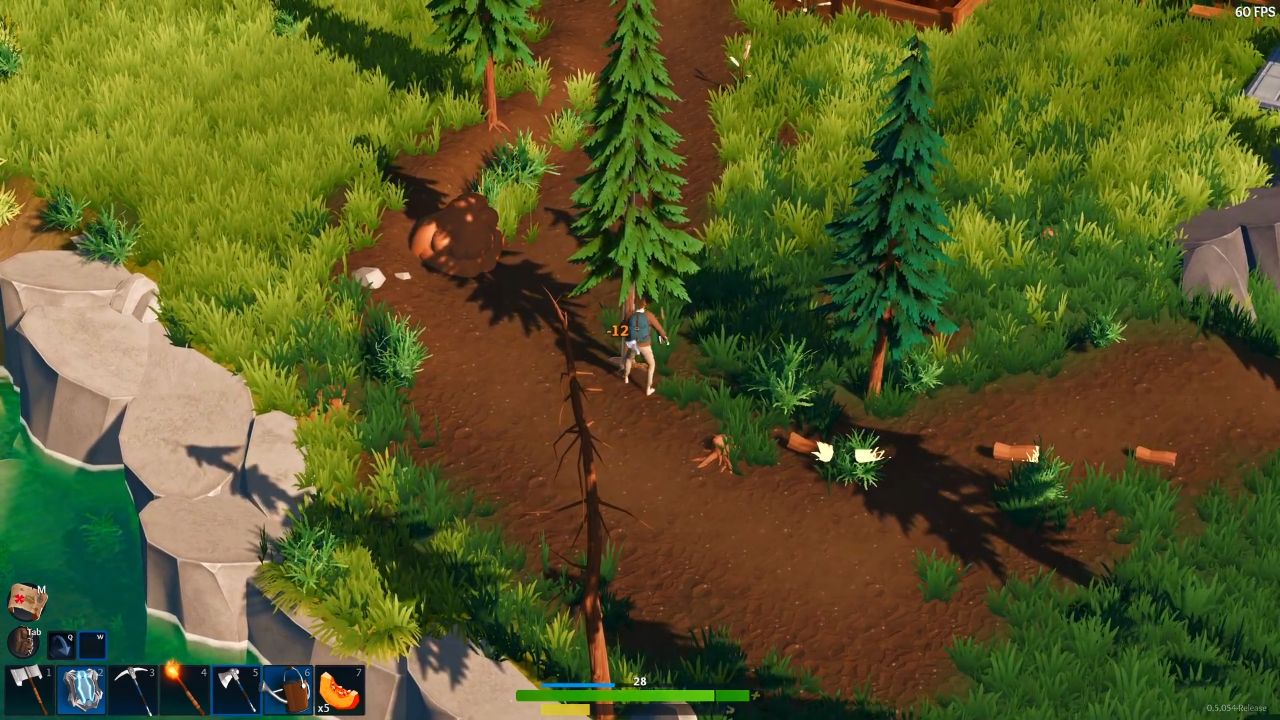
Innovative recycling of resources is key to efficient sailing. To get back wood planks, metal parts, and sails in build mode, select your Boat and choose "Recycle Item".
Move these parts through crowded areas or over water hazards, and then assemble them on the shores you want.
This keeps you from having to make boring boat trips when you need to move your base or go after faraway quest goals.
Recycling Structures
Beyond natural resources, towns contain reusable materials. In unprotected zones, open the crafting menu and select Recycle Structure.
Dismantling abandoned buildings yields Stone Bricks, Timber Beams, Glass Shards, and metal pieces.
Scavenge scrap from derelict shops and sheds for cost‑effective early base construction, saving precious ore and wood for advanced crafting stations.
Torch Usage
Darkness makes things more dangerous. Use the Torch to light up the caves at night. Light stays on even when you switch to your Shield, Bow, or tools, so you can see clearly while fighting or gathering.
When exploring dungeons or woods that aren't lit up, keep the Torch on to avoid being attacked by Night Wolves, Cave Spiders, or Bandits who are out on the hunt.
Skill Tree Planning
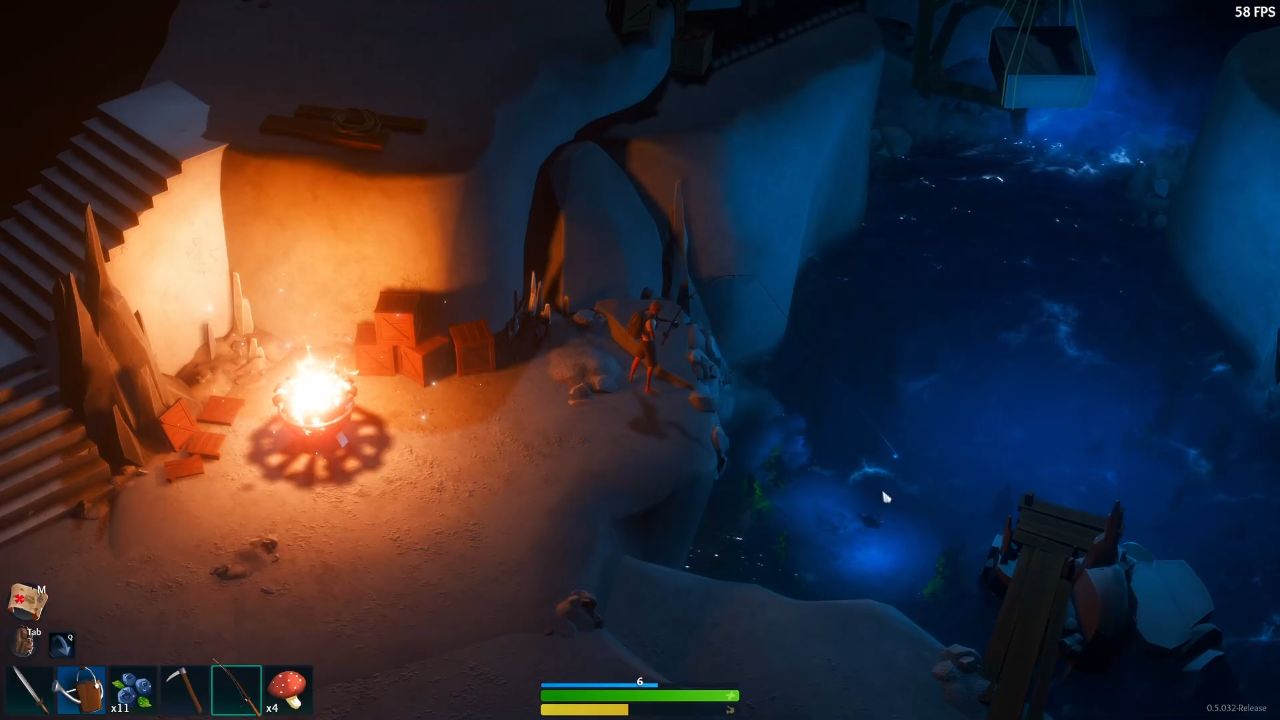
The Skill Tree divides into Combat, Harvesting, Crafting, and Support branches. Early choices—such as Blade Mastery for extra critical damage or Crop Yield for improved harvests—shape your long‑term build.
Points cannot be refunded without rare Respec Scrolls, so review skill prerequisites carefully. Align your selections with your intended role: fighter, gatherer, artisan, or healer.
Jump & Roll
Mobility mastery lets you jump and roll over objects on the ground. When you're in the air, press the roll button at the top of your jump to add about 20% to the horizontal distance.
This method is beneficial for crossing chasms, avoiding traps, and maintaining your progress without building temporary bridges.
Cave Building
Subterranean bases offer strategic advantages. Utilize abundant cave‑spawned Stone to lay foundations, erect walls, and place pillars, bridging gaps and blocking enemy spawns—position chests, furnaces, and workbenches near rich ore veins for a self‑sustaining mining outpost.
Reinforce corridors to prevent cave‑ins and streamline safe retreats during emergencies.
Tutorial Quests
Missions in the tutorial teach basic skills and give out starter gear. Finish early jobs to get a Wooden Shield, an Iron Dagger, a Fishing Rod, and other items.
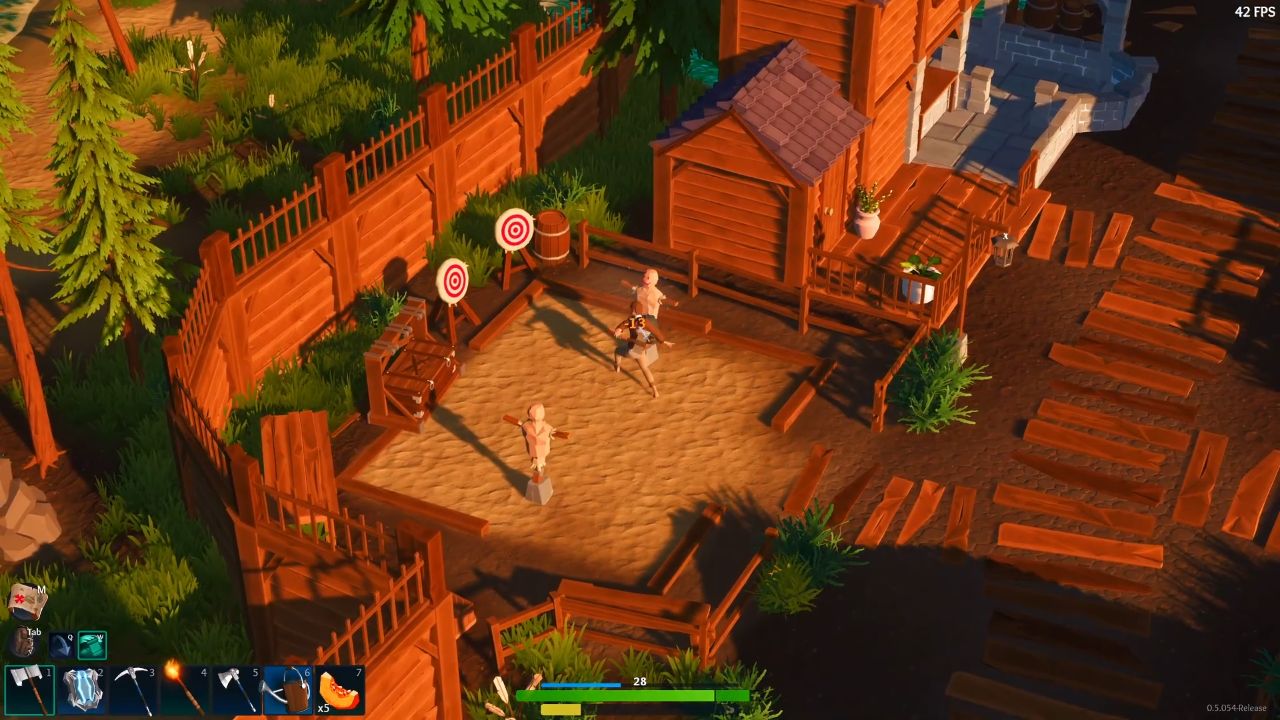
These quests also teach you about Weather Effects, cooking over a campfire, and basic crafts.
If you skip the lessons, you might miss out on essential mechanics, so finish them quickly to build a strong base for more difficult tasks.
Questlines
The Journal organizes quests into Acts (story progression), Farming, Exploration, and Crafting. Main Acts unlock new regions and story events, while side quests from NPC notice boards reward seeds, blueprints, and pet companions.
Farming quests often grant high‑yield crop seeds; crafting paths provide rare schematics. Claim all mission rewards—some yield up to 500 XP—to accelerate growth.
Efficient Selling
At market stalls, streamline transactions by highlighting the item—Fiber, Raw Ore, or Crop Bundles—and holding down the sell button.
This repeatedly sells single units faster than manual entry. For bulk conversion, visit the Trading Post to exchange low-tier materials in batches for gold ingots or refined goods at favorable rates.
Co‑op Sharing
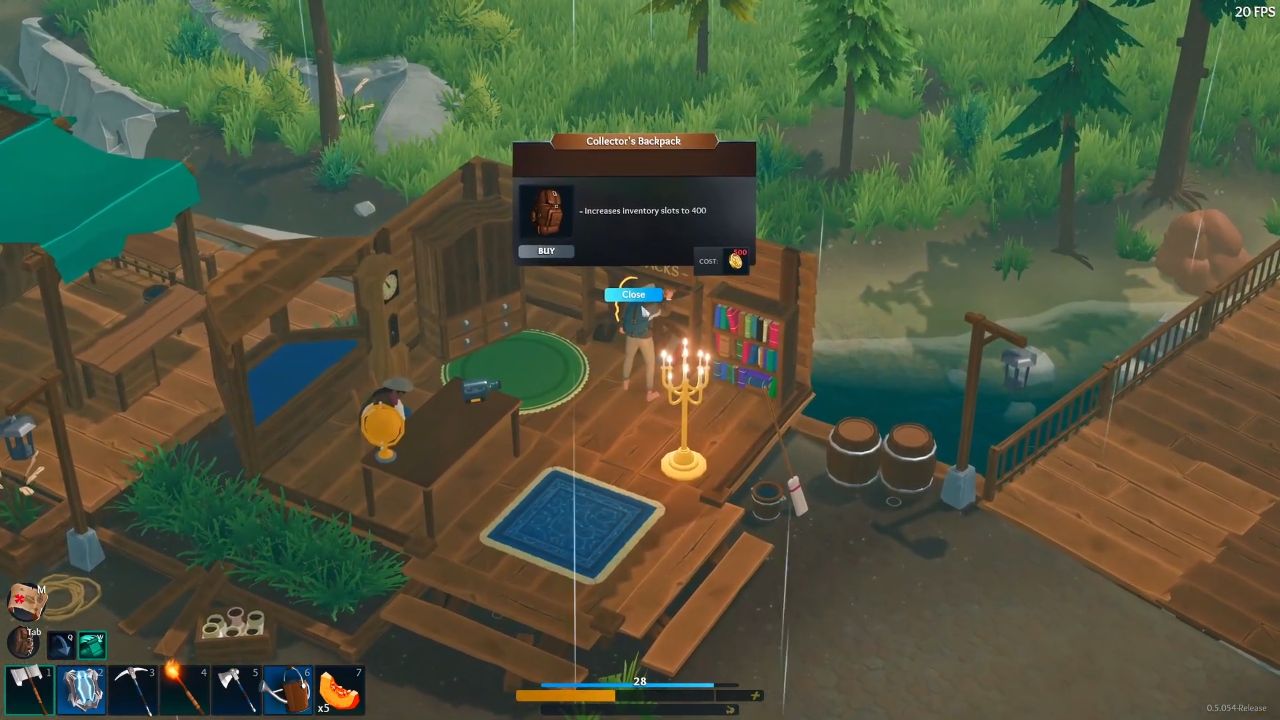
In cooperative mode, gear purchases—Armor Sets, Fishing Poles, Camping Kits—are accessible to all party members. Yet upgrades like Gem Socketing and Weapon Enhancements apply individually.
Coordinate upgrade sessions so each player specializes: designate a miner, an archer, or a craftsman to maximize resource deployment and maintain balanced team roles.
Barrel Looting
Barrel clusters drift near towns and in open waters. Guide your Boat through these debris fields to auto‑collect Scrap Metal, Arrows, and occasional Ancient Relics.
Barrels near fishing spots often contain additional crafting components—keep an eye on water lines during coastal exploration.
Farming Tips
Construct a Well at the heart of your farmland to refill Watering Cans swiftly. Plant crops in 3×3 or 5×5 grid patterns, allowing a single watering swing to irrigate multiple tiles.
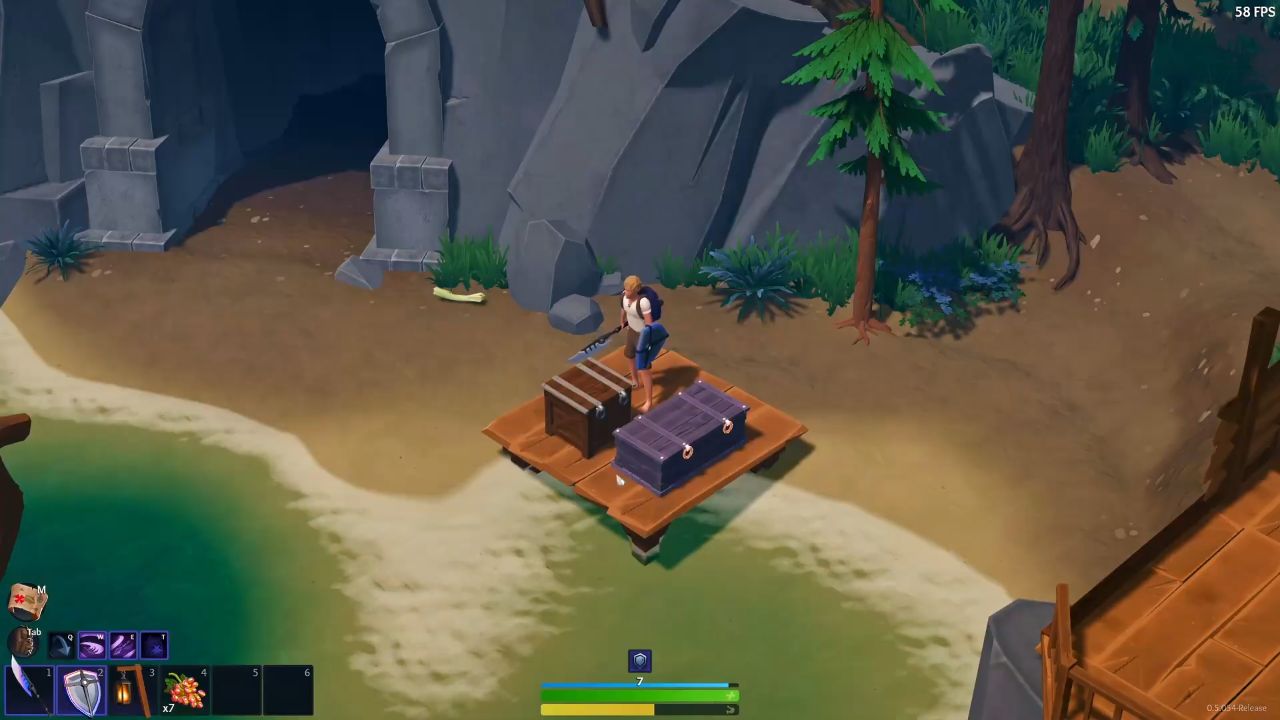
Upgrade to a Scythe for a ten‑crop harvest per swing—balance rapid‑growers like Berries with durable staples like Wheat to ensure both quick sustenance and sustained supplies.
Tool Switching
Speed tool swaps via the Action Bar: assign Watering Can, Scythe, Torch, and Pickaxe to the first four slots.
Double-click any equipped item to move it into slot one, then scroll your mouse wheel to cycle through tools, reducing the number of backpack toggles during mixed-activity days.
Map Navigation
Access the overworld and underworld map layers through the arrow icon at the top left. Underworld views expose cave systems, hidden chambers, and exit points.
Place waypoints at essential tunnels for efficient routes; clear obsolete markers to maintain map clarity during extended expeditions.
Precise Placement
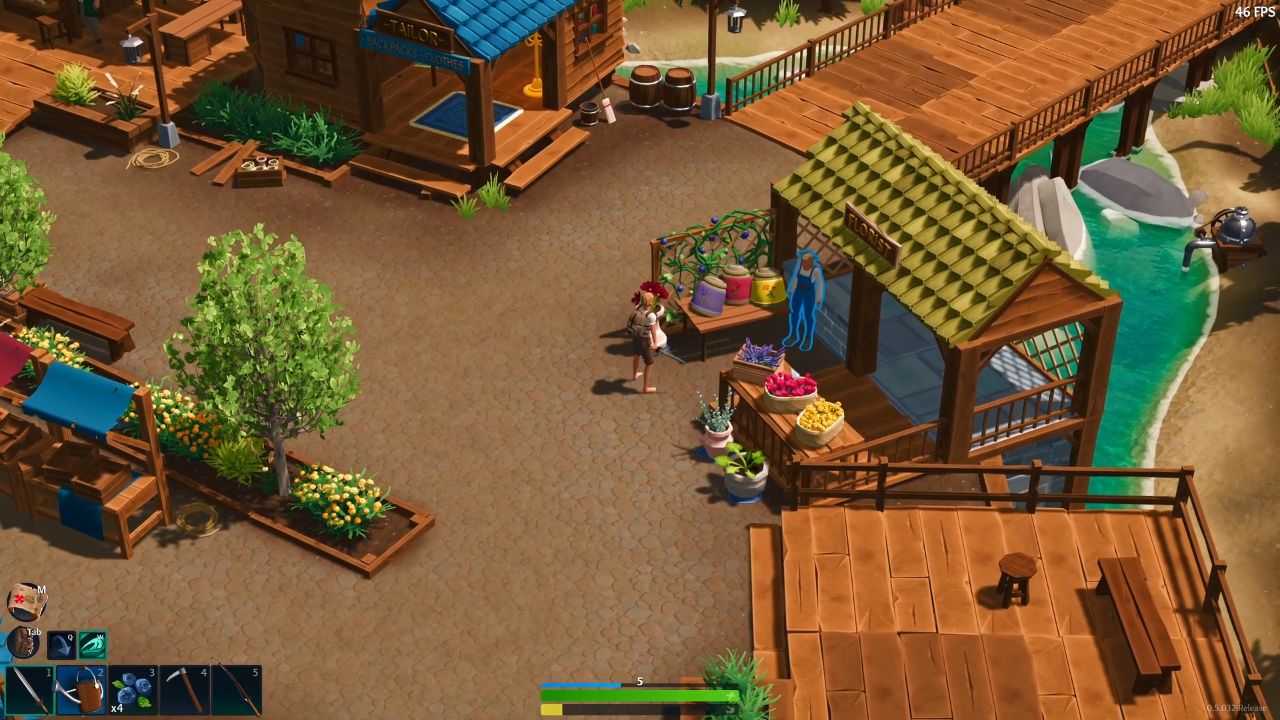
For neat builds, hold the right-click to freeze camera rotation, position items—Such as Lamps, Statues, and Chest Racks—over grid centers, then left-click to lock them in place.
For complex layouts, enable free‑camera mode (press T) to align from above before final placement.
Contributor, NoobFeed
Latest Articles
No Data.