
RAM Speed vs. CPU Overclocking Real Test Shows Massive Export Time Difference
Real world benchmarks highlight the performance gains from faster RAM, local SSD storage, and balanced CPU tuning.
General by Shinji Okazaki on Mar 10, 2026
For the past 16 hours, hardware monitoring has remained on. It was turned on at some point yesterday, and during that period, several videos were exported. With the iGPU enabled, the Ryzen 9 9950X3D drew up to 197W. The iGPU had to be disabled because it sometimes turned on instead of the dedicated GPU. AMD Radeon iGPU doesn't help this workload much; thus, leaving it on doesn't help.
This procedure used 74GB of RAM. That means that 64GB isn't enough for the task that has to be done right now. The machine was using four memory sticks running at 3600 MT/s. The motherboard's QVL list does not include these memory sticks.
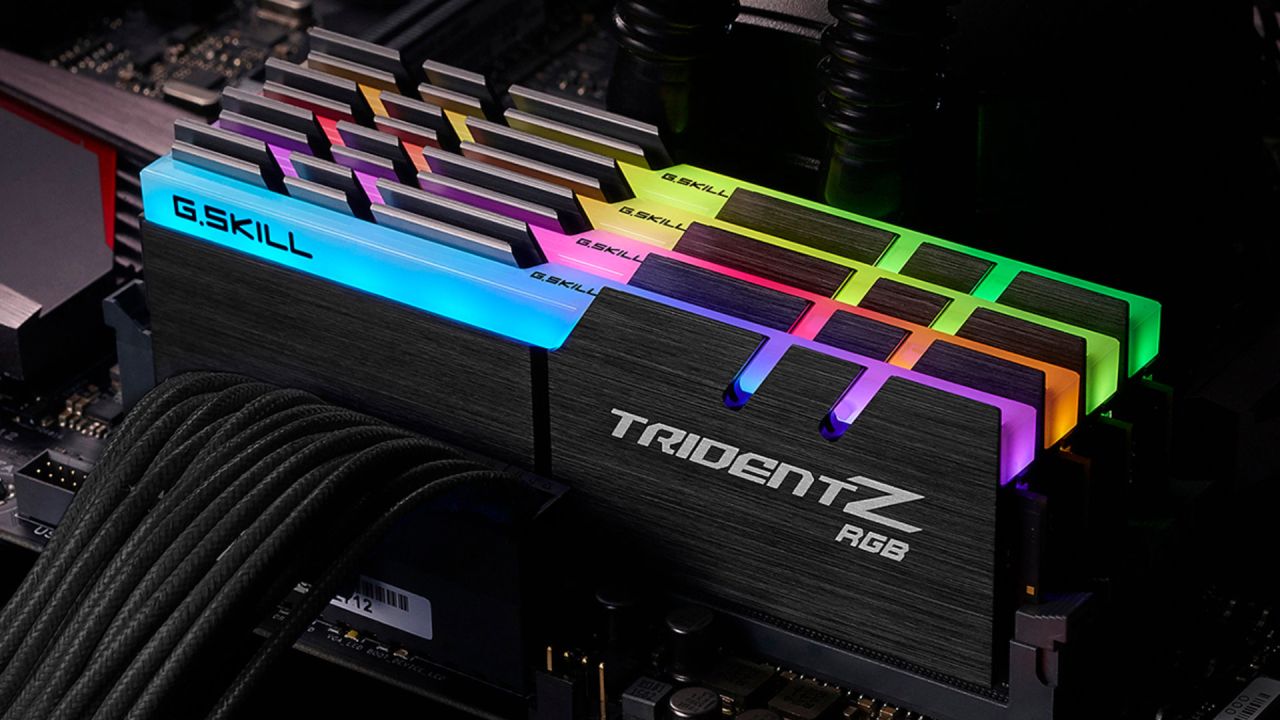
The room temperature during the test was 23°C. The purpose was to conduct a real-world test to see whether PBO settings make a difference and whether RAM speed really influences performance.
Export Test in the Beginning
It took 14 minutes and 3 seconds to finish the first export test. After that, the system status was reset, and all settings were put back to their default values. After that, the same test was done again. The export took 13 minutes and 33 seconds to finish, and it didn't require overclocking. Removing the overclock cut the export time by 30 seconds. That means the overclocked setup was actually slower for this specific workload.
Another thing happened while Premiere Pro was exporting. NVIDIA GPU handled much of the work when picture-in-picture or layered objects were used.
Putting in Faster RAM
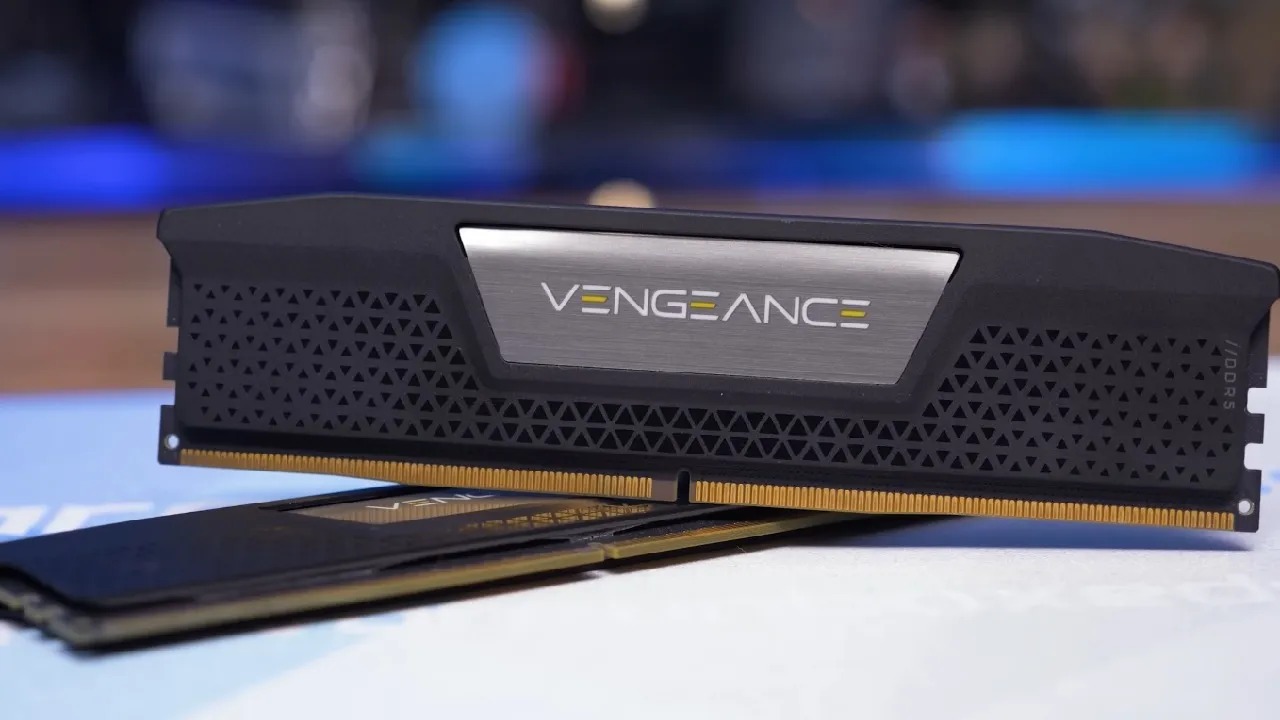
Then, 96GB of faster RAM was added. The base speed of this memory is 4800 MT/s, which is 1200 MT/s faster than the previous memory setup. But that's still not the speed of the XMP profile. The BIOS was set to allow XMP, and the machine was rebooted. The modified profile was chosen to achieve 6400 MT/s.
The same export test was repeated using the new configuration, achieving 6400 MT/s and 96GB. The answer was 12 minutes and 9 seconds. That implies the time it took to export was cut by another 30 seconds. The improvement was about 1 minute and 30 seconds compared to the original 14-minute result.
Allowing PBO With XMP
After that, the advanced PBO settings were re-enabled. The boost override was set to 200, and all of the limits were set to their highest levels. The test was repeated with both XMP and PBO enabled. The export took 11 minutes and 38 seconds. The last result was cut by a further 31 seconds.
The comparison displays a clear pattern: 128GB of stock RAM with a speed of 3600MT/s, PBO works with RAM that runs at 3600MT/s. XMP works at 6400MT/s, XMP turned on with manual PBO
Overclocking the CPU by itself with regular RAM speed didn't help much. But increasing RAM speed significantly reduced the time to export. Switching from the stock RAM setup to the faster one cut the export time by about 2 minutes.
Changes in Memory Bandwidth
The DRAM bandwidth likewise increased significantly as the memory got faster. The memory bandwidth was about 28GB/s to 29GB/s at 3600MT/s. The bandwidth reached about 42 GB/s at 6400 MT/s.
The rise is practically straight up as memory speed increases. When the effective memory speed was doubled, the available bandwidth almost doubled as well. When XMP and PBO were enabled, the CPU also used more power. The CPU used 236W at its peak, whereas it used only 210W while overclocking with slower RAM. That means that by letting the CPU use more power to finish tasks faster, it could access RAM faster.
When XMP was enabled, the CPU used about 200W; when PBO was enabled, it used about 196W in some measurements. In practical terms, the difference is little and doesn't matter.
Limitations of GPU VRAM
Another problem came up while testing. The system's RTX 5080 has 16GB of VRAM. Monitoring showed that most of it was consumed during the export workload. VRAM utilization ranged from 15.4GB to 15.5GB, suggesting a VRAM issue in this scenario.
Testing Local Storage against Network Storage
The last test examined whether the storage location affected performance. The project's files were originally stored on multiple NAS systems. To fix the network problem, all the files were copied to the desktop on a Gen5 NVMe SSD. We ran the same export test again, but this time with all the files stored on the computer.
The answer was 10 minutes and 26 seconds. The best time before this was 11 minutes and 38 seconds. Moving the project files to local storage cut the export time by another 1 minute and 12 seconds. By changing the RAM speed, CPU settings, and storage location, the overall export time went from more than 14 minutes to 10 minutes and 26 seconds.
Thermal Behavior and System Stability
The CPU temperature was roughly 82°C during the final setup with PBO turned on, while the ambient temperature was about 24°C. The cooling system could withstand the load without slowing down, even when the CPU used about 240W. Because the temperatures stayed the same, keeping PBO on gave a slight but noticeable boost in performance.
Results of the Laptop Comparison
Two computers also went through the same export test. The PX16, equipped with an RTX 5090 mobile GPU and 24GB of VRAM, finished the export in 14 minutes and 18 seconds. That was the slowest of the evaluated systems, but it was still good for a laptop.
We ran another test on a MacBook with 128GB of unified memory. The export took 13 minutes and 30 seconds. The unified memory architecture allows the GPU to use much of the available memory as VRAM. Even though these results, the desktop machine finished the export roughly 22% faster than the MacBook and had much more storage space and more ways to connect.
Final Thoughts
Using a desktop computer transforms the whole experience. Performance remains the same even under heavy stress, unlike portable systems, which are constrained by thermal limits. The system has many I/O ports, fast storage, and reliable cooling. The system maintains the same processing speed even when it has a lot of work to do, without significant performance reductions.
The configuration also lets you easily upgrade. Depending on how you operate, you can add or replace components such as GPUs, storage, and memory. Building a PC still lets you adjust performance for tasks like video editing, content production, and processing massive amounts of data.
Also, check our other hardware articles:
- AMD Ryzen 9 9950X3D Review: Setting The Standard For 2025 Gaming CPU
- Amazon Luna 2025 Review: Is Prime Gaming's Cloud Service Your Go-To For Casual Fun?
- AMD RX 9070 XT Review: AMD's RDNA 4 Champion for 1440p Gaming
- GeForce Now Ultimate: Ditching Your Gaming PC For Cloud RTX 4080 Power?
- NVIDIA GeForce RTX 5080 Review (2025): Still A 4K Gaming Powerhouse?
- Intel Core Ultra 9 285K Review And Performance Breakdown (2025)
- AMD Ryzen 7 9800X3D Review: 3D V-Cache Goes God Mode with Stunning Gaming Performance
- Intel Core Ultra 9 285K vs AMD Ryzen 7 9800X3D: In-Depth Gaming Performance and Benchmark Comparison
- NVIDIA GeForce RTX 5080 Super Performance In Cyberpunk 2077: Path Tracing & DLSS 4.0 Tested
- AMD Radeon RX 9070 XT In Cyberpunk 2077: Ray Tracing & FSR 4.0 Tested
- Intel Arc B580 Review: The $250 GPU Revolutionizing 1440p Gaming
- Intel Arc B570 Vs. B580: Value, Specs, And Real-World Gaming Performance
- RTX 5090 Laptop Vs. M4 Max MacBook Pro: Ultimate Raw Performance Vs. Battery Endurance
- Intel Arc b580 Vs. RTX 4060: Game Performance And Value Analysis
- RTX5090 Hell Is Us Demo 4K Ultra Benchmark: DLSS Vs. Native Performance Guide
- NVIDIA RTX 5070 Review: Mid-Range Muscle or Marketing Hype?
- Nintendo Switch 2 Review: Handheld Performance, Features & Value Breakdown
- RTX 5070 Ti Review: Performance, Thermals & Power Efficiency Tested
- Samsung Odyssey OLED G81SF Review 2025: Ultimate 32-Inch QD-OLED Gaming Monitor
- AMD RX 9070 Performance Review: Thermals, Clocks, and Real-World FPS
- AMD Ryzen 5 7600 Review: Best Budget Gaming CPU of 2025?
- AMD Radeon RX 7800 XT Review: RDNA 3 Power For Midrange Gaming
- Asus ROG RTX 5090 Astral OC Vs. Founders Edition: The 4K Gaming Benchmark
Editor, NoobFeed
Latest Articles
No Data.