
AMD Advanced Shader Delivery: Ending PC Shader Stutter
Shader compilation stutter continues affecting powerful graphics cards despite frame rate counters showing consistently high performance during gameplay sessions.
Hardware by Naheyan Tahmin on Jul 22, 2026
For years, frame rate has been the primary indicator of PC game performance, but a high frame rate doesn't ensure smooth gameplay. One of the other issues that has plagued PC gaming for a while is the stutter in shader compilation, and now both AMD and Microsoft are going to try to tackle the problem head-on, while also having an independent discussion regarding Windows' own foray into the realm of budget laptops.
Modern PC games use shaders for lighting, reflections, and other effects; and since every PC setup is unique, the games may be built with shaders that are specific to the system that will be used.
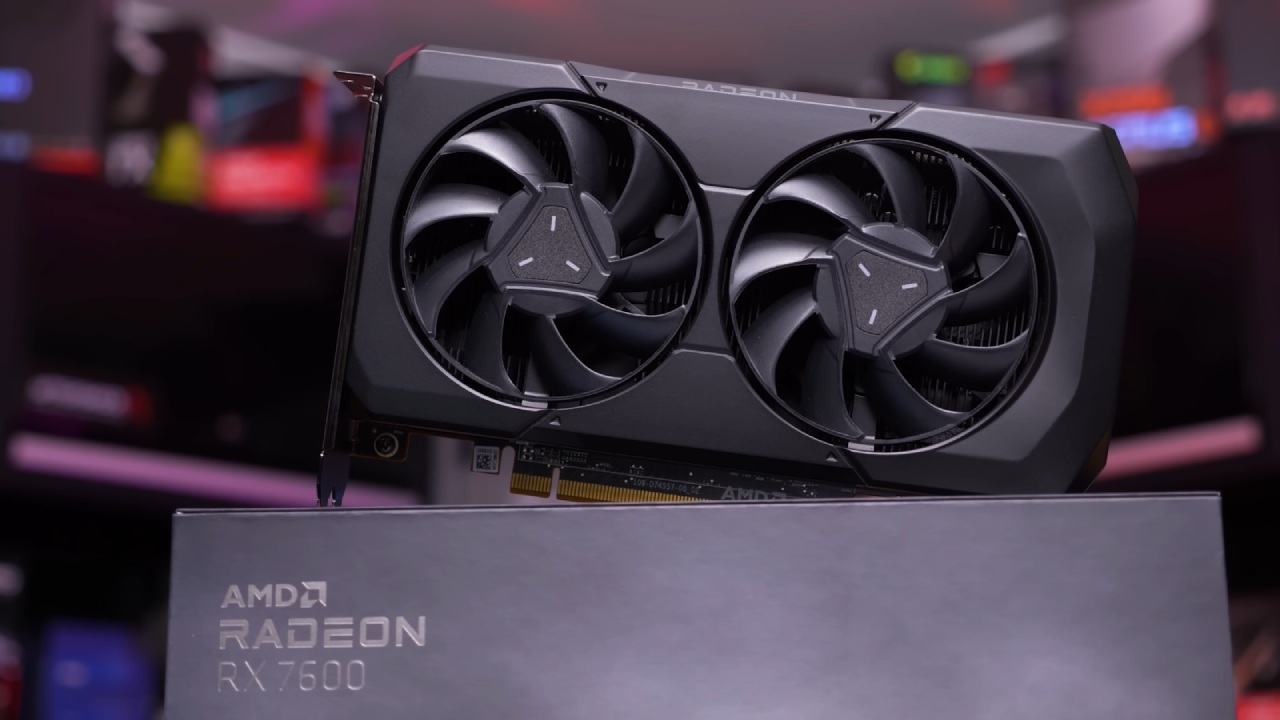
During this compilation process, even a good graphics card can stutter while playing games, even when the FPS counter appears fine. Average FPS is not an accurate measure of smoothness, and a bad 100 FPS session can be worse to play than a good 70 FPS session.
Why Shader Stutter on High Performance Hardware?
The most important point is that Advanced Shader Delivery addresses the real problem of delivering shaders to the real player. AMD and Microsoft are working to address stuttering with a system called Advanced Shader Delivery. Supported games can download precompiled shaders for the specific hardware being used, rather than forcing a PC to compile them after the game has started. This means that a game can begin quicker and run smoother on the first play.
Microsoft says that Forza Horizon 6 took about 4 seconds to load with ASD enabled, but nearly 1.5 minutes without it. That test was run on a Radeon RX 7600 and a Ryzen 7 5800. It's not a matter of higher peak FPS. It signifies quicker delay before you can begin playing.
The following are the places where ASD currently works and the places where it doesn't. ASD is not available for all games. It's currently locked to Microsoft's Xbox PC app and a select few games. You'll need to have your Windows version, Xbox gaming services, GPU architecture, and drivers all match, and developers will need to add support.
Microsoft currently supports AMD RDNA1 through RDNA4 graphics cards, Windows 11 24H2, enhanced Xbox gaming tools, and Radeon driver version 26.6.1 or later. That range goes back to earlier RDNA cards, so it's not just the newest cards that will benefit from the feature. Ownership on another platform (e.g., Steam, GOG, Epic Games Store) does not guarantee the same experience, as ASD is only available for games from the Xbox PC app.
As long as it stays in one store, it is still valuable, but it is used more narrowly. Its effect is tremendous if it takes over more retail locations and, crucially, Nvidia and Intel equipment, because PC gamers don't just want a seamless experience across a single ecosystem; they want it across all of them.
New Windows Version is Set to Release Soon
Recently, AMD was compared to Apple's MacBook Neo, and the laptop's performance was not the main topic of discussion. It was focused on playing games. MacBook Neo offers the same Apple A18 Pro chipset as the MacBook Air and will target students who prioritize battery life over gaming, starting at $599.
Apple has not marketed the Neo as a gaming laptop, but AMD is making a specific point here: Windows systems provide players with a greater amount of a native game library. AMD says 15 of the top 20 PC games will not run natively on the MacBook Neo, and can be found on AMD-powered Windows systems via Steam, Epic, and PC Game Pass.
Comparing Windows for papers is in his favor, but it's not the same thing as running a game well. Just because a budget Ryzen laptop running on integrated Radeon graphics can run more games doesn't make it a high-end gaming system. Even today's AAA games need enough RAM, VRAM, storage speed, cooling power, and GPU power to play at a decent level.
Full Ecosystem Seems to Outweigh the Drawbacks
A more precise statement would be that budget AMD laptops are more capable than the MacBook Neo. That's the advantage Windows still has in terms of compatibility. Windows offers many different launchers, anti-cheat systems, drivers, mods, and even a Game Pass, and it is a reality that Nvidia, AMD, and Intel are competing with one another for having the best GPUs.
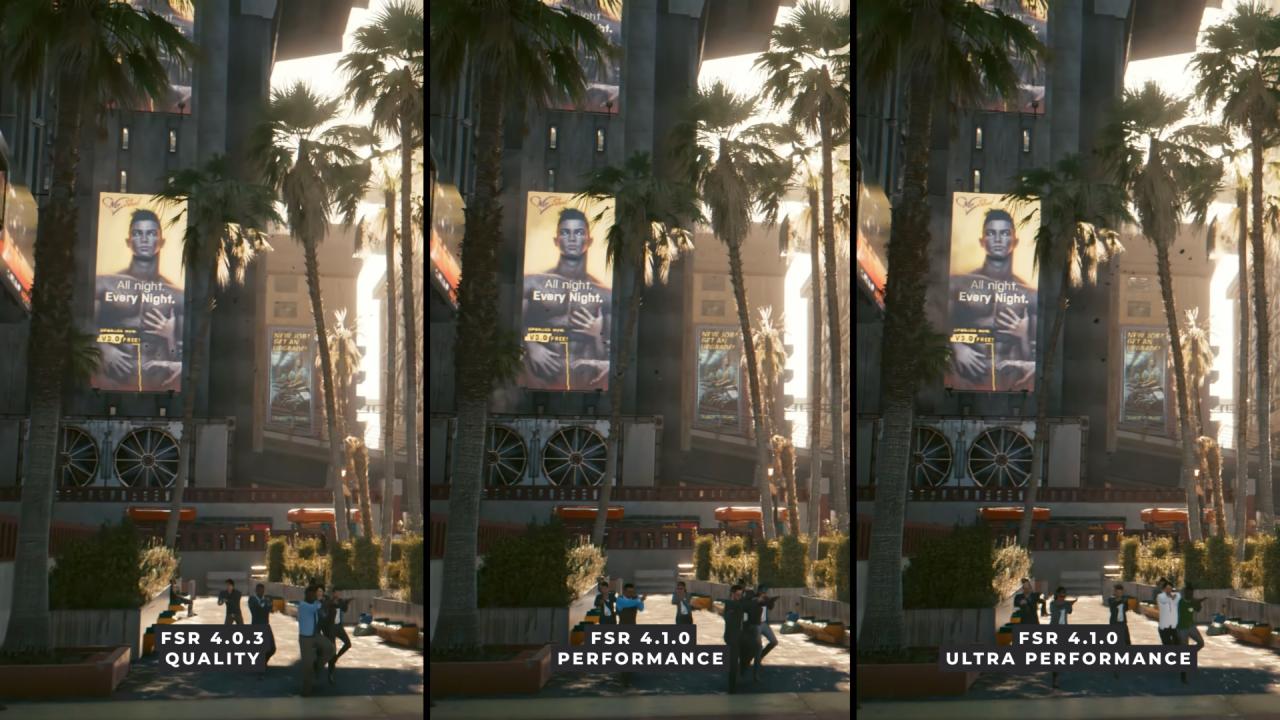
It also supports FSR, DLSS, XeSS, DirectStorage, frame generation, ray tracing, and now ASD. The width is important because gaming performance depends on the interaction among the GPU, the driver, the storefront, the shader cache, and the game engine, not on any one of these elements. That's currently the advantage of Windows.
All of the above should be taken into account when making an upgrade decision.
The MacBook Neo is a good choice if you're looking for a light laptop for school, office, or web browsing, or video. If you're into PC games, mods, Game Pass, ports, or future GPU options, then Windows is the safer platform to build on. There is no need to upgrade the graphics card just to use ASD.
However, as always, it should be based on the games played, the desired resolution, VRAM, power consumption, driver stability, AI performance requirements, and cost. ASD cannot be expected to magically transform a lousy piece of hardware into a good one; it's all about the pipeline, not the individual feature.
Advanced Shader Delivery is not yet fully developed, but it addresses a real issue rather than a marketing figure. If all of the aforementioned companies (and more) implement it widely into their games, then PC gaming could become much more consistent, like console gaming, with less waiting and fewer interruptions in play. Apple might be able to come up with a more streamlined laptop in the MacBook Neo, but Windows still has the upper hand when it comes to gaming overall.
Editor, NoobFeed
Gaming Hardware Updates
No Data.