
New Legion Go 2 GPU Driver Updates Gaming Handheld Support
Lenovo has released a new GPU driver for the Legion Go 2, bringing the latest package directly to its support website.
Hardware by Naheyan Tahmin on Aug 08, 2026
Lenovo Legion Go 2 has received a new GPU driver through Lenovo's support website. The update brings the device to a newer driver version and gives users another way to install the driver if the Windows update has not already pushed it to their system. The release is dated July 31 and is now available through the official drivers and software section.
Legion Go 2 Z2 Extreme has a new GPU driver available on Lenovo's support website. This is pretty much the driver that was already available through Windows, but a lot of users said they had not been getting the update. Now there is an official Lenovo update on the site, so we can go over what has changed and how to install it.
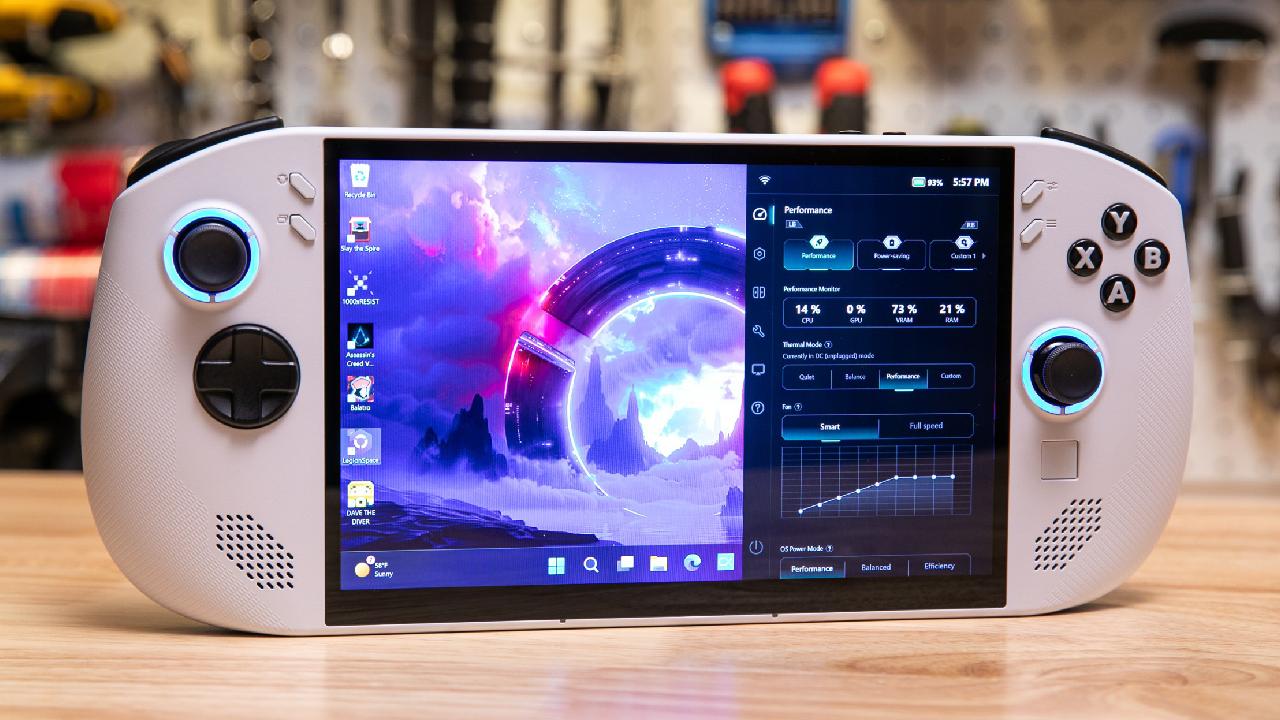
Driver Version and Windows Update
The website shows the update dated July 31, with the driver version listed as 3202303.502. The main difference from the version available through Windows in June is the last four numbers. The previous version was 10002, while the newer driver changes those final numbers.
After switching from Xbox mode to the Windows desktop, the app version now shows 25303305 with the driver dated June 24. That is the newest driver available through this update. The previous version was 10002, which was available at the beginning of June and was based on an April-dated driver.
Before installing the update, we should make sure Windows Update is completed. Lenovo has pushed a lot of updates there recently, so it is worth checking that everything is installed. Store updates should also be completed. After installing the new driver, we can also check for a new Adrenalin version if it does not appear automatically.
Downloading the Driver From Lenovo
To install the driver manually, we can go to the Lenovo support website and open the drivers and software section. From there, we can select the manual driver option and go to Display and Video. The new GPU driver is listed with the July 31 date, and the version shown is 3202303.502.
The installation option should be selected rather than extract only. Once install is selected, we can click Next and then Install. The process should take a couple of minutes while the new driver is installed on the device.
Once the installation is complete, I suggest restarting the device. After the restart, if Adrenalin has not already updated, we can check the Microsoft Store for updates a couple of times to see if it appears. The update should show up there if it has not already been installed.
After installation, the Adrenalin version shows 25303305, which corresponds to the 3202303.502 driver downloaded directly from Lenovo's website. With the driver installed, the device can be switched back to Xbox mode, and everything should work as expected.
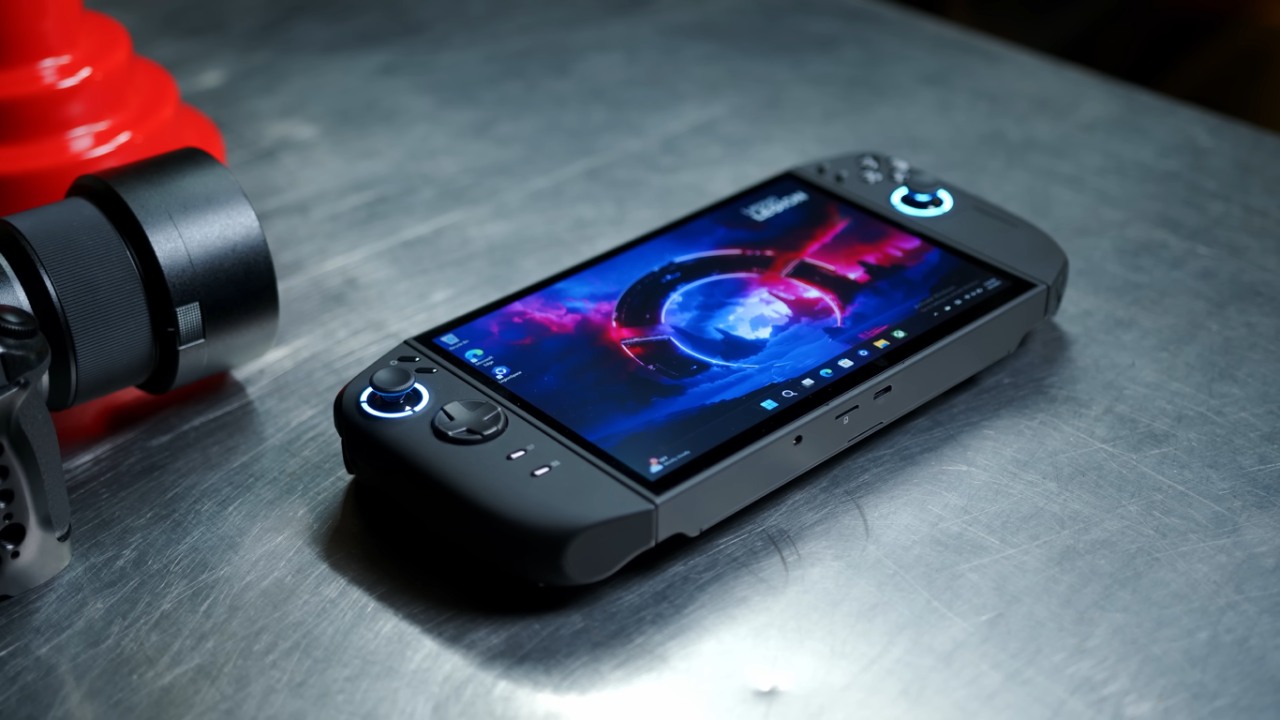
The driver update solved all the issues with gaming performance.
If you have installed the driver, you can check whether games that previously had problems are working better now or whether performance has changed with the new version. Different games may show different results depending on the driver.
Since this driver is now available directly from Lenovo and was released within the past week, it is worth knowing that it is available. I wanted to show the driver running on the Legion Go 2 and confirm that the installation works as expected.
If there is more time available, we can compare older drivers and potentially compare the Legion Go 2 with the Legion Go using the Z1 Extreme. For now, the new Lenovo GPU driver is installed, Xbox mode is working, and the games tested so far are running without issues.
Editor, NoobFeed
Gaming Hardware Updates
No Data.