
Legion Go Owners Report Black Screen Failures After Latest Update
A recent Lenovo firmware update is reportedly leaving original Legion Go handhelds stuck on a black screen after installation.
Hardware by Shinji Okazaki on Aug 05, 2026
Handheld gaming PCs depend heavily on firmware stability, and a single BIOS update can be the difference between a smooth experience and a completely unusable device. Reports are now circulating about one such update for the original Lenovo Legion Go, and the scope of the problem is significant enough to warrant a closer look before installing it.
This update, N3CN42WW, was made for the Legion Go 8APU1, which is the first Z1 Extreme type. Lenovo's installation file is still available through the company's support systems, even though it was created on April 10, 2026. The release notes say that the update fixes a problem where users could enter and leave modern standby by pressing the power button after an AMD PI update.
What Affected Owners Are Reporting
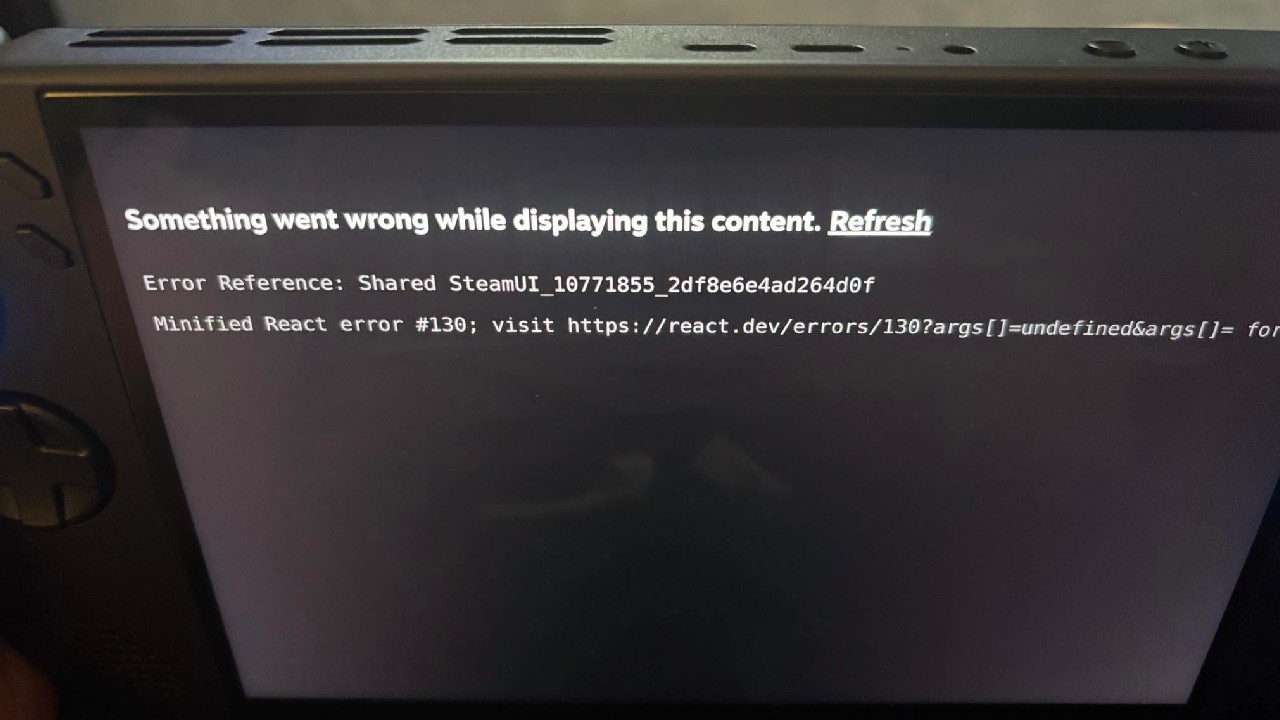
That fix seems like a likely candidate for what is causing the problems that have been noted. Many people who bought the original Legion Go say their handhelds stopped working after installing this update. Across all reports, the symptoms are the same: a black screen while the power button, controller LEDs, and cooling fan keep working properly.
In a recent post, a Legion Go owner said that their handheld worked normally for about an hour before they installed any available updates. After the BIOS update and an automatic restart, the device would not boot and would not show any images.
The owner said that the original charger stayed plugged in the whole time, that the update process didn't stop, and that the system wasn't touched for several hours before it was restarted. Crisis recovery and an external display were both said to have failed to get the gadget working again.
Recovery tools built into the handheld have failed to restore function.
The owner was told that the handheld would cost about $273 to fix since it was no longer under protection. Other reports have similar stories. For example, one person was able to fix a Legion Go that had become bricked after an update failed, and in a different case, a repair shop confirmed that problems were caused by the same BIOS version.
We are waiting to install this update ourselves until we have a better idea of how widespread the problem really is. Since there have been so many reports, it seems safer to wait for an official answer or a follow-up fix from Lenovo before installing N3CN42WW on an original Legion Go.
If you have already installed this update, your experience matters here. Whether it worked without issue or caused the same black screen problem others are reporting helps build a clearer picture of how many units are actually affected. We will continue tracking this story and revisit it once there is an update, a fix, or enough additional data to determine how serious the issue really is.
Editor, NoobFeed
Gaming Hardware Updates
No Data.