
ASR vs. Native vs. FSR Testing Reveals Image Quality and FPS Trade-Offs
ASR improves image clarity compared to FSR while introducing a measurable performance cost during docked gameplay scenarios.
Hardware by Nahe Yan on May 07, 2026
Automatic Super Resolution is a new upscaling method making its debut, enhancing the quality of the upscaled image at the expense of performance. Early testing involves benchmarking it against native resolution and other methods (such as FSR) to see how it behaves in real-world situations, particularly in docked situations.
How to Configure ASR in Xbox Ally X
First, we are going to test the image quality of ASR vs. FSR and native resolution. Xbox Ally X is plugged into a 100W charger via an ASUS dock and used in turbo mode at 35W. All changes are made, including access to the insider program.
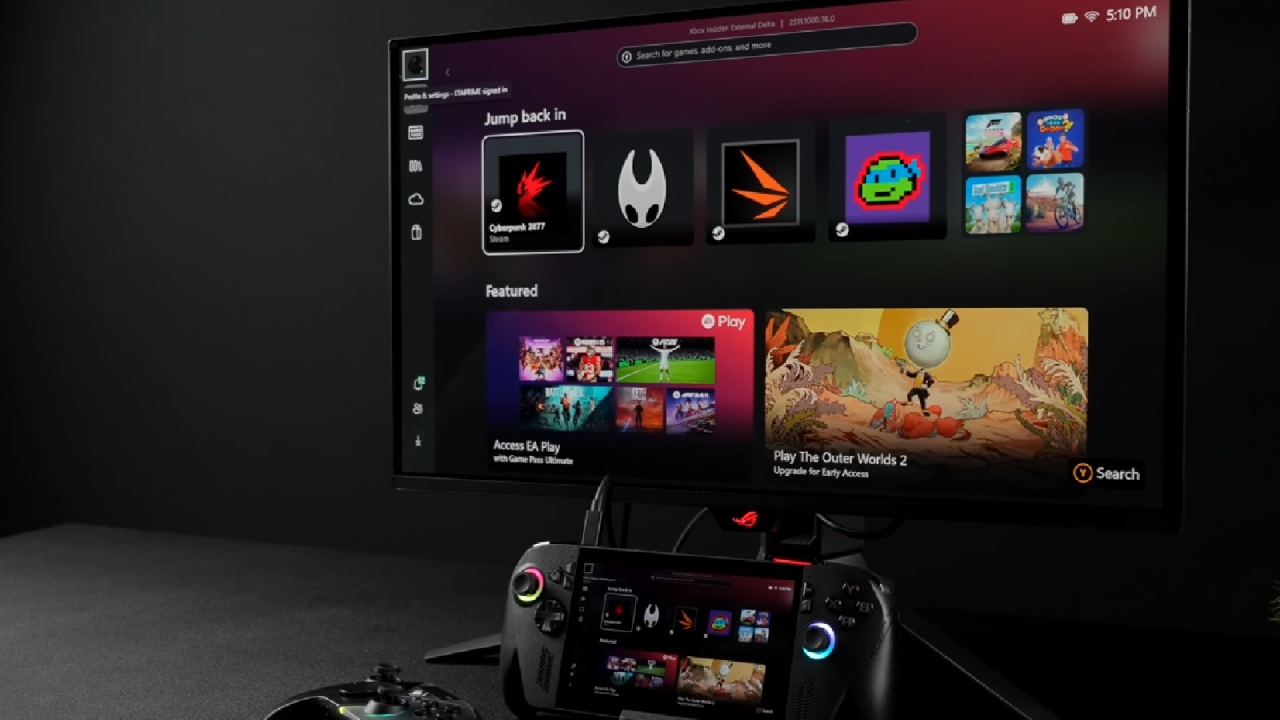
The Auto SR preview tab appears when navigating through Game Bar. Still, it doesn't appear when playing outside of a game or at unsupported resolutions, such as 4K. Lower internal resolutions, such as 900p or 720p, are required for ASR to work.
The Automatic Super Resolution preview can be enabled globally inside Windows settings or per application. It might require a complete system reset and reconfiguration to get this feature to appear.
Baseline Performance with no Upscales
One of the games we can play is Doom, which we load for testing. The game runs at the original 4K without upscaling, at 10-11 fps, which is normal for a game running at its native resolution.
Standing still, image quality is clean and sharp – but performance is not usable. Converting to FSR Ultra Performance increases the frame rate to approximately 30 fps. Still, the in-game resolution is quite low, and there's a noticeable drop in visual fidelity.
With FSR disabled and the resolution reduced to 900p, you'll get approximately 39 fps. At this setting, the image looks clearer than at 4K FSR Ultra, with fewer artifacts and a sharper image.
Users will be able to Observe Changes and Enable ASR
ASR is now activated and will display an indicator. Immediately, the frame rate decreases by about 4–5 fps, from approximately 38–39 to approximately 34–35. This decrease is due to the ASR sharing system power with the NPU, CPU, and GPU. Most of the upscaling is provided by the NPU, but the overall system budget is still utilized.
Even though it does cause a performance drop, the result is still better image quality. The nearer objects (e.g., weapon model) look noticeably sharper. This clarity improvement is evident from the outside.
When disabling ASR again, it is clear that sharpness decreases, which is the visual effect of ASR. The ASR and FSR have been compared in terms of image quality.ASR vs FSR: Image Quality Comparison
When comparing 900p native to ASR, the textures are more detailed, but ASR shows more detail in some areas. However, some areas show artifacting or a painted look. This is a more pronounced effect on surfaces such as floors, particularly when sharpening lower resolution inputs.
The 4K frame rates when switching to FSR Ultra Performance are comparable to ASR, but the picture quality is inferior. Images look flatter and show more distortion. To make this a more balanced comparison, FSR is set to 1440p. Compared to ASR, FSR can provide reduced artifacts without sacrificing too much performance. The painterly look of ASR is preserved, and clarity remains.
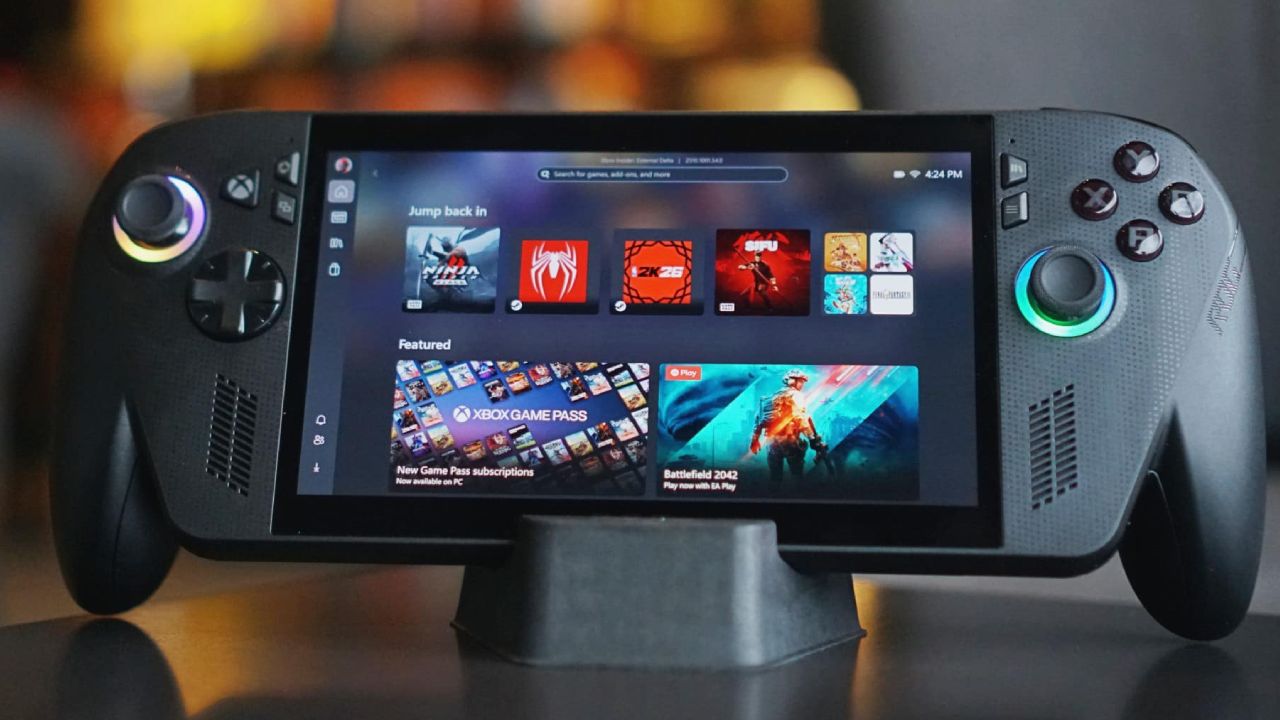
Use Case and Performance Trade-Off
The performance cost of ASR is approximately 10-15% because of the common use of system resources. But it brings up better image quality than the more extreme upscaling techniques.
We don't know how to use ASR alongside other upscaling methods, such as FSR. Don't use more than one method at a time, as it will result in poor visual output. If a game lacks built-in upscaling, ASR can serve as an alternative when playing from the dock. It provides more clarity in many settings, but could use a bit more frame rate.
The Current Limitations and Future Outlook
ASR is currently in early access and only available in Insider builds. It is only available in docked mode, but could be made available in handheld scenarios in the future.
However, transparency has some limitations, such as not making it clear what the final image's resolution will be. As power efficiency improves, the impact on performance is expected to diminish over time. The sharpening effect is still visible in some instances, which can give an artificial appearance.
When viewed from a normal angle on a larger screen, the overall picture quality enhancement becomes apparent.
We are unsure about testing, but we find that ASR provides consistent clarity improvements at similar performance levels to FSR. There is a compromise between image quality and frame rate, and you'll have to decide which you want.
ASR is a good choice for users who want to see what they are doing while docked. If you're looking for higher frame rates, then FSR is the superior option. As technology advances, ASR reveals improvements and scope for further development.
Editor, NoobFeed
Gaming Hardware Updates
No Data.