

Destiny 2: Monument of Triumph Guide | How to Complete Honk Triumph
Here’s a guide on how to complete the Honk Triumph in Destiny 2: Monument of Triumph DLC.
Game Guide by TauxicPandA on Jul 03, 2026
Getting the Don't Mess with the Honk triumph in Destiny 2: Monument of Triumph DLC requires a quick trick while racing. You have to sound your horn right after running over an enemy.
This mechanic comes from the SRL mode, which lets you use vehicle horns just like in the older days of the game. Here is how to nail the timing and get the Triumph in Destiny 2: Monument of Triumph DLC.
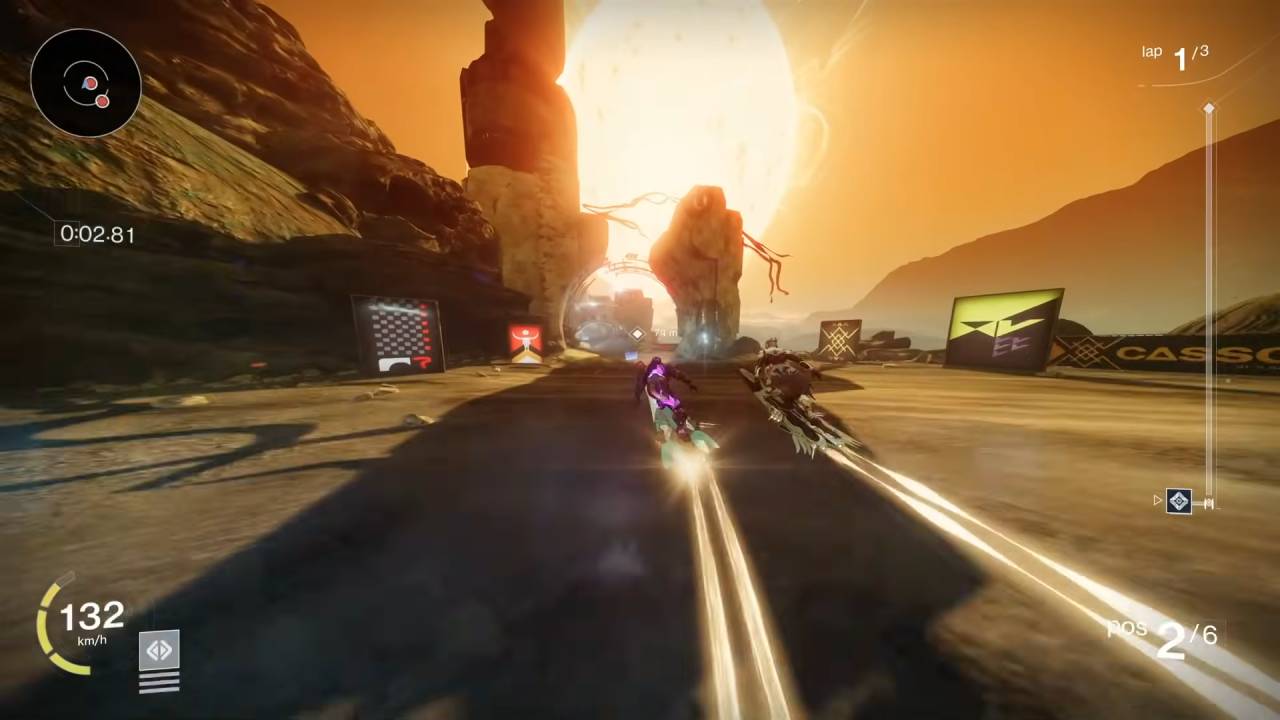
Locating Enemies on the Track
To start, do not worry about winning the actual race. Focus entirely on finding the enemies scattered across the track.
On your first lap, pay attention to where groups like the Cabal stand. Once you hit your second or third lap, you can line up your vehicle to ram right into them. You will know you hit a target when a hit marker appears on your screen in Destiny 2: Monument of Triumph DLC.
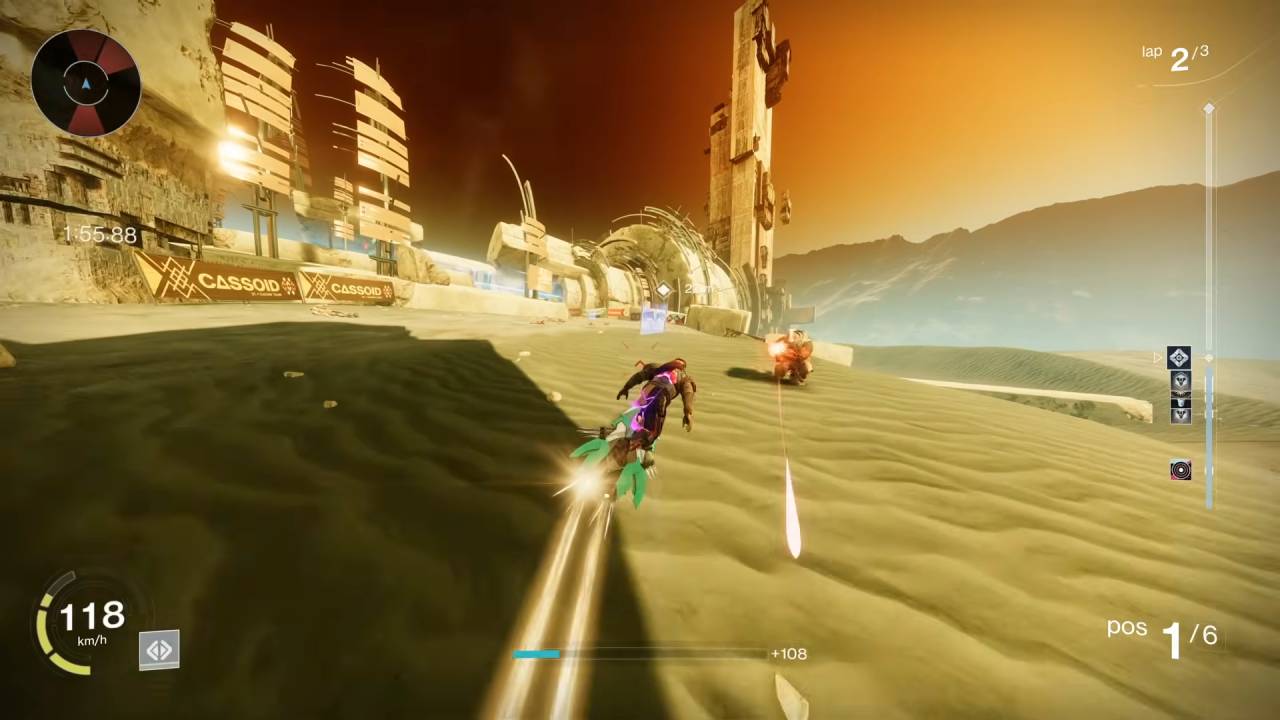
Ramming and Honking
The moment you smash into an enemy, press your vehicle horn button immediately. If your timing is right, the triumph notification will pop up on your screen right away. If you are playing on a console controller, the default button is Triangle or Y.
For anyone playing on a mouse and keyboard, or if you want to use a different button, open up your settings.
Go to the controller layout menu, select the custom option, and scroll down to the vehicle horn section to set it to whatever key you prefer in Destiny 2: Monument of Triumph DLC.
Also, check our other guides below:
- Destiny 2: Monument of Triumph Guide | How to Complete Distortion Quests
- Destiny 2: Monument of Triumph Guide | How to Unlock Chatterwhite Shader
- Destiny 2: Monument of Triumph Guide | How to Pet Archie
- Destiny 2: Monument of Triumph Guide | How to Find Strange Signal
- Destiny 2: Monument of Triumph Guide | How to Find Ikora on Nessus
- Destiny 2: Monument of Triumph Guide | How to Use Ward of Dawn Ability
- Destiny 2: Monument of Triumph Guide | How to Unlock Super Black Shader
- Destiny 2: Monument of Triumph Guide | How to Complete Loot Goblin Triumph
- Destiny 2: Monument of Triumph Guide | How to Complete Bird Feeder Triumph
- Destiny 2: Monument of Triumph Guide | How to Complete Forcible Disconnect Triumph
- Destiny 2: Monument of Triumph Guide | How to Get Strange Matter
- Destiny 2: Monument of Triumph Guide | How to Complete Impossible View Triumph
- Destiny 2: Monument of Triumph Guide | How to Complete Window to Eternity Triumph
- Destiny 2: Monument of Triumph Guide | How to Get Legendary Marks Quickly
- Destiny 2: Monument of Triumph Guide | How to Unlock Scarlet Keep Strike
- Destiny 2: Monument of Triumph Guide | How to Win Sparrow Racing League
- Destiny 2: Monument of Triumph Guide | Where to Find Eris Morn
- Destiny 2: Monument of Triumph Beginner’s Guide | Gameplay Tips & Tricks
- Destiny 2: Monument of Triumph Guide | How to Get Weapon of Sorrow
Senior Editor, NoobFeed
Latest Articles
No Data.