
Can DLSS4.5 Fix the Worst RTX Graphics Card?
DLSS4.5 benefits modern RTX hardware while offering limited value for older mobile graphics processors.
Hardware by Shinji Okazaki on Jan 17, 2026
NVIDIA just published DLSS 4.5, and people online say it makes a big difference in how things look. There are several examples of low-quality video being turned into clear, sharp images.
This made me wonder: might DLSS 4.5 make Nvidia's poorest RTX graphics card, the RTX 2060, a good alternative for high-resolution gaming? The answer turned out to be more complicated than we thought.
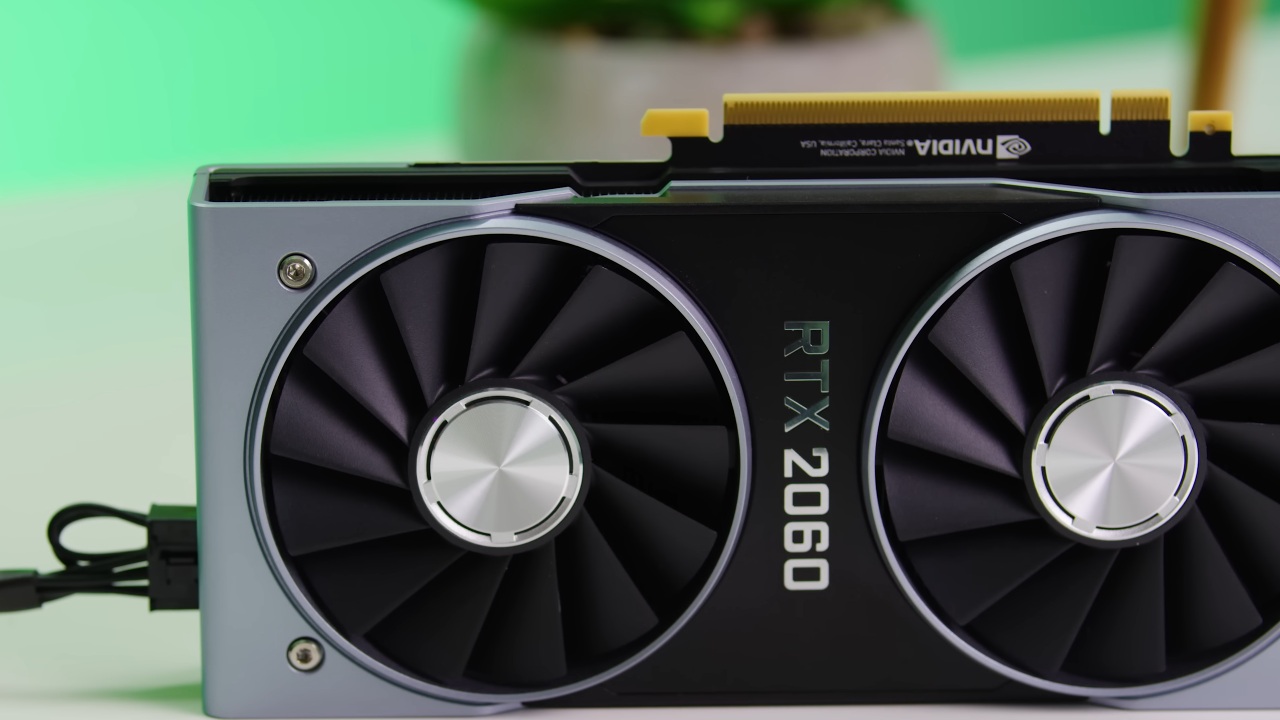
What the RTX 2060 Means
RTX 2060 is available only in laptops and is the weakest RTX-branded GPU. It struggles with newer games and requires significant upscaling. DLSS 4.5 promises better image quality, but Nvidia also says older RTX GPUs may not perform as well. That means the RTX 2060 is a good test case.
Testing DLSS4.5 on new Hardware
We initially evaluated the new Transformer2 DLSS model on an RTX 5050. The GPU hit mid-40 fps at 1440p ultra settings in Cyberpunk, and the Ryzen 57600X used very little CPU power.
Enabling the original Transformer model in performance mode increased the frame rate significantly while maintaining high visual quality. Even compared to native rendering, the fence details were maintained sharply, and the flickering was easy to deal with.
There were apparent performance penalties when I switched to the new DLSS defaults. PresetM cut performance by around 6 fps, and presetL cut it by 10 fps. In performance mode, PresetL maintains the same frame rate as the original Transformer model in balanced mode.
PresetM had a significantly clearer image and improved control of light flicker. PresetL had greater low-level detail, but it still had trouble with fence smearing. The updated defaults made performance substantially worse, even on a 50-series GPU.
Switching to the RTX 2050 Laptop
We then tried out an HP Victus laptop with an RTX 2050 and a Ryzen 57535HS. The purpose was to determine whether DLSS 4.5 could enable 1440p extreme settings.
The game didn't run well without upscaling, and the GPU memory use quickly hit the 4GB limit. Balanced DLSS didn't make things run faster because of VRAM bottlenecks. After restarting and forcing DLSS through the drivers, preset A at Ultra Performance gave me 34 fps. The performance was okay, but the visual quality was low.
Switching to presetJ, the original Transformer model, improved the graphics without harming performance. It didn't seem sharp, but it looked better than FSR2 in performance mode and made the game feel more fun to play.
Benchmark RTX 2060 Results
The native 1440p ultra in the canned benchmark got 10 fps, which was more than expected. The CNN model's extreme performance gave it a big boost. Moving to the OG Transformer model improved the graphics and performance slightly.
But switching to the new DLSS settings caused performance to drop significantly. PresetM decreased the frame rates by almost half. PresetL didn't lower performance much more, although both presets gave about 24 fps. In balanced mode, which had a greater internal resolution, the OG Transformer model and the PresetL at ultra performance were the same.
NVIDIA's Warning About Older GPUs was Right
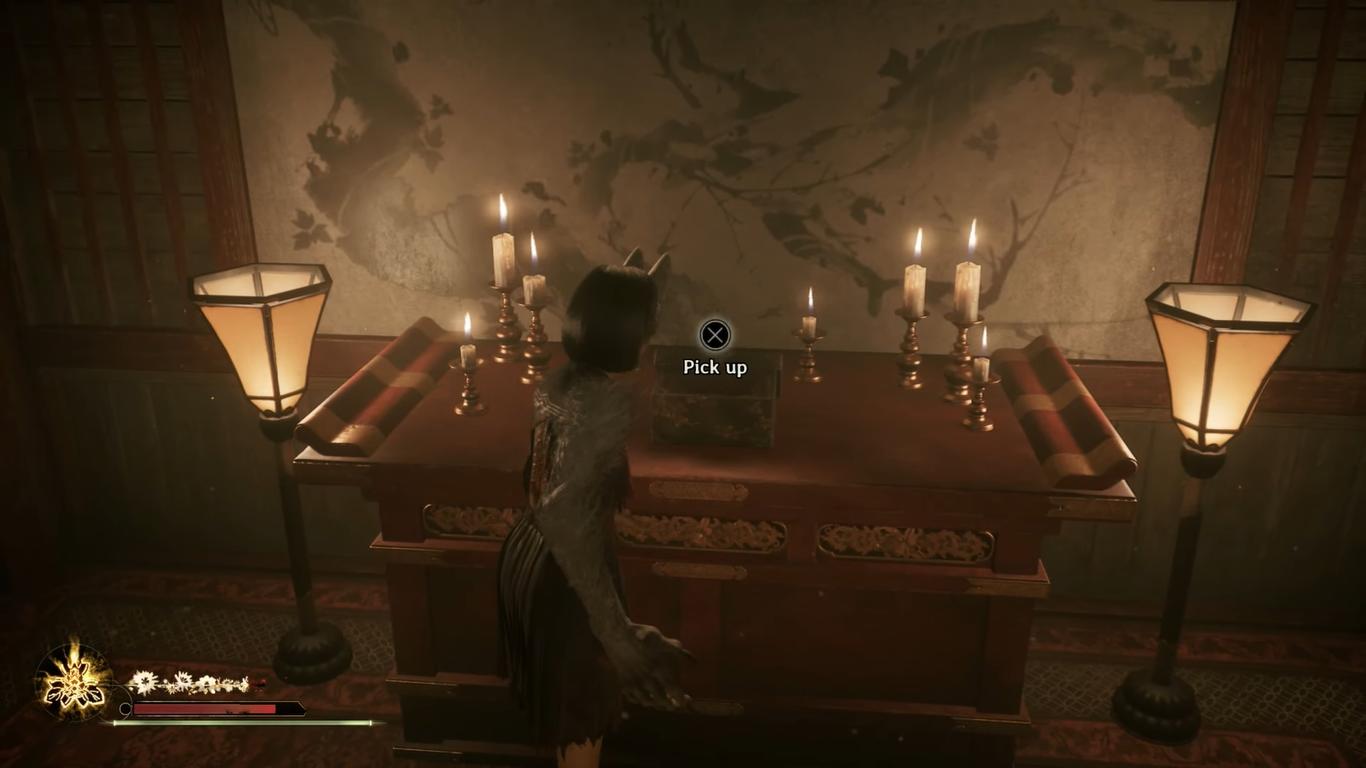
RTX 2060 struggled with DLSS 4.5. We switched to Silent Hill 2 at 1440p on high settings to see how Unreal Engine 5 performed. Native rendering appeared hazy and smeared. Balanced DLSS improved the frame rate, but not the clarity. Ultra performance level made the game run more smoothly; however, the motion quality remained poor.
In performance mode, FSR1 made the visuals look really bad. Standard in-game DLSS at ultra performance ran at about 30 fps; VRAM restrictions significantly reduced the frame rate.
It took several restarts to use presetM. It operated at roughly 14 fps when active. Still, it didn't improve picture quality. Fence smearing remained, and VRAM issues prevented performance from improving.
Final Thoughts
While DLSS4.5 improves image quality on contemporary GPUs, it also significantly reduces performance. The visual advantages of the RTX 2060 are not greater than its disadvantages. The new DLSS presets drastically reduce frame rates, and the GPU suffers from VRAM limitations.
For older RTX hardware, the OG Transformer variant is still the best choice. DLSS4.5 works best with newer GPUs, which is in line with Nvidia's current hardware roadmap.
Also, check our other NVIDIA articles below:
- NVIDIA GeForce RTX 5080 Review (2025): Still A 4K Gaming Powerhouse?
- NVIDIA RTX 5070 Review: Mid-Range Muscle or Marketing Hype?
- RTX 5070 Ti Review: Performance, Thermals & Power Efficiency Tested
- ASUS GeForce RTX 5090 LC Liquid Cooled GPU Review: Unmatched Silence & Speed
- MSI GeForce RTX 5090 32GB SUPRIM SOC Review: Power Efficiency, Cooling, and Gaming Performance
- INNO3D RTX 5060 Ti 16 GB X2 Review: Gaming Benchmarks, Temps, and Power Efficiency
- HP Omen 45L Review: RTX 5090 Performance, Thermals, and Value Analysis
- ASUS TUF Gaming GeForce RTX 5060 Ti Review: DLSS 4, Power Efficiency, and Gaming
- ASUS Prime RTX 5060 Ti OC 16GB Review: DLSS 4, Ray Tracing, & Thermals Tested
- NVIDIA GeForce RTX 5060 Review: Specs, Gaming, and Cost per Frame
- MSI GeForce RTX 5090 GAMING TRIO OC Review: A Monster Power GPU
Editor, NoobFeed
Gaming Hardware Updates
No Data.