
Is the Expensive RTX 5070 Worth It? Full Performance and Noise Analysis
Power consumption and acoustic trade-offs examined across dual-fan and triple-fan RTX5070 implementations.
Hardware by Nahe Yan on Jan 28, 2026
RTX 5070 family has a wide price range, from small dual-fan variants to large, high-end designs that can cost as much as an RTX 5070 Ti. The main question is whether spending more on a high-end RTX 5070 is worth it in real-world use, or if a lower- or mid-range option is better.
The first thing you may see that sets RTX 5070 models apart is their size. MSI Ventus2X and Asus Prime are both 2.5-slot cards, which makes them easier to fit into compact cases. On the other side, the ROG Strix has three slots. It's thicker, longer, heavier, and obviously bigger than the other two. Ventus2X looks much smaller when you put it next to the Prime, which is in the middle. If there isn't much room in the case, these size discrepancies matter.
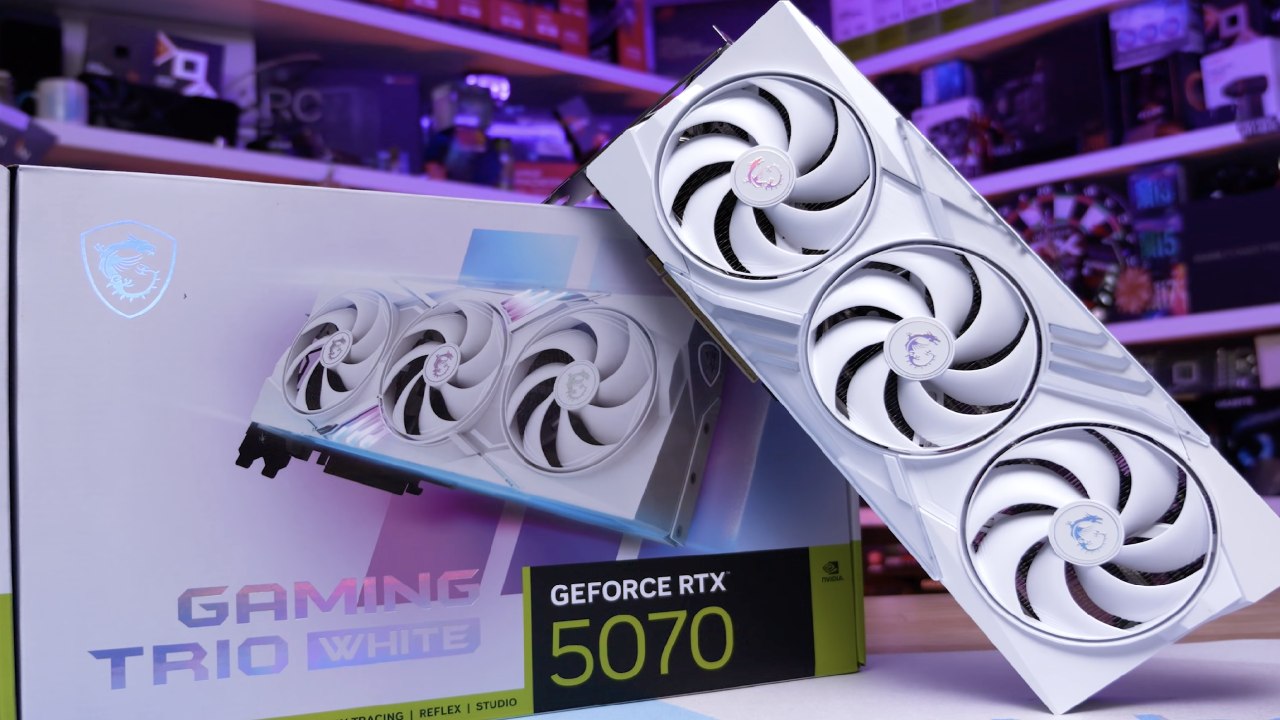
How the Tests Were Set Up and Done
All of the cards were tried with Cyberpunk 2077 running at native 1440p with ray tracing turned on. It stayed just below 22°C in the room. We looked at GPU clocks, temperatures, power use, and noise levels, as well as both speed and quiet BIOS settings when they were available.
Asus Prime RTX 5070 Performance and Noise
When you switch to quiet mode, the fan speed drops to 38%, and the GPU temperature rises to about 70°C. The clock speeds remain the same, but the noise level drops by 1-2 dB. There is no measurable difference in performance between the modes; therefore, the silent mode is a good choice.
How the MSI Ventus2X RTX 5070 works
MSI Ventus2X only has one BIOS mode. It uses about 250W more electricity for the same amount of labor, even though they have the same power rating. The GPU temps are around 70°C, which is similar to the Prime in quiet mode, but the fans spin faster, at around 1800RPM. The average core clock speed is roughly 2780 MHz.
In quiet mode, the noise output is 3–4dB more than the Prime, while in performance mode, it is around 2dB higher. The difference is clear in real life, yet it doesn't get in the way. For most people who play games with speakers, the noise level is still okay, even if the PC is on a desk.
Thermals and acoustics of the ROG Strix RTX 5070
In performance mode, the ROG Strix draws about 240W, and the GPU temperature stays between 61°C and 67°C. The temperatures of VRM hotspots stay close to 56°C. The core clocks speed up to roughly 2925MHz, while the fans spin at about 1500RPM. Even with the higher clocks, noise levels are under control.
The power use goes up a little in quiet mode, but the fan speed drops to around 1000 RPM. The GPU is between 68°C and 74°C, and the VRM areas stay around 62°C. The core clocks slow down to about 2910 MHz. The noise level stays between 38 and 39dB, which makes quiet mode comfortable and useful.
Comparison of Gaming Performance
Asus Prime gets 83 fps in both performance and quiet settings in Kingdom Come: Deliverance 2. Even though it consumes more power, the MSI Ventus2X still averages 83 fps. ROG Strix is the fastest RTX 5070 variant, with 86–87 fps, about 4–5% faster than the other two.
In the same test, the RTX 5070 Ti gets 107–108 fps, showing a clear performance disparity that can't be addressed by overclocking.
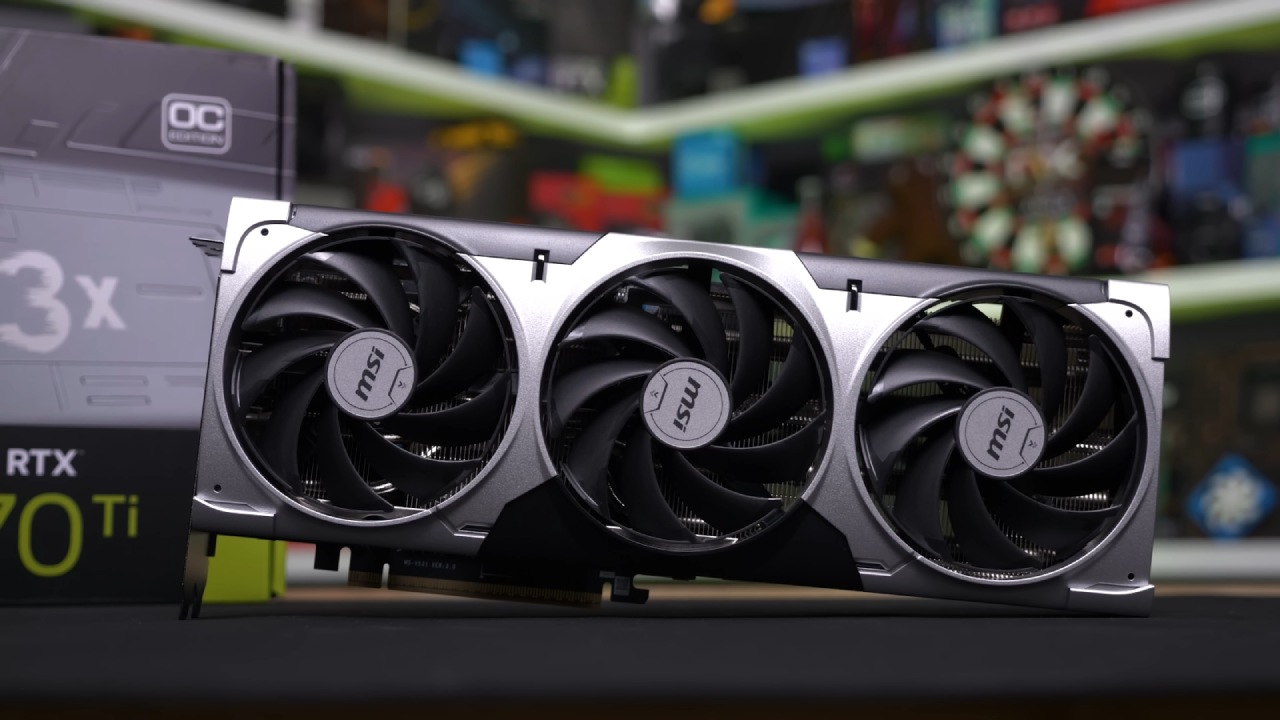
Things to think about while buying and value
The speed of different RTX 5070 models isn't very different from one another. ROG Strix has better cooling, lower core temperatures, and faster clocks, but these aren't huge improvements. People who want to boost or tune their computers might like the high-end style. The Asus Prime is a good choice for everyday usage because it is quiet, performs well, and uses less power.
If money is tight, the MSI Ventus2X is still a good pick. It keeps the same level of gaming performance, but with more power and noise. If the price is close to that of an RTX 5070 Ti, stepping up to the Ti variant gives you about 24% more performance and is a bigger improvement.
Final Thoughts
Spending extra on the RTX 5070 range does not make a big difference in gaming performance. The mid-range models work almost as well as the high-end ones, but the RTX 5070 Ti is a cle, nd measurable improvement. To choose between these options, you need to think about how much money you have, how big your case is, how much noise you can handle, and whether you want better speed.
Also, check our other NVIDIA articles below:
- NVIDIA GeForce RTX 5080 Review (2025): Still A 4K Gaming Powerhouse?
- NVIDIA RTX 5070 Review: Mid-Range Muscle or Marketing Hype?
- RTX 5070 Ti Review: Performance, Thermals & Power Efficiency Tested
- ASUS GeForce RTX 5090 LC Liquid Cooled GPU Review: Unmatched Silence & Speed
- MSI GeForce RTX 5090 32GB SUPRIM SOC Review: Power Efficiency, Cooling, and Gaming Performance
- INNO3D RTX 5060 Ti 16 GB X2 Review: Gaming Benchmarks, Temps, and Power Efficiency
- HP Omen 45L Review: RTX 5090 Performance, Thermals, and Value Analysis
- ASUS TUF Gaming GeForce RTX 5060 Ti Review: DLSS 4, Power Efficiency, and Gaming
- ASUS Prime RTX 5060 Ti OC 16GB Review: DLSS 4, Ray Tracing, & Thermals Tested
- NVIDIA GeForce RTX 5060 Review: Specs, Gaming, and Cost per Frame
- MSI GeForce RTX 5090 GAMING TRIO OC Review: A Monster Power GPU
Editor, NoobFeed
Gaming Hardware Updates
No Data.