
Founder's Edition vs Board Partner GPUs: What You Need to Know
GPU manufacturing and distribution rely on complex partnerships between AMD, NVIDIA, and board makers to deliver consumer-ready products.
Hardware by Masaru Hoshino on Oct 24, 2025
It's not too hard to buy an automobile. If you know you want an F-150 truck, just go to Ford. However, buying a graphics card is a lot harder. Imagine that you spend a lot of time looking into the RTX 4070 and ultimately decided to buy it. Now you have to choose whether to buy it directly from NVIDIA (the Founder's Edition variant) or from brands like MSI, Asus, Zotac, Gigabyte, Palit, or PNY. The process becomes even more confusing when platforms like Amazon mislabel products, claiming, for example, that a white 4070 only supports HDMI.
In contrast, the black version supports both HDMI and DisplayPort. Spoiler: every single RTX 4070 supports both monitor connectors—Amazon just isn't reliable.

Why There Are So Many GPU Brands
Creating the chips that power GPUs is extremely complex and expensive. Not every company can afford the research, design, and manufacturing costs required. AMD and NVIDIA make significant profits here. However, designing a microarchitecture with dozens of compute units is only half the battle.
Turning those chips into consumer-ready products requires assembling them on a PCB (circuit board), installing VRAM, integrating cooling solutions, and managing the supply chain.
Consumer graphics cards carry lower profit margins than enterprise hardware, and dealing with returns or misused products can be a headache.
It makes sense for AMD and NVIDIA to outsource production and distribution to board partners such as MSI, Asus, Sapphire, XFX, Palit, and Zotac. These partners take the chips and minimum specifications from AMD or NVIDIA and create the final product to sell.
Understanding Key Specifications
When you look at a specific GPU model, such as the RTX 4070 or RX 7600 XT, the key specifications—such as CUDA cores, VRAM, and compute units—remain consistent across all brands. All board partners must meet these minimum specs. This ensures that a Sapphire GPU won't deliver 60fps, while the same model from XFX only hits 41fps.
Some GPUs may have the letters "OC" on them, which stands for "overclocked." These cards are a little faster than the baseline, but usually only by a few percent.
NVIDIA's GPU Boost is one of the automated boosting technologies that come with modern GPUs. It changes clock speeds dependent on temperature and power circumstances. Therefore, "OC" cards don't use different chips—they primarily serve as a marketing distinction.
.jpg)
Cooling Differences Between Brands
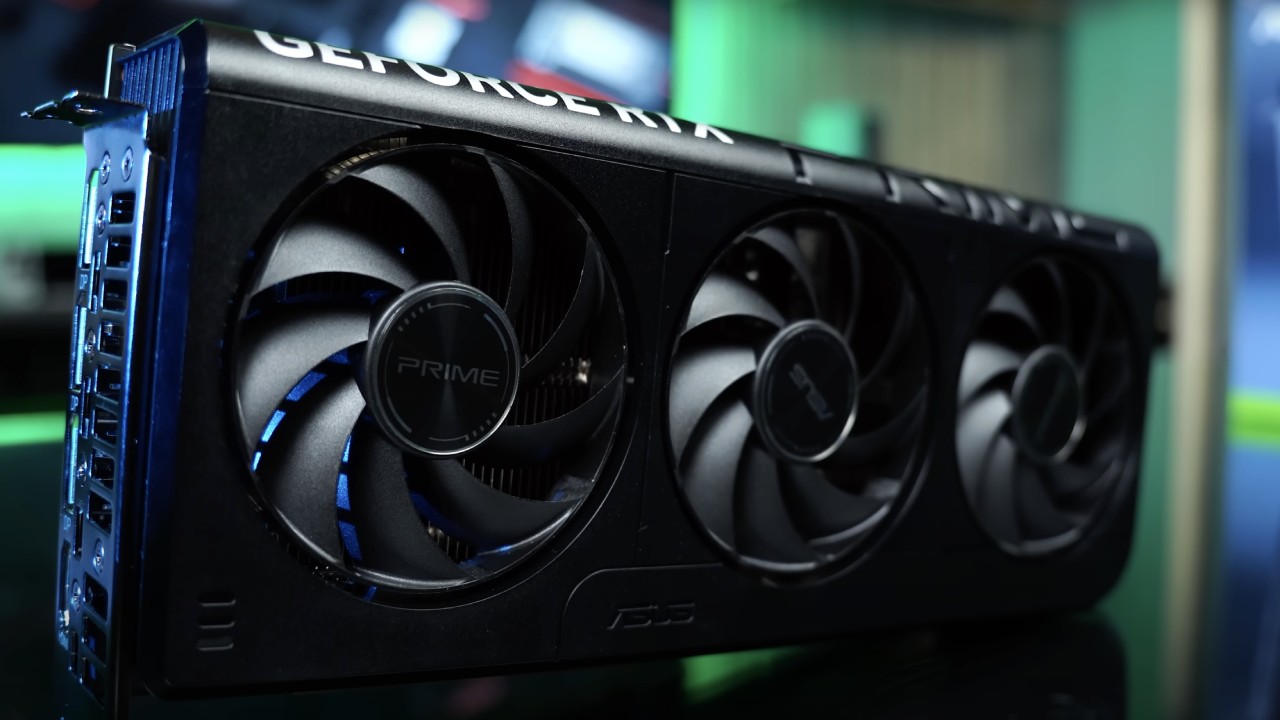
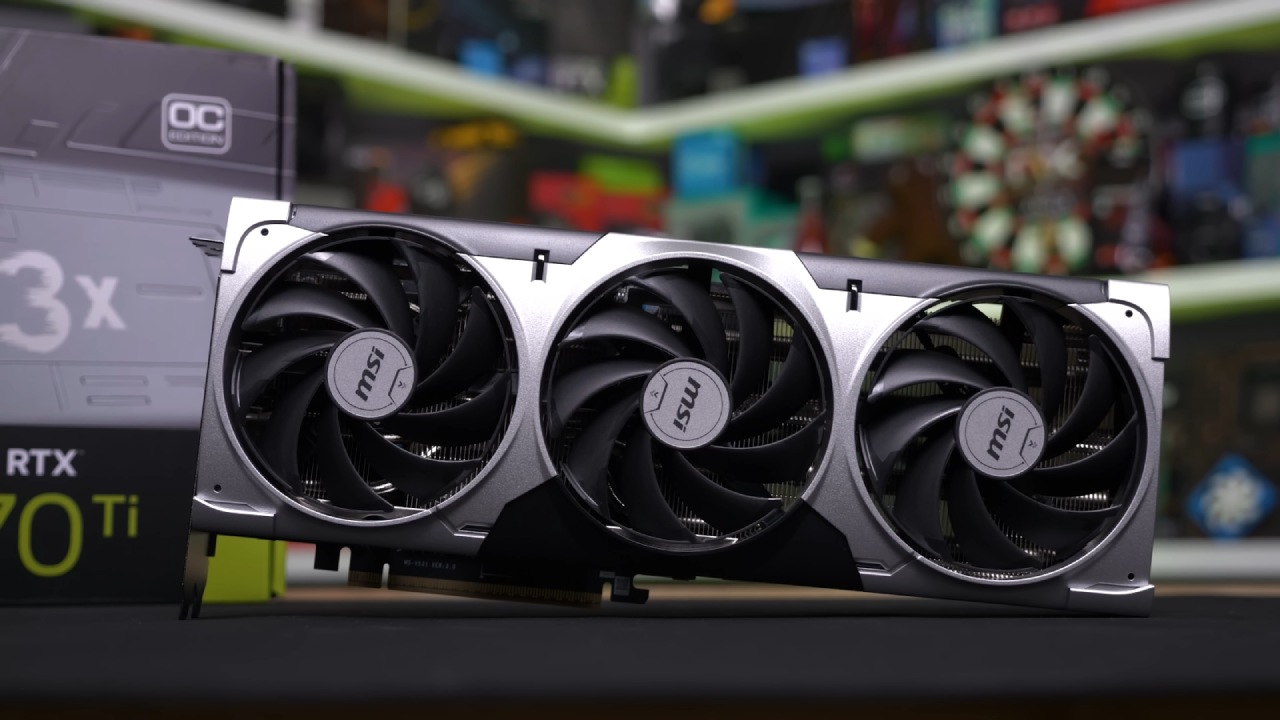
One of the main differences between brands is the cooling system. A cooler GPU can achieve higher boost clocks, translating into slightly better performance. Some brands, like MSI, implement copper baseplates, multiple heatsink pipes, and sophisticated fan setups. In contrast, others, like Zotac, may use simpler cooling.
This can result in a 1-2% performance advantage under optimal conditions.
Cooling also affects noise levels. If you value a quiet PC, brands with better cooling solutions might be preferable.
Size and Form Factor
Form factor is another consideration. Some GPUs are small and have one or two fans, which makes them great for small ATX or mini ITX enclosures. Some of them have three fans and are "full fat," which means they might not fit in smaller cases. You need to know how big your case is and how long your GPU is to make sure everything fits.
Support, Warranty, and Customer Service
Customer support and warranty terms can vary between brands. Some companies, like XFX, have a strong reputation and even offered lifetime warranties in the past, though that program ended in 2019.
Asus and Zotac may offer 3-year warranties, with Zotac extending it to 5 years if registered online. The quality of service and ease of handling RMAs are often more important than the duration of the warranty itself.
Aesthetics and Unique Features
Different manufacturers also have different aesthetics, which means you can customize them to fit your tastes. Some cards contain white designs, patterns that are only for fans, or small layouts. Some brands include extra features, like Asus's dual BIOS switch, which lets you switch between performance and low-noise settings.
NVIDIA's Founder's Edition
Founder's Edition cards are sold directly by NVIDIA but are still manufactured by partners like Foxconn or BYD. They typically feature a clean, minimalist design without fancy cooling or overclocking.
These cards deliver baseline performance, and some users prefer them because they offer a simple platform for custom cooling and overclocking.
Key Takeaways
While there was a time when GPU brand significantly impacted performance, today the main differences come down to cooling, form factor, aesthetics, support, warranty, and minor extras.
Minimum specifications set by AMD and NVIDIA ensure that most cards perform similarly, but choosing the right brand can improve your gaming experience in terms of noise, heat, and customer service.
Also, check our other NVIDIA articles below:
- GeForce RTX 5090 Unleashed: Is NVIDIA's New Flagship the Ultimate 4K Gaming GPU?
- NVIDIA GeForce RTX 5080 Review (2025): Still A 4K Gaming Powerhouse?
- RTX 5090 Performance Testing In GTA 5 – 1080p, 1440p, and 4K Max Settings Benchmark
- NVIDIA RTX 5070 Review: Mid-Range Muscle or Marketing Hype?
- RTX 5070 Ti Review: Performance, Thermals & Power Efficiency Tested
- ASUS ROG Astral RTX 5090 OC Edition Review: 32GB GDDR7 & 4K Gaming Benchmark
- ASUS GeForce RTX 5090 LC Liquid Cooled GPU Review: Unmatched Silence & Speed
- MSI GeForce RTX 5090 32GB SUPRIM SOC Review: Power Efficiency, Cooling, and Gaming Performance
- INNO3D RTX 5060 Ti 16 GB X2 Review: Gaming Benchmarks, Temps, and Power Efficiency
- HP Omen 45L Review: RTX 5090 Performance, Thermals, and Value Analysis
- ASUS TUF Gaming GeForce RTX 5060 Ti Review: DLSS 4, Power Efficiency, and Gaming
- ASUS Prime RTX 5060 Ti OC 16GB Review: DLSS 4, Ray Tracing, & Thermals Tested
- NVIDIA GeForce RTX 5060 Review: Specs, Gaming, and Cost per Frame
- MSI GeForce RTX 5090 GAMING TRIO OC Review: A Monster Power GPU
Editor, NoobFeed
Gaming Hardware Updates
No Data.