
NVIDIA GeForce RTX 5070 Hogwarts Legacy Performance Test at 1080p,1440p, and 4K
Real-world RTX 5070 performance evaluation highlighting CPU bottlenecks, frame pacing, and resolution scaling impacts.
Hardware by Naheyan Tahmin on Dec 17, 2025
We test a GeForce RTX 5070 Founders Edition in Hogwarts Legacy using the latest Nvidia drivers and without manual overclocking. The GPU is connected to a Ryzen 9 7980X3D and 32GB of RAM. We used GPU monitoring tools to verify all hardware details.
Testing is done in genuine gameplay situations at 1440p, 1080p, and 4K resolutions, with varying combinations of native rendering, upscaling, and frame generation.
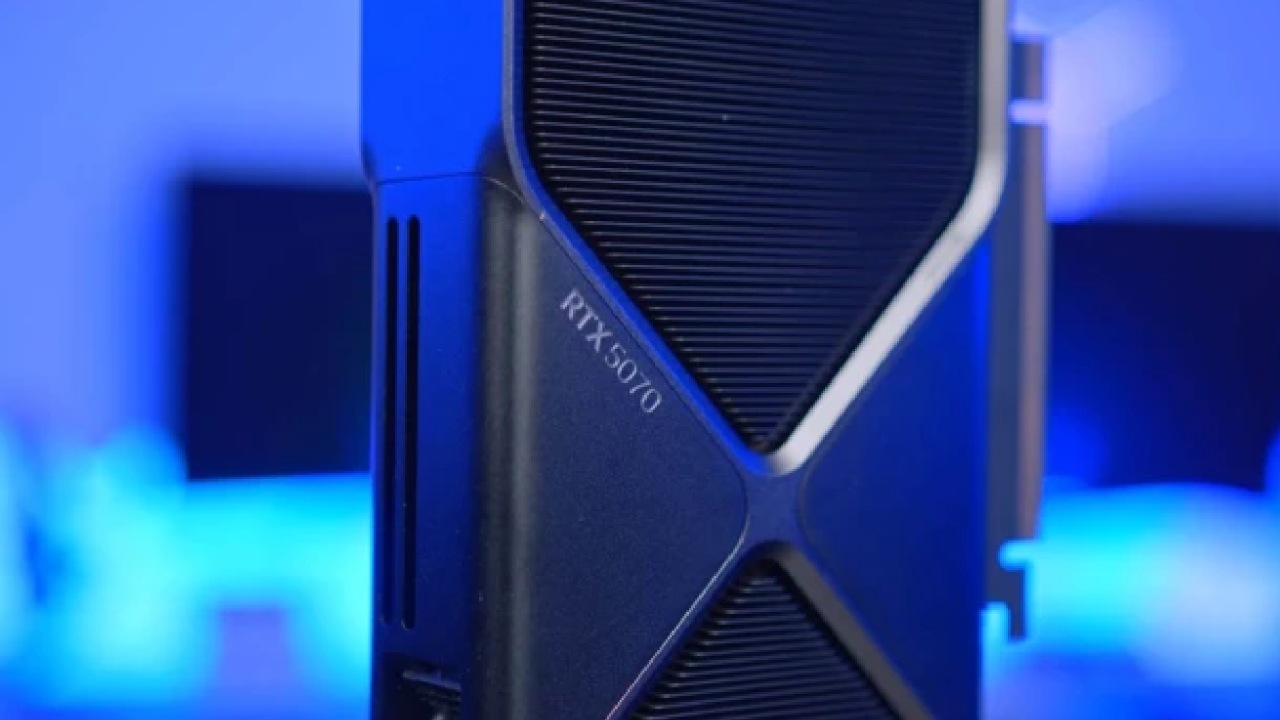
Setting Up the Test and Initial Settings
We run all tests with the extreme setting and no ray tracing enabled at first. The starting position is 1440p with DAA, no upscaling, and no frame creation. This resolution aligns well with the RTX 5070's performance profile and serves as a starting point for further comparisons.
Native Performance at 1440p
The game runs at a high frame rate in native 1440p with DAA. In locales like Hogsmeade and inside the Hogwarts castle, the Unreal Engine employed here puts a lot of stress on the CPU. In some places, 1% lows decrease significantly due to the large number of NPCs, which might cause stuttering.
Outside of these regions, frame pace stays steady, and the game runs smoothly overall. Under worst-case conditions, minimum frame rates drop to the upper 60s per second, though this doesn't affect playability.
Ray tracing is not used at this resolution. Tests show that even the best GPUs have many problems. With ray tracing enabled, the experience is inconsistent due to a 1% performance drop, even though the lighting, shadows, and reflections look better.
DLSS at 1440p
We test DLSS Quality at 1440p with DLSS4. The built-in 960p render resolution increases frame rates, but it also introduces noise in plants and flickering shadows. When taller plants move, they look softer and less stable. This trade-off isn't great at 1440p for a high-refresh-rate experience.
Instead, it is better to preserve the native resolution and enable frame creation with DAA. Intel XCSS Frame Generation at 2x yields about 160 fps, smoothing frame timings and reducing microstutters. The picture quality remains the same, and there is no perceptible input lag. Nvidia frame generation has slightly better pacing, but it doesn't support DAA; therefore, XCSS FG is the best choice here.
The Advantages of Frame Generation
Even with a Ryzen 9 7980X3D, Hogwarts Legacy still uses a lot of CPU. At 1440 p.m., the bottleneck isn't too bad, but people with CPUs like the 5700X3D may notice their GPU usage drop in crowded areas. Frame generation brings GPU usage back up to about 99%, which makes things more consistent and less stuttery. For this title, frame generation does a good job at hiding the CPU limits at the engine level.
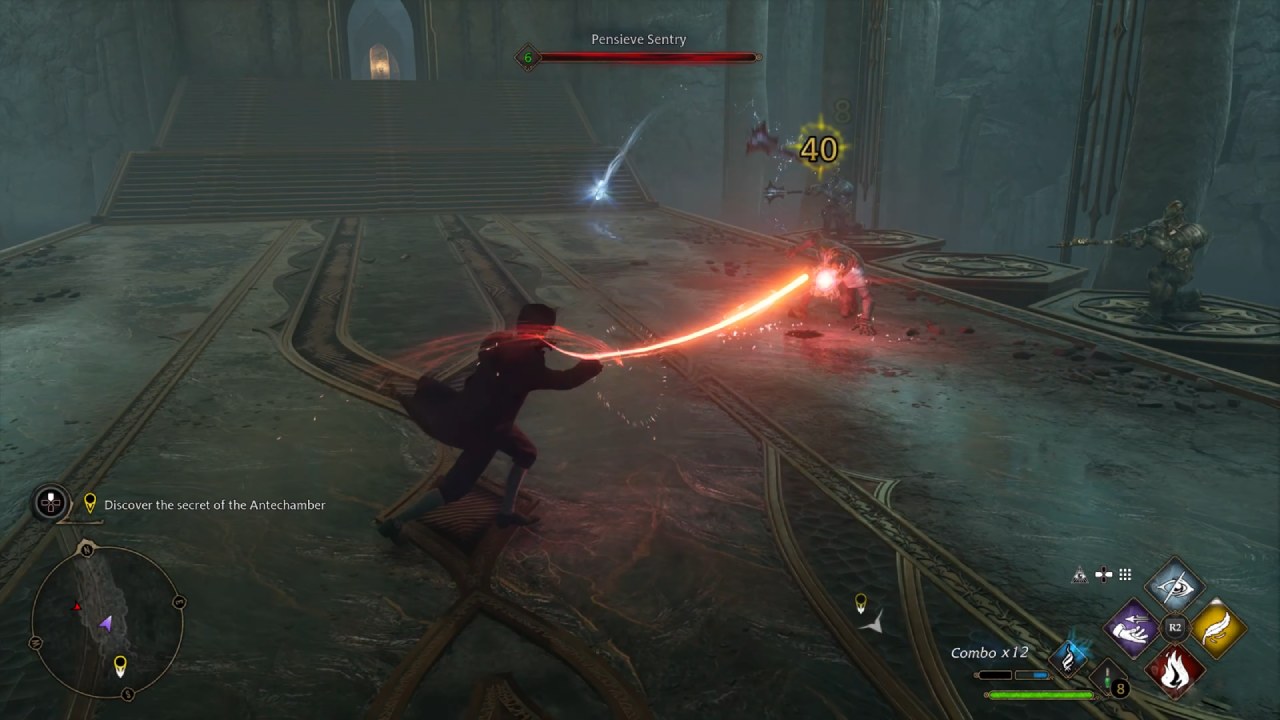
Analysis of 1080p Performance
At 1080p native with DAA and high settings, the CPU clearly becomes a bottleneck. In busy areas, GPU usage drops to 60%–70%, indicating the engine, not the GPU, is the problem. Even at lower resolution, frame rates can drop to around 70 fps.
Final Thoughts
At 4K native with DAA and extreme settings, the average frame rate is about 60 fps; however, frame times are not always consistent. When the CPU is working hard, stuttering gets worse, and when the GPU is working hard, the frame rate drops to 40-50 fps. This arrangement is playable, although it isn't always the same.
Also, check our other NVIDIA articles below:
- GeForce RTX 5090 Unleashed: Is NVIDIA's New Flagship the Ultimate 4K Gaming GPU?
- NVIDIA GeForce RTX 5080 Review (2025): Still A 4K Gaming Powerhouse?
- RTX 5090 Performance Testing In GTA 5 – 1080p, 1440p, and 4K Max Settings Benchmark
- RTX 5090 Laptop Vs. M4 Max MacBook Pro: Ultimate Raw Performance Vs. Battery Endurance
- NVIDIA RTX 5070 Review: Mid-Range Muscle or Marketing Hype?
- RTX 5070 Ti Review: Performance, Thermals & Power Efficiency Tested
- Asus ROG RTX 5090 Astral OC Vs. Founders Edition: The 4K Gaming Benchmark
- ASUS ROG Astral RTX 5090 OC Edition Review: 32GB GDDR7 & 4K Gaming Benchmark
- ASUS GeForce RTX 5090 LC Liquid Cooled GPU Review: Unmatched Silence & Speed
- MSI GeForce RTX 5090 32GB SUPRIM SOC Review: Power Efficiency, Cooling, and Gaming Performance
- INNO3D RTX 5060 Ti 16 GB X2 Review: Gaming Benchmarks, Temps, and Power Efficiency
- HP Omen 45L Review: RTX 5090 Performance, Thermals, and Value Analysis
- ASUS TUF Gaming GeForce RTX 5060 Ti Review: DLSS 4, Power Efficiency, and Gaming
- ASUS Prime RTX 5060 Ti OC 16GB Review: DLSS 4, Ray Tracing, & Thermals Tested
- NVIDIA GeForce RTX 5060 Review: Specs, Gaming, and Cost per Frame
- MSI GeForce RTX 5090 GAMING TRIO OC Review: A Monster Power GPU
Editor, NoobFeed
Gaming Hardware Updates
No Data.