
Intel Arc B50 Pro vs. NVIDIA RTX A1000: The Battle of 2025 GPUs
AI workloads reveal Intel’s 16GB VRAM advantage, significantly improving processing speed and model handling efficiency over Nvidia.
Hardware by Masaru Hoshino on Oct 08, 2025
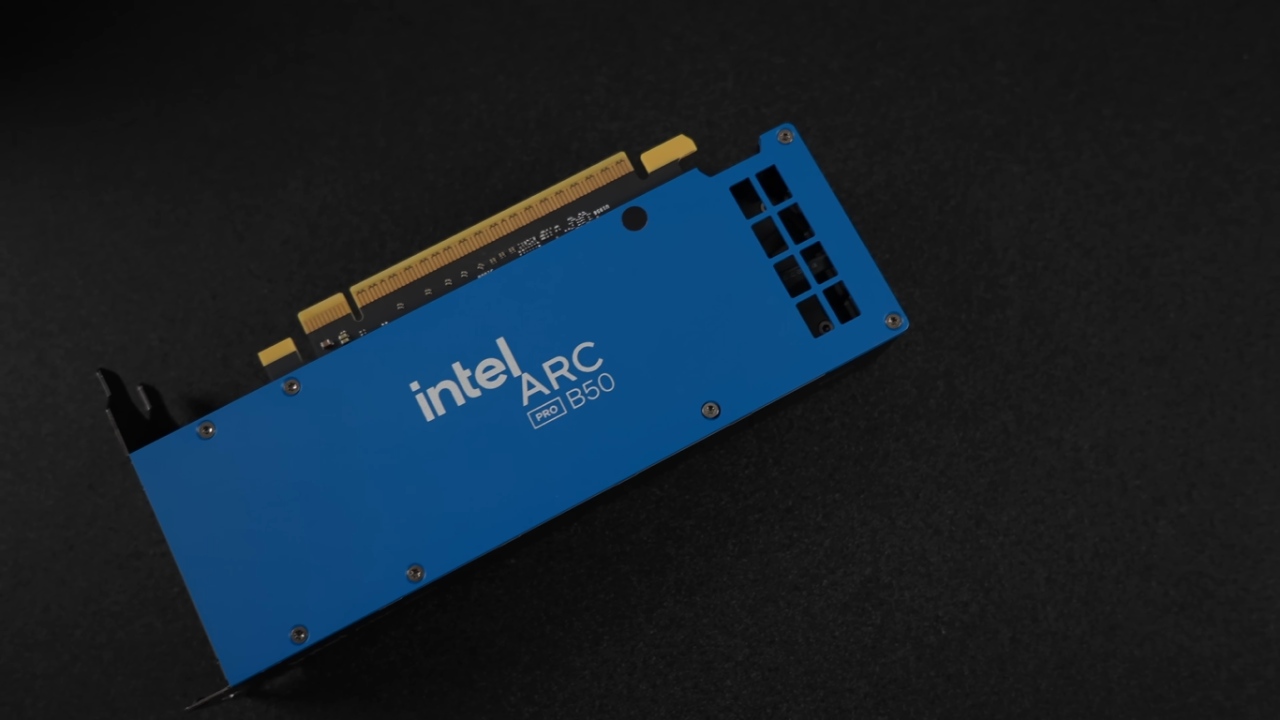
In a tech landscape often filled with disappointing headlines, there's finally some exciting news worth celebrating. Nvidia, long considered the undisputed leader in graphics technology, is facing fierce competition from an unexpected rival—Intel. The new Intel Arc B50 Pro has entered the ring, and the results are nothing short of impressive.
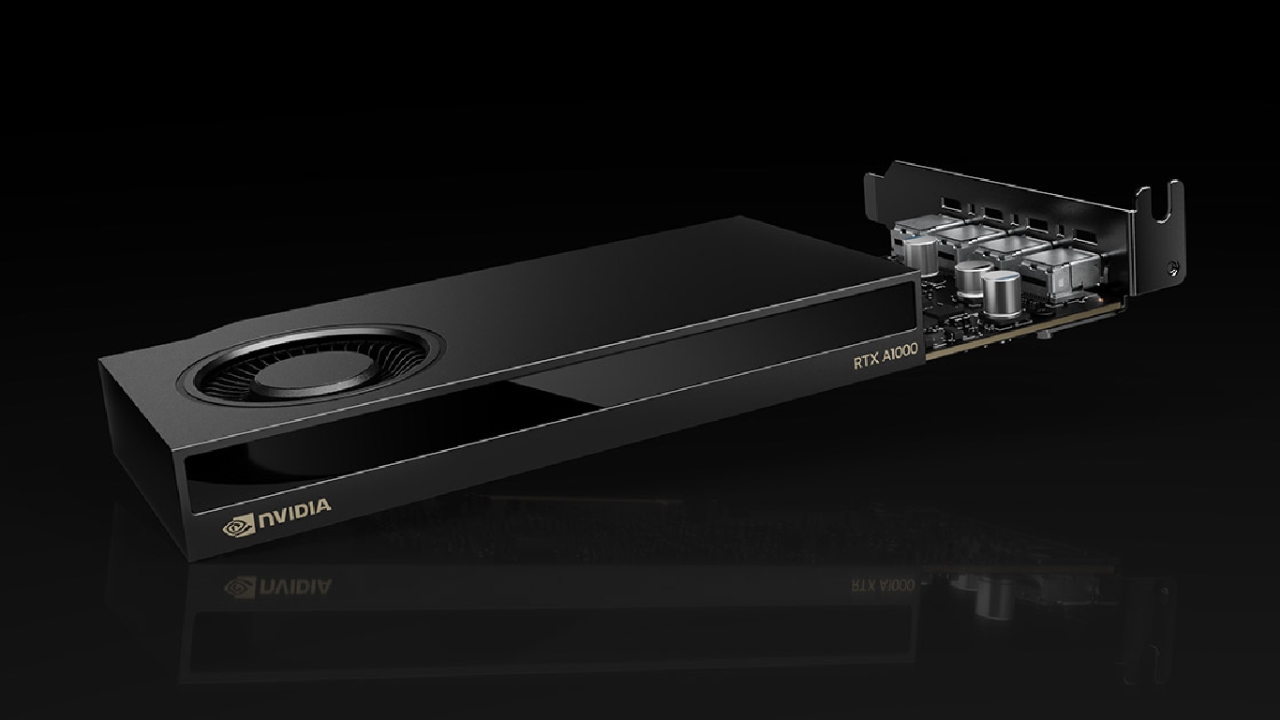
With confidence so high that Intel even provided Nvidia's RTX A1000 for direct comparison, the showdown reveals a story that could redefine GPU expectations.
Benchmark Performance: Intel Steps Up
Testing was conducted using an Intel 12900K processor paired with an ASUS Z690D4 motherboard, 64GB of DDR4 3600MHz RAM, an Arctic Liquid Freezer II 360mm cooler, a Samsung 980 Pro SSD, and a Be Quiet! Pure Power 1200W power supply. The benchmark results immediately set the tone for what was to come.
In Geekbench 6 GPU tests, the Intel Arc B50 Pro demonstrated remarkable dominance, achieving 33% faster OpenCL scores and an impressive 61% faster Vulkan performance compared to the Nvidia RTX A1000. These early results already hinted at a major shift in the GPU performance landscape.
AI Processing and VRAM Advantage
When we move into AI workloads, the story becomes even more interesting. In Geekbench 6 AI tests, the Arc B50 Pro consistently outperformed Nvidia by 55–67% across every category. A key reason for this advantage is Intel's inclusion of 16GB of VRAM—double the 8GB found on Nvidia's RTX A1000.
For AI processing, VRAM is crucial. It enables large models to be loaded directly into the GPU's memory for faster computation. To test this, we ran a GPT OSS 20-billion parameter model, approximately 12.1GB in size. The Intel GPU handled it effortlessly, while Nvidia's 8GB VRAM couldn't accommodate the full model, forcing slower memory transfers.
The results were dramatic: tokens per second were 41% faster on Intel, and the time-to-first-token—a vital real-world indicator—was nearly instantaneous at under 1 second, compared to Nvidia's lengthy 18.5 seconds.
Creative Workflows: Photo and Video Editing
Creative professionals will find plenty to appreciate here. In Photoshop, the Arc B50 Pro delivered the highest performance scores ever recorded in testing—7.6% faster than Nvidia's RTX A1000 overall. While that margin may seem modest, the extra VRAM makes a huge difference for large canvases and complex layers.
In Lightroom Classic, Intel maintained a small but consistent edge. However, the real shock came in Premiere Pro. The Arc B50 Pro was 21% faster in standard benchmarks and 20% faster in extended ones.
In H.264/H.265 codec playback—critical for editors—the Intel card delivered 26% faster performance in standard and 24% in extended tests. Even GPU effects were 36.7% faster, an impressive lead for video creators handling complex timelines.
After Effects and DaVinci Resolve
After Effects is a tougher challenge, yet Intel still held its ground. The Arc B50 Pro trailed slightly—0.9% slower in standard tests and 2% slower in extended ones. Interestingly, Intel outperformed Nvidia in tracking and 2D rendering tasks, areas where Nvidia traditionally excels.
In DaVinci Resolve, neither GPU completed the full extended tests, but in simplified runs, Intel again led by roughly 12%. For real-world use, creators can expect a 10–20% speed boost using the Arc B50 Pro over the RTX A1000.
3D Rendering and Design
Now, for the most surprising results: 3D rendering. Historically, Intel has lagged behind Nvidia in this department, but the Arc B50 Pro changes that narrative. In Blender tests, Intel outperformed Nvidia in several key scenes. The Monster scene rendered 6.2% faster, while the Classroom scene was 14.5% faster. Only the Junkshop scene favored Nvidia by 6%, but overall, Intel's showing was a revelation.
However, certain industry-standard engines, such as OctaneBench, Redshift, and V-Ray, still favor Nvidia, as Intel's GPUs currently lack official support for these renderers. For professionals relying on those tools, Nvidia remains the more compatible choice—at least for now.
Power Efficiency and Form Factor
The Arc B50 Pro draws slightly more power—70W compared to Nvidia's 50W—but neither card requires extra PCIe connectors, running solely from the slot. Both GPUs are also low-profile designs, ideal for compact builds or mini PCs.
Intel's decision to prioritize smaller form factors without compromising power is commendable, especially as small-form systems gain popularity in the US market.
Pricing and Accessibility
Here's where things get even better. Despite outperforming Nvidia across most categories, the Arc B50 Pro is priced lower. In a market where high-end GPUs often push into unattainable price brackets, Intel's affordable and capable option is a refreshing alternative.
It's a bold strategy that could shift the balance of power if consumers and professionals alike embrace it.
.jpg)
The Bigger Picture
For the first time in years, the GPU landscape is undergoing significant changes. Intel's Arc B50 Pro demonstrates that competition can drive genuine innovation. It's cheaper, faster in many workloads, and finally gives users a genuine alternative to Nvidia and AMD.
With Intel already teasing the upcoming B60—featuring even more VRAM and improved performance—the excitement is only building.
We may finally be entering an era where GPU choice is no longer limited to two dominant players. If Intel continues on this trajectory, Nvidia's monopoly could be in serious trouble. For creators, developers, and AI enthusiasts alike, it's an exciting time to witness the rise of a true competitor.
Check Our Other Articles:
- PS5 Pro vs. PS5 Slim: Frame‑Rate, Graphics & Performance
- PS5 Pro vs. Radeon RX 9060 XT vs RTX 5060 Ti: Ultimate $700 Gaming Showdown
- ASUS ROG Ally PS5 Remote Play | How to do Remote play on PS5 Using Sony's Official Remote Play App
- Stream PS5 Games on Steam Deck OLED: Step-by-Step Installation and Configuration
- PS5 Pro vs. PS5 Slim vs. PS5 — Design, Storage, Specs, and Gaming
- PS5 Pro vs. Xbox Series X: Specs, Price, Storage, Customization, and Gaming
- PS5 Pro vs. PC Gaming: Comparison of Graphics, Frame Rates, and Price
Editor, NoobFeed
Gaming Hardware Updates
No Data.