
NBA 2K27 Guide | How to Shoot Consistently
Here's a guide on how to shoot consistently in NBA 2K27.
Game Guide by Navid Kabbo on Sep 11, 2026
Shooting consistently in NBA 2K27 comes down to more than finding a good jump shot. You need to learn your release animation, understand the difference between Timing and Tempo, and practice with the same setup until your release becomes muscle memory.
With Rhythm Shooting receiving major improvements in NBA 2K27, players now have another way to improve their shooting consistency. Here are the best ways to become a more reliable shooter.
Learn One Jumpshot
The first step toward consistent shooting is sticking with one jump shot.
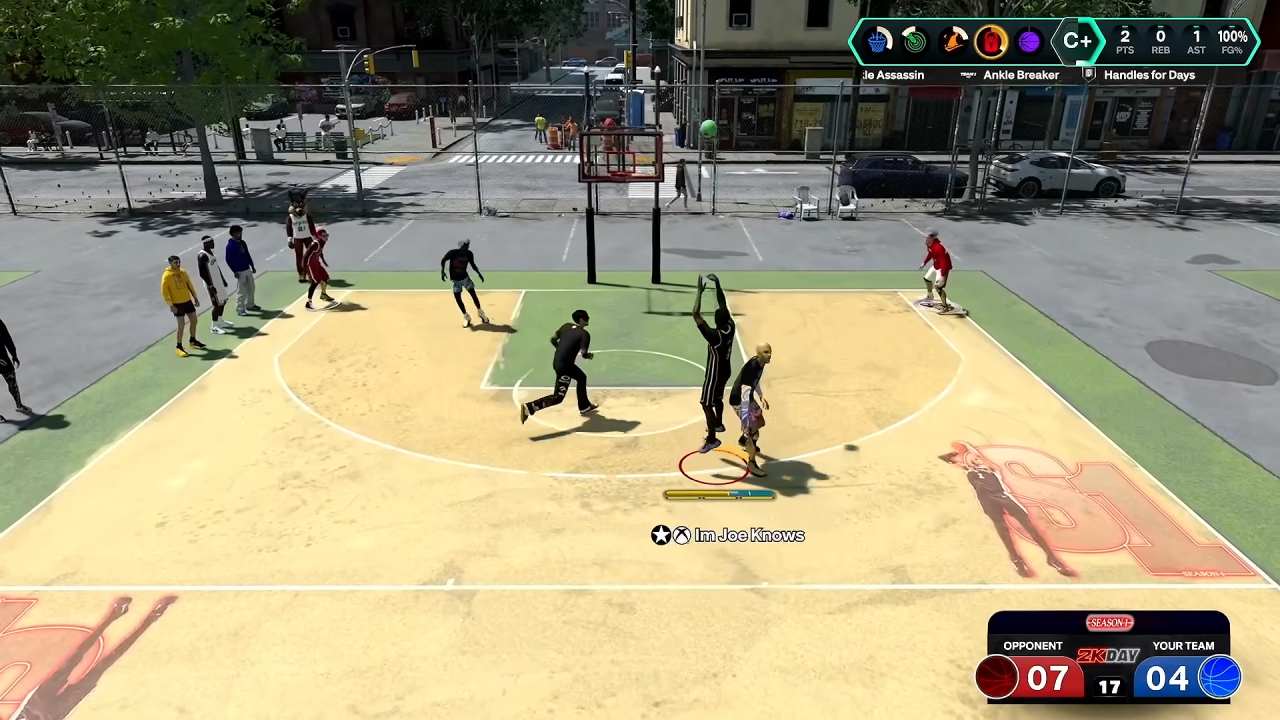
Constantly changing your jump shot means you have to relearn its release timing and animation. Instead, choose a jumper that feels comfortable and use it consistently until you can recognize its release without thinking about it.
Pay attention to your player's shooting animation rather than relying entirely on the shot meter. Once you recognize the visual cue, your timing becomes much easier to reproduce.
Choose Between Button and Rhythm Shooting
NBA 2K27 gives you two primary ways to shoot: Button Shooting and Rhythm Shooting.
Button Shooting provides a straightforward release where you focus primarily on when to release the shot.
Rhythm Shooting uses the Right Stick. Start by moving the stick down, then move it upward as your player's shooting animation reaches its release point. Your Timing still needs to be correct, while matching the shot's Tempo can make the Timing window more forgiving.
Neither method is mandatory. Use whichever one you can reproduce consistently.
Understand Timing and Tempo
One of the biggest changes to shooting in NBA 2K27 is how Rhythm Shooting separates Timing from Tempo.
- Timing: When you complete the shooting motion.
- Tempo: How quickly you move the Right Stick from down to up.
You need to get your Timing into the green window to make the shot. Matching the correct Tempo can widen that window, while moving the stick too quickly or too slowly can narrow it.
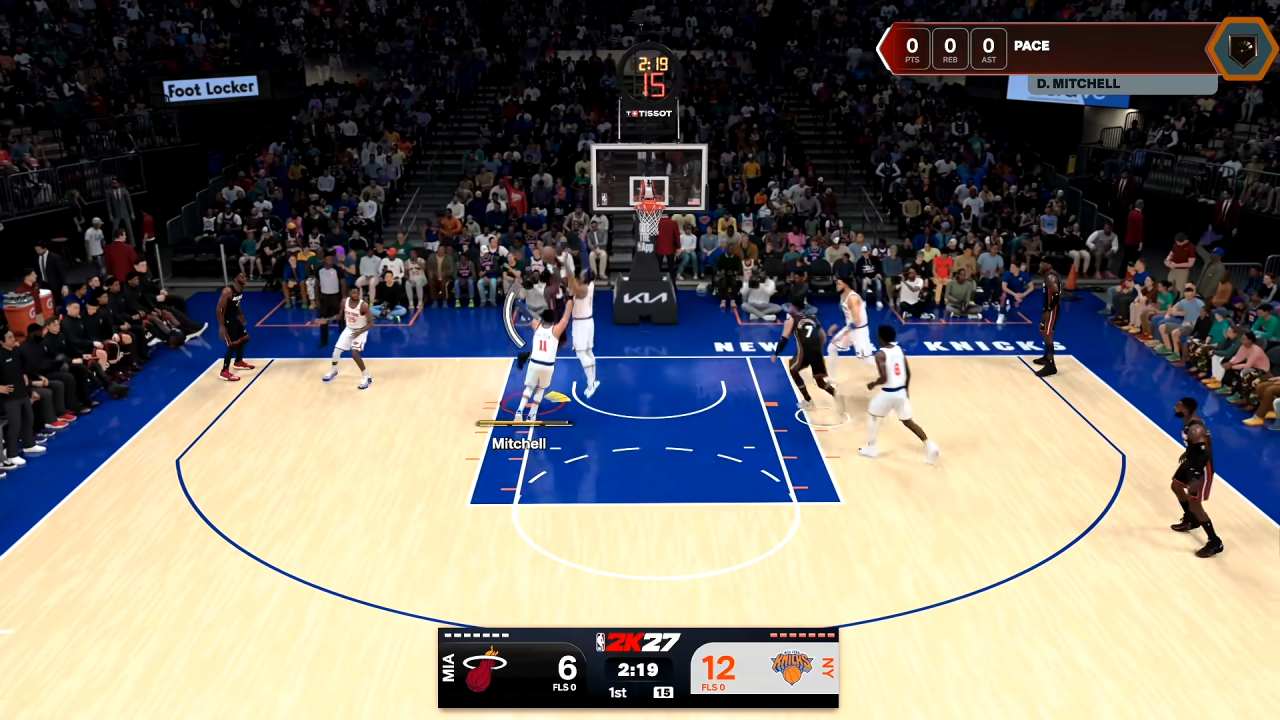
This means you shouldn't simply react to every miss by releasing earlier or later. Check the Shot Feedback first and determine whether the problem was your Timing or your Tempo.
Use Shot Feedback to Fix Your Release
Turn on Shot Feedback while learning your jumper.
NBA 2K27 provides more useful information about your shot than simply telling you whether the release was early or late. Rhythm Shooting can also show whether your Tempo was too fast or too slow.
Use that information to make one adjustment at a time.
If your Timing is consistently Early but your Tempo is correct, delay your release slightly. If your Timing is good but your Tempo is too Fast, slow down the Right Stick movement instead.
Don't change multiple things after every miss.
Practice Before Playing Online
Learn 2K and other practice environments are the best places to develop your shooting rhythm before taking your new jumper into online games.
Start with simple, uncontested shots and focus on recognizing the same visual cue every time. Once you can consistently hit stationary shots, gradually add movement, different spots on the floor, and defensive pressure.
A good practice routine is:
- Start with stationary catch-and-shoot attempts.
- Practice from several spots around the three-point line.
- Add shots after dribbling.
- Practice contested and late-clock situations.
- Move into online games once the release feels automatic.
The goal is to make your shooting motion repeatable rather than simply chasing green releases.
Turn Off the Shot Meter When You're Ready
The Shot Meter can be useful while learning a new jumper, especially with Rhythm Shooting's new real-time Tempo indicator. It gives you another visual reference to help you understand your stick movement.
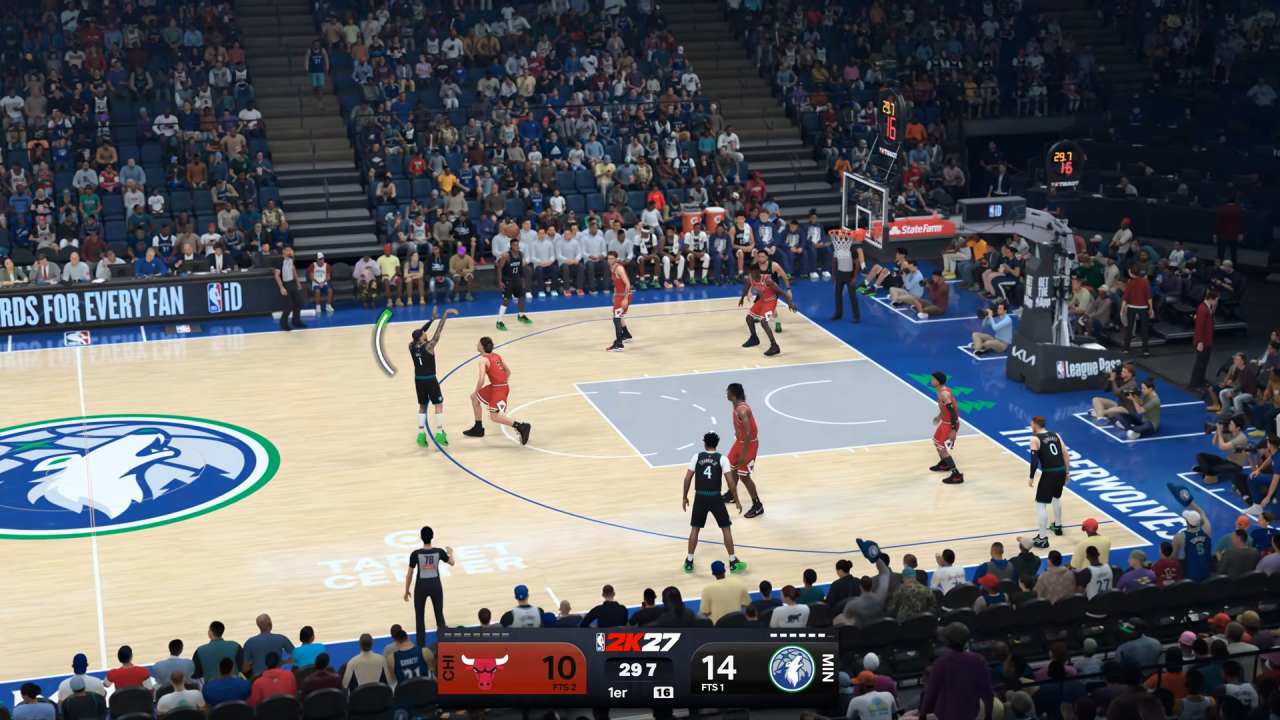
However, once you understand your jumper, try turning the meter off and focusing entirely on the player's animation.
NBA 2K27 provides a shooting advantage for playing without the meter, so experienced players can benefit from learning their visual cue instead of constantly watching the HUD.
Don't turn it off simply because other players do. Make the switch once you're comfortable recognizing your release.
Take Better Shots
Even perfect timing won't make every shot a good attempt.
Before shooting, consider your player's position, defensive pressure, stamina, and shot quality. Open catch-and-shoot attempts are much easier to learn than heavily contested shots or rushed attempts.
Try to create predictable situations for yourself. If you're playing online, look for open catch-and-shoot opportunities, use screens to create space, and avoid forcing difficult jumpers simply because the shot clock is running down.
Final Thoughts
The key to shooting consistently in NBA 2K27 is repetition. Find a jump shot you can read, choose either Button or Rhythm Shooting, and keep your settings consistent while you learn the release.
If you're using Rhythm Shooting, pay attention to both Timing and Tempo and use Shot Feedback to identify exactly what you're doing wrong. Once your release is automatic, turning off the Shot Meter can help you rely on your player's animation rather than the HUD.
FAQ
Q. What is the best way to shoot consistently in NBA 2K27?
A. Use one jumpshot consistently, learn its visual release cue, and practice until the timing becomes muscle memory. Shot Feedback can help identify whether you're releasing too early, too late, or using the wrong Rhythm Shooting Tempo.
Q. Is Rhythm Shooting better than Button Shooting?
A. Neither is universally better. Rhythm Shooting has a higher skill ceiling because matching the Tempo can widen your Timing window, but Button Shooting remains a reliable option for players who prefer a simpler release.
Q. Should I use the Shot Meter?
A. Use the Shot Meter while learning your jumper if it helps you understand your timing and Rhythm Shooting Tempo. Once you're comfortable with your release, turning it off can be advantageous and help you focus on your player's animation.
Q. How do I improve Rhythm Shooting?
A. Start by moving the Right Stick down to begin the shot, then move it upward at the same rhythm as your player's shooting animation. Use Shot Feedback to determine whether your Timing or Tempo needs adjustment.
Q. Why am I consistently shooting early or late?
A. Your release timing may not match your jump shot's visual cue. Stick with one jumper, practice stationary shots, and make small timing adjustments based on your Shot Feedback rather than repeatedly changing your settings.
Editor, NoobFeed
Latest Articles
No Data.