
NVIDIA RTX 5060 Ti 8GB vs. 16GB: Which GPU Offers the Best Value
Nvidia’s mid-range RTX 5060 Ti 8GB offers impressive value, balancing performance, power efficiency, and affordability.
Hardware by Masaru Hoshino on Oct 15, 2025
It's a peculiar period for PC hardware right now. The graphics card market is now a race to the top, with flagship cards costing more than a good used vehicle. This has made a big gap, and most gamers are now looking for good deals in the sub-$500 range. But when you get into this area, you have to make concessions. Nvidia, AMD, and Intel all offer a decent selection of cards here, but they almost always come with a catch. More often than not, that catch is VRAM.
VRAM isn't the be-all and end-all of GPU performance—at least not to the degree that some internet comment sections might suggest—but its importance is undeniable. When a game's memory requirements exceed what your card can provide, the resulting performance wall can be both real and frustrating.
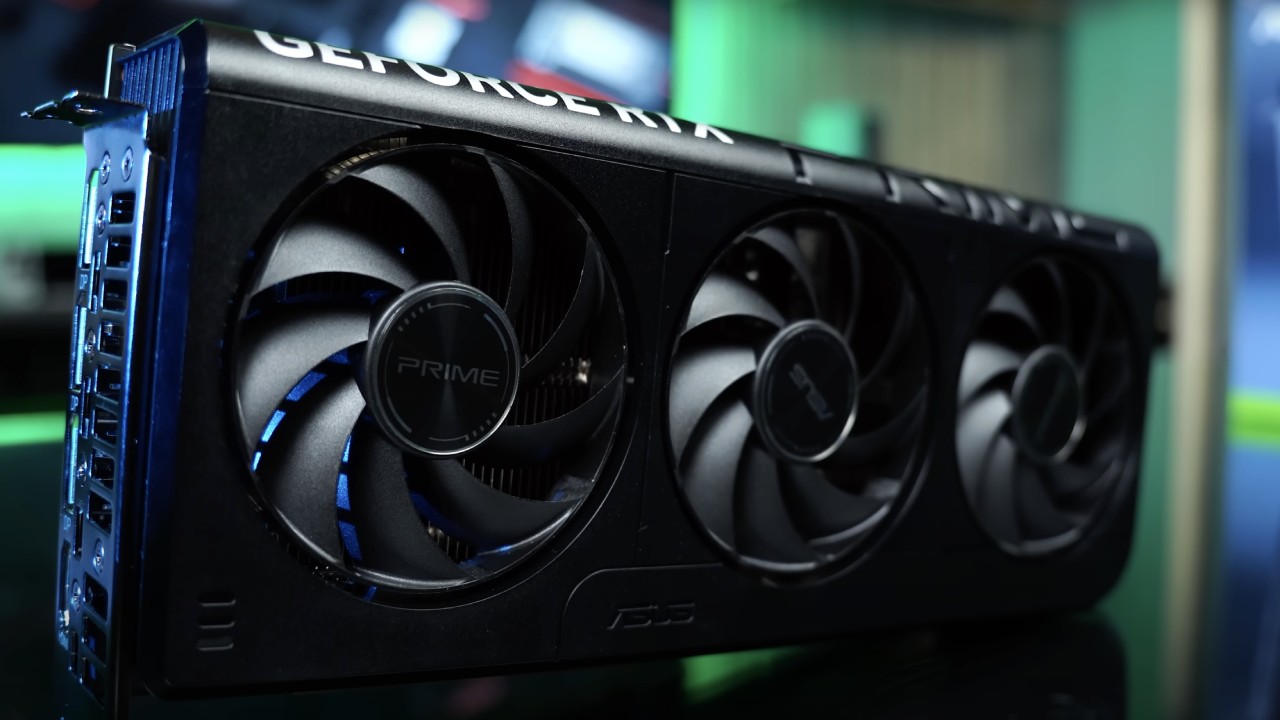
That brings us to one of the most controversial cards on the market today: the 8GB Nvidia RTX 5060 Ti.
Why Test the 8GB Version?
The 8GB RTX 5060 Ti exists for a reason. It's more affordable than its 16GB sibling, readily available, and frequently found inside pre-built systems from major manufacturers targeting attractive price points.
For many gamers, it's the default entry point into Nvidia's latest generation of GPUs. We wanted to see whether, for those whose gaming revolves around popular free-to-play titles, spending extra on the 16GB model is really worth it.
Test Setup and Methodology
For this review, we paired the RTX 5060 Ti 8GB with a powerful AMD Ryzen 7 9800X3D CPU and 32GB of DDR5-6000 CL30 memory. While this might seem like an unbalanced setup, it's intentional. We aimed to eliminate CPU bottlenecks to isolate the GPU's performance and showcase its full potential.
All testing was done at 1080p using a high-quality full HD gaming monitor capable of high refresh rates—the natural habitat for a card like this. Our game lineup included Apex Legends, Counter-Strike 2, Fortnite, PUBG, and Valorant—the most popular free-to-play titles in the world.
We tested each game on a range of quality settings, from low settings for competitive play to high levels for movies, to get a full picture of how well they worked.
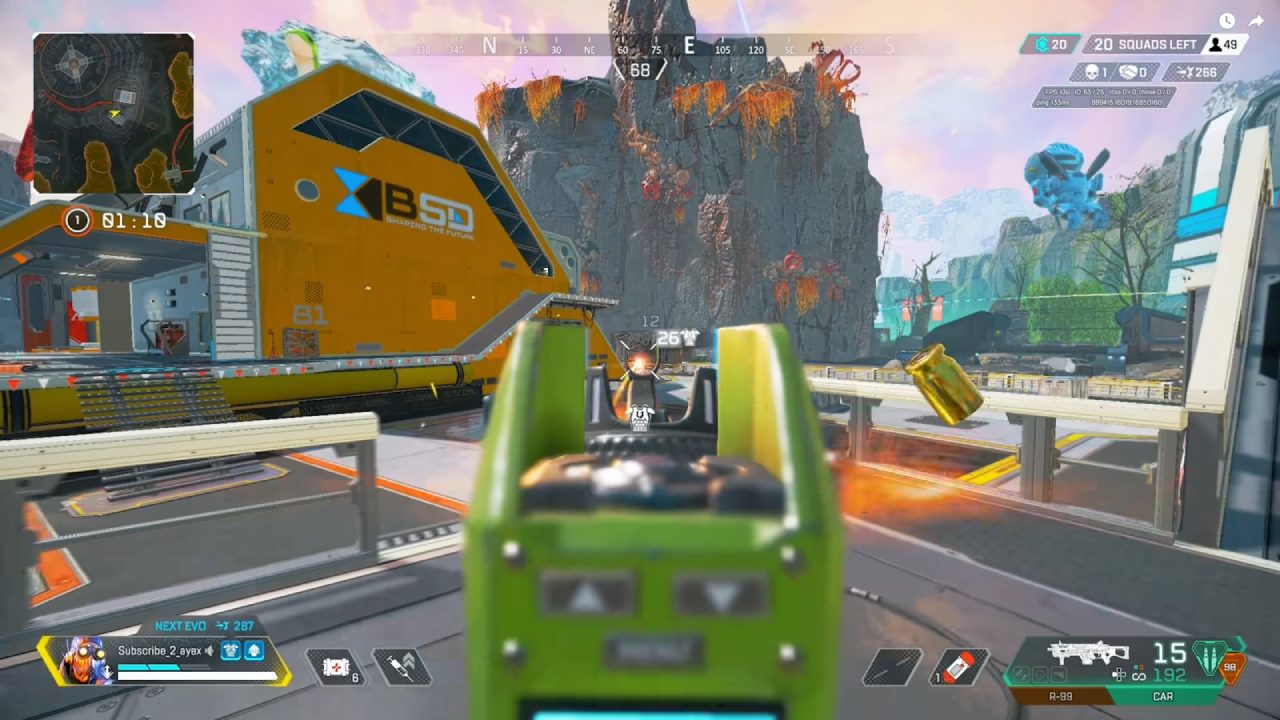
Apex Legends Performance
Apex Legends needs a high, consistent frame rate to work well because it relies on smooth movement and quick response. Across all settings, from low to max, the RTX 5060 Ti 8GB performed exceptionally well, nearly pegging the game's 300FPS engine cap.
Even at maximum settings, it averaged 294 FPS with a 1% low of 215 FPS, proving that VRAM wasn't an issue.
For competitive players, this means total freedom. The experience stays seamless and visually pleasing, whether you're trying to get ultra-high frame rates on a 144Hz or 165Hz panel or greater resolutions.
Counter-Strike 2 Performance
CS2 is all about speed, accuracy, and keeping frames steady. The RTX 5060 Ti 8GB gave us an average of 342 FPS on our bespoke high settings, with 1% lows of 256 FPS. Dropping to low settings sent frame rates soaring past 500 FPS.
For esports players, this card is absolute overkill—in the best way possible. You can target maximum frame rates for 360Hz monitors or simply crank up the visuals without sacrificing responsiveness.
Fortnite Performance
Fortnite's Unreal Engine 5 implementation makes it one of the most demanding esports titles, and this is where we expected to see VRAM limitations. In Epic Plus RT settings with ray tracing enabled, the card managed a respectable 72 FPS—playable but not competitive.
Disabling ray tracing boosted performance to 145FPS, while the low preset doubled that to around 280FPS.
The best balance lies in medium to high settings with low shadows, delivering over 144FPS consistently. Here, the 8GB of VRAM handled the task comfortably, proving that smart settings adjustments go a long way.
PUBG Performance
PUBG's reputation for inconsistent performance precedes it, but the RTX 5060 Ti 8GB handled it better than expected. Even at the Ultra preset, frame rates stayed above 200 FPS. Dropping to high pushed that to 250FPS, while medium and below stabilized around 280FPS, where the CPU became the limiting factor.
At 1080p, this card easily maintains 144FPS+ on high or ultra settings, with no VRAM bottlenecks in sight.
Valorant Performance
Valorant is built for accessibility, and its optimization shines through. The RTX 5060 Ti 8GB achieved over 500 FPS, with near 600 FPS in some settings. The difference between low and high presets was minimal—only about 18FPS in 1% lows.
For competitive play, you can simply max everything out. The performance ceiling is so high that settings become almost irrelevant.

Pricing and Real-World Value
At launch, the RTX 5060 Ti 8GB had an MSRP of $379, while the 16GB model cost $429—a $50 difference. For a budget build, that extra cost represents more than a 13% increase. In practice, that money can make a big difference elsewhere.
You could upgrade from a 1TB NVMe SSD to a 2TB model—hugely beneficial as modern games routinely exceed 150GB in install size. Alternatively, that $50 could bump your CPU tier, from a Ryzen 5 to a Ryzen 7, improving frame consistency and system longevity.
Essentially, the 8GB version enables smarter budget allocation, prioritizing components that impact everyday performance.
What Does the Extra VRAM Really Buy?
The 16GB variant buys peace of mind—insurance against future games that demand more memory. It ensures you can install the next big title, max out textures, and not worry about stuttering or asset streaming issues. For gamers who dive into every new AAA release, that extra headroom matters.
However, in the context of 1080p competitive gaming, the benefits of 16GB are nearly invisible today. Every test showed that the 8GB model performs virtually identically in free-to-play titles, making the higher capacity more of a luxury than a necessity.
Final Thoughts
We were really astonished after doing a lot of tests. Since its release, people have been critical of the RTX 5060 Ti 8GB, but it's a great card for the appropriate people. For 1080p esports and free-to-play gaming, it delivers astonishing frame rates—200FPS, 300FPS, even 500FPS—without breaking a sweat.
It's not the card for everyone, though. If you're a graphical enthusiast who wants to experience every new AAA blockbuster at its visual best—titles like Cyberpunk or the upcoming GTA 6—you'll quickly hit the 8GB limit. Stuttering, texture pop-ins, and lowered texture settings will become unavoidable.
But if you're the type of gamer who lives in Valorant, Apex Legends, or CS2, the 8GB RTX 5060 Ti is perfect. It's a value-driven choice for those who prioritize frame rates over flash, performance over prestige. You can reinvest the savings into better peripherals, storage, or even a faster CPU—and you'll sacrifice nothing in the games that truly matter to you.
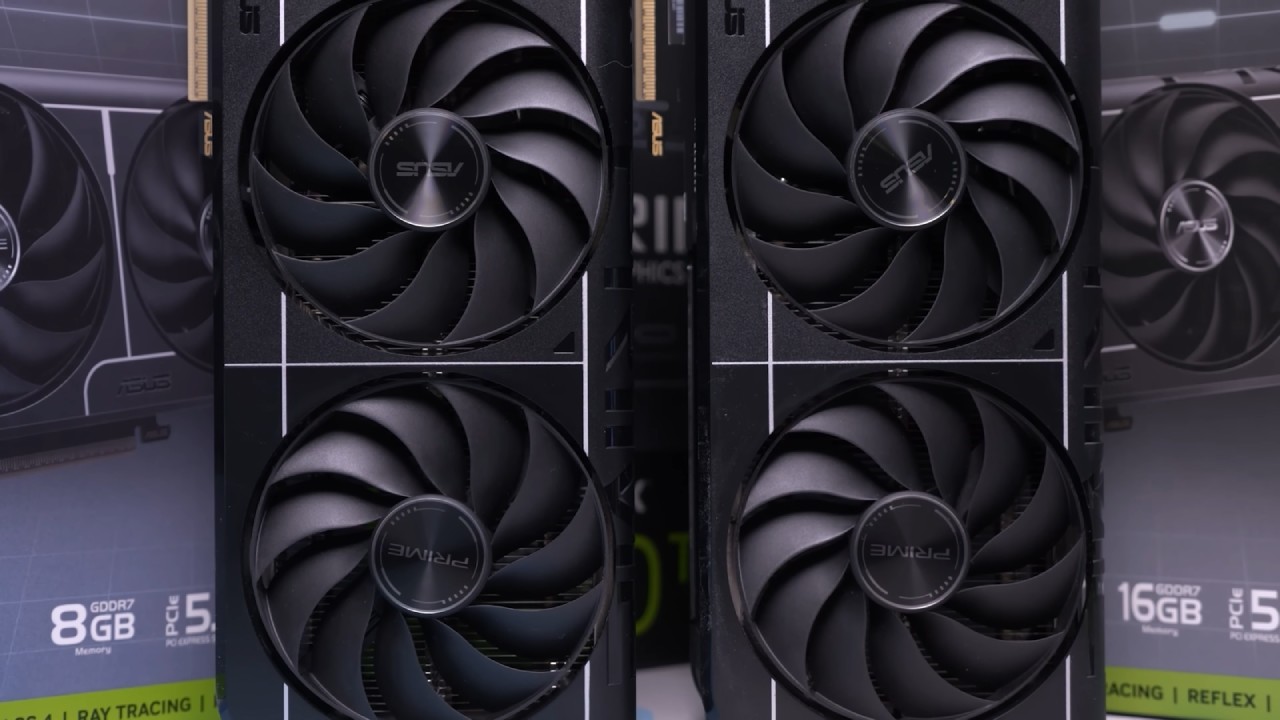
Ultimately, the 8GB model is a precision tool built for a specific purpose, while the 16GB version is a versatile all-rounder for broader gaming horizons. Your decision should reflect the kind of gamer you are today—and the one you plan to be tomorrow.
Also, check our other articles:
- GeForce RTX 5090 Unleashed: Is NVIDIA's New Flagship the Ultimate 4K Gaming GPU?
- NVIDIA GeForce RTX 5080 Review (2025): Still A 4K Gaming Powerhouse?
- RTX 5090 Performance Testing In GTA 5 – 1080p, 1440p, and 4K Max Settings Benchmark
- NVIDIA RTX 5070 Review: Mid-Range Muscle or Marketing Hype?
- RTX 5070 Ti Review: Performance, Thermals & Power Efficiency Tested
- ASUS ROG Astral RTX 5090 OC Edition Review: 32GB GDDR7 & 4K Gaming Benchmark
- ASUS GeForce RTX 5090 LC Liquid Cooled GPU Review: Unmatched Silence & Speed
- MSI GeForce RTX 5090 32GB SUPRIM SOC Review: Power Efficiency, Cooling, and Gaming Performance
- INNO3D RTX 5060 Ti 16 GB X2 Review: Gaming Benchmarks, Temps, and Power Efficiency
- HP Omen 45L Review: RTX 5090 Performance, Thermals, and Value Analysis
- ASUS TUF Gaming GeForce RTX 5060 Ti Review: DLSS 4, Power Efficiency, and Gaming
- ASUS Prime RTX 5060 Ti OC 16GB Review: DLSS 4, Ray Tracing, & Thermals Tested
- NVIDIA GeForce RTX 5060 Review: Specs, Gaming, and Cost per Frame
- MSI GeForce RTX 5090 GAMING TRIO OC Review: A Monster Power GPU
Editor, NoobFeed
Gaming Hardware Updates
No Data.