
Ryzen AI Max Plus 395 Handheld Delivers Desktop-Class 1440p Performance in Dock Mode
GPD Win 5 configuration enables desktop-level gaming performance when operating with elevated wattage in docked mode.
Hardware by Tanisha Aria on Nov 28, 2025
The GPD Win 5 is one of the most powerful handheld gaming systems on the market, with hardware capable of running PC games. Its setup lets you play demanding AAA games at 1440p.
While many buyers use it mainly in handheld mode, it offers many more features when connected to external displays and used as a full desktop replacement.
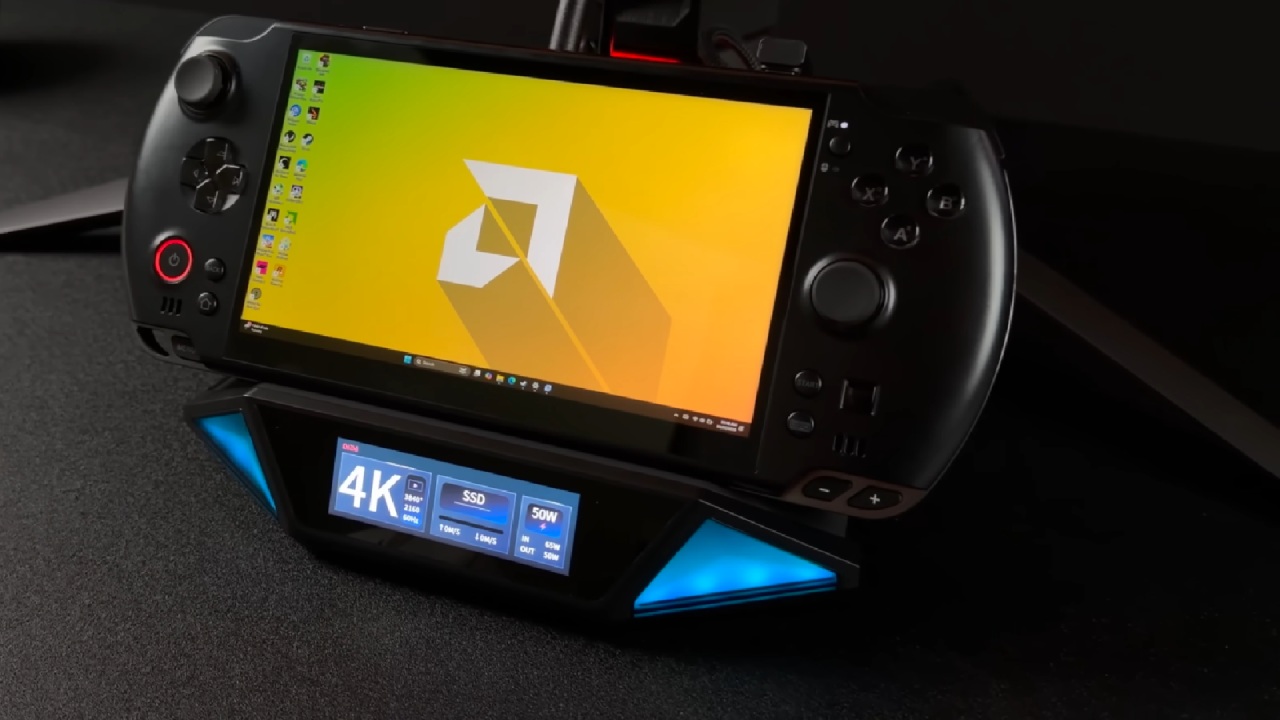
Configuration of hardware that supports desktop-class performance
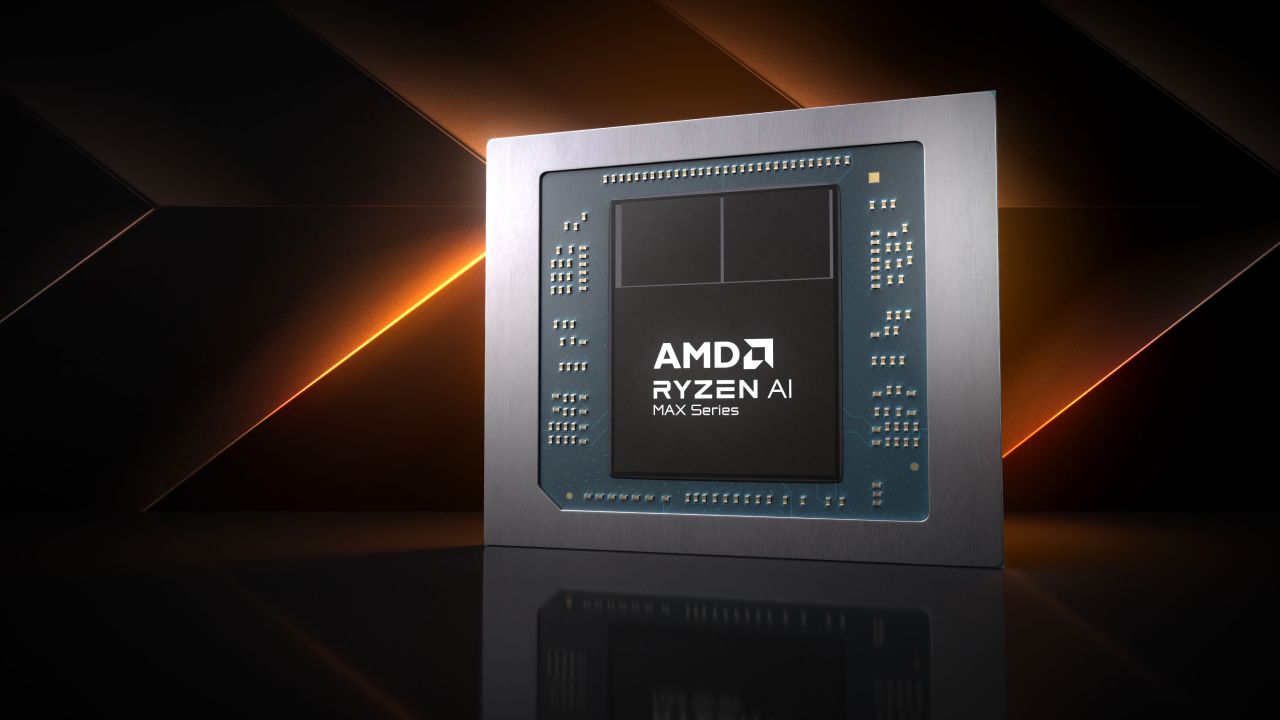
The GPD Win 5 comes with the Ryzen AI Max Plus 395 processor, 128GB of RAM, and the Radeon 8060SI GPU. This is its most powerful version. This setup performs much better than most handheld gear.
We can use bigger power bills and better cooling when we treat the device like a desktop computer. Removing the battery helps with thermals, especially when raising the power limit.
This lets the device run at 65W to 68W for a long time without slowing down due to heat. The way GPD cools keeps things stable even under heavy stress, like during gaming or rendering.
The unit provides 32GB of system memory and 96GB of GPU memory, which is more than enough for heavy gaming, AI tasks, and large language model experiments.
With utilities like the Universal x86 Tuning Utility handling wattage control, we can aim for higher sustained performance while keeping temperatures well within operational limits.
Docking for Expanded Productivity and Gaming
The GPD Win 5 features a full-size USB port, making it easy to connect devices such as mice, keyboards, and wireless receivers. This makes adding an external display simple.
Even the most basic docking stations make it easy to send HDMI. Working in docked mode gives you a desktop-like experience and lets you get more out of your computer's speed than when it's on battery power.
Thermal Behavior and Power Scaling in Dock Mode
The Max Plus 395 keeps delivering the same 68W results without quickly losing heat. Long-term loads, such as CPU-Z stress tests, can remain stable with good cooling performance.
Higher wattages, like 80W, are technically possible, but they bring temperatures closer to the limits of what can be safely used. For dock mode performance and life, 68W is a good compromise.
Low thermal strain is observed even in demanding applications such as video production. We see that the iGPU can handle tasks well while keeping GPU temperatures in the mid-40° C range when we use tools like Amuse to access AMD's XDNA acceleration. The fan slowly speeds up without making much noise, indicating there is enough cooling space in this setup.
Benchmark Results Demonstrating High-End Capability
With a 68W TDP, Geekbench 6 scores 2,889 in single-core and 18,845 in multicore. These are very good numbers for a small device with 16 cores and 32 threads.
It scores 9,370 in 3D Mark Time Spy. If you raise the wattage, you can get better results, but that makes the device too 1440p Gaming Performance Across Demanding Titles.
Playing games at 1440p is the best way to see how well this setup works. At 68w, Cyberpunk 2077 runs very well at 1440p high settings with FSR adjusted.
You can only get ultra settings with FSR quality at 85W to 90W, which is better for small PCs than for handheld chassis. Docked at 68° W, the CPU stays below 70° C, providing a stable gaming range.
Spider-Man 2 runs well at 1440p with high settings and FSR adjusted, so it doesn't need frame generation, which is often needed for 1080p gaming on less powerful iGPUs. The Radeon 8060S makes 1440p possible while maintaining image quality, showing how powerful this built-in GPU is.
When you play Marvel Rivals on middle settings with FSR balanced, you can get close to 120 frames per second. Performance can be locked at 120 frames per second by lowering the settings.
Still, medium settings offer a better mix of visual quality and responsiveness. High settings give you about 80 frames per second, allowing you to choose based on your performance goals.
Borderlands 4 is still a tough game for any iGPU. Performance has improved with new patches, but you still need to use FSR frame generation to reach 60 fps at 1440p.
Performance remains workable at medium settings and frame generation. The game looks good at 1080p on medium without frame generation. Still, many players may prefer the 1440p experience with frame generation enabled.
Final Thoughts
There is evidence that the GPD Win 5 can be used as a real desktop substitute. It has more power than many modern game PCs, especially when its high-end configuration is used.
People who buy the Max Plus 395 version get a machine powerful enough for a desktop and small enough to carry. The device is very useful and flexible in both game and work situations thanks to its increased wattage, effective cooling, and powerful built-in GPU.
Also, check our other Handheld articles :
- ASUS ROG Ally X Handheld Review: Double the Battery, Double the Comfort
- Nintendo Switch 2 Vs. Original Switch 1: A Full Comparison
- How To Connect A Camera And Join Voice Chat With Nintendo Switch 2
- Nintendo Switch 2 Review: Handheld Performance, Features & Value Breakdown
- ROG Xbox Ally X Vs. ROG Ally X: Display, Battery & Controls
- ASUS ROG Ally X vs. Steam Deck OLED: Display, Battery & Gaming Benchmarks
- MSI Claw 8 AI+ Review: Display, Controls & Gaming
- Nintendo Switch 2 vs. Steam Deck OLED: Gaming, Performance, Battery, Display and Value
- PlayStation Portal Review: Remote Play, Cloud Streaming & Travel Gaming
- PlayStation Portal vs. Lenovo Legion Go: Best Portable Gameplay
- Cyberpunk 2077 Patch 2.3 FPS Test on MSI Claw 8 AI+
Contributor, NoobFeed
Gaming Hardware Updates
No Data.