

SAND: Raiders of Sophie Guide | How to Sell & Buy Items
Here's a guide on how to sell and buy items in SAND: Raiders of Sophie.
Game Guide by Groot on Jun 30, 2026
SAND: Raiders of Sophie features an in-game shop for purchasing supplies and selling loot that is no longer required. It is located in the storage tab, on the right side of the screen, in the shop section.
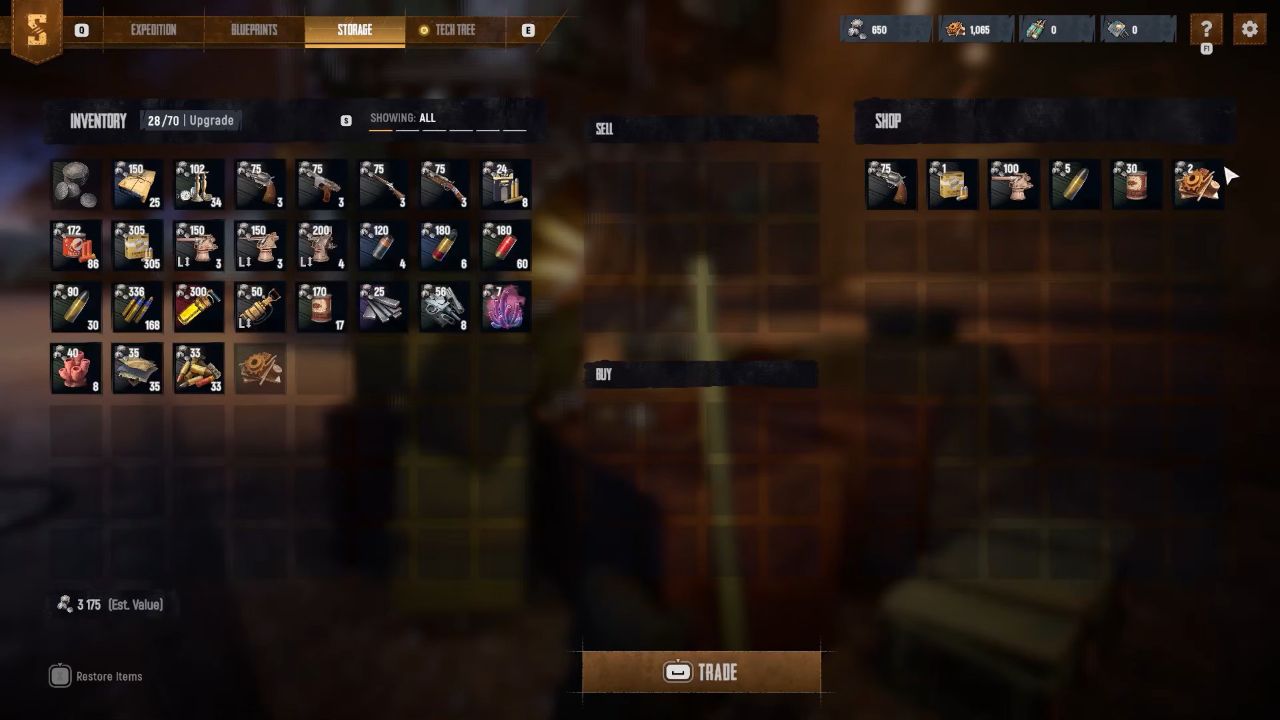
Selling Items
Go through your inventory and pick out what you want to sell. Click on an item directly or right click if you wish to select a quantity. After being selected, the items will be transferred to the sell section in the middle of the screen. Check the amount shown above the trade button to see how much you will get for them. To complete the sale, hold down the space bar until the trade confirms.
Buying Items
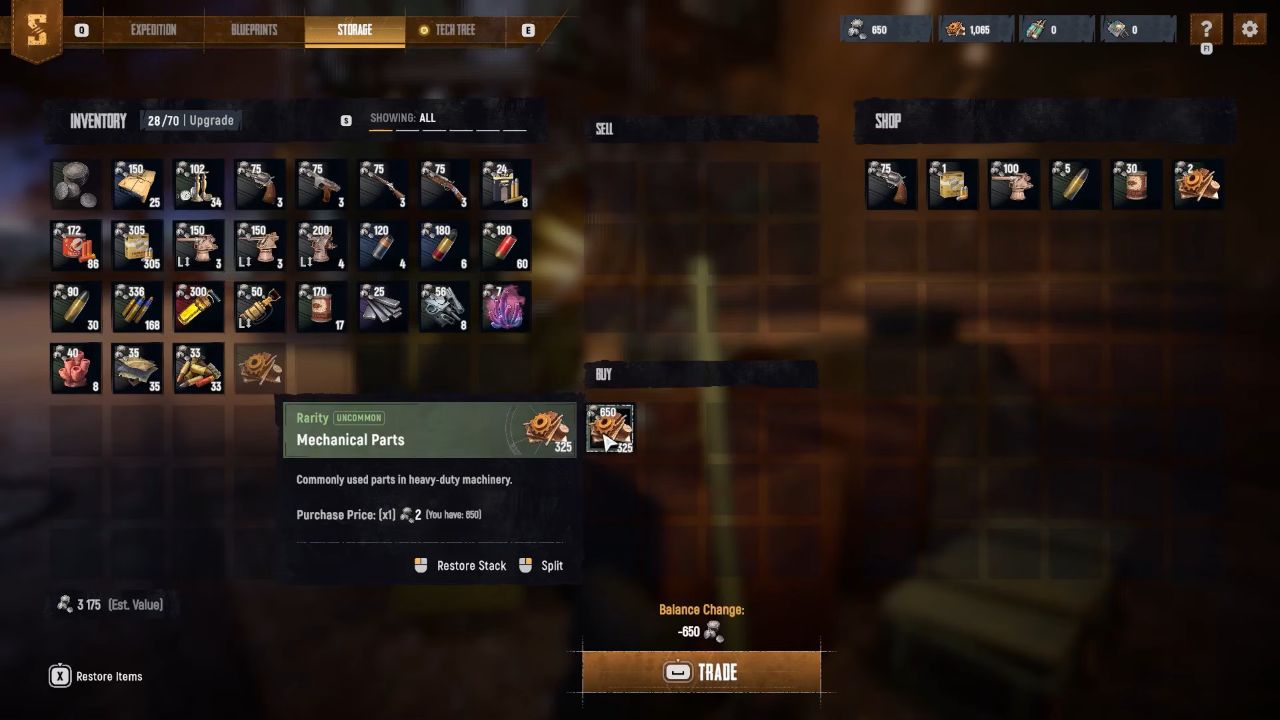
Look through the items in the shop and select the items you wish to buy. They are placed in the buy window, which you can review your order before placing it. The total cost is displayed above the trade button. Press and hold the space bar to complete the purchase. The price is deducted from your account and the items are immediately added to your personal storage.
Shop Availability
When you first start out, the shop may feel constrained, and that's okay. As you advance and unlock more upgrades, more items and equipment will be available for purchase.
Also, check our SAND: Raiders of Sophie Review and other guides below:
- SAND: Raiders of Sophie Guide | How to Get Mechanical Parts
- SAND: Raiders of Sophie Guide | How to Get Threads
- SAND: Raiders of Sophie Guide | How to Get Fabric Scraps
- SAND: Raiders of Sophie Guide | How to Add Cannons
- SAND: Raiders of Sophie Guide | How to Build Trampler
- SAND: Raiders of Sophie Guide | How to Get Pneumatic Parts
- SAND: Raiders of Sophie Guide | How to Get Scrapped Ammo
- SAND: Raiders of Sophie Guide | How to Get Weird Corals
- SAND: Raiders of Sophie Guide | How to Refuel Trampler
- SAND: Raiders of Sophie Guide | How to Reload Cannons Faster
- SAND: Raiders of Sophie Guide | How to Unlock Weapons in Shop
- SAND: Raiders of Sophie Guide | How to Repair Trampler
- SAND: Raiders of Sophie Guide | How to Unlock Motor Reactors
Editor, NoobFeed
Latest Articles
No Data.