
Total War: Three Kingdoms Guide | How to Stop Enemy Armies From Running Away
Master the Backspace trick to force engagements and end the endless chase.
Game Guide by Faviyan Mustafiz on Oct 14, 2025
Chasing fleeing AI stacks around China wastes turns, momentum, and patience. This concise guide shows how to lock enemy armies in place in Total War: Three Kingdoms by using the Backspace command at the perfect moment. Learn how the engagement-circle mechanic works and how to position your army so the enemy must stand and fight on the next turn rather than escaping with Forced March.
Why Enemy Armies Keep Escaping
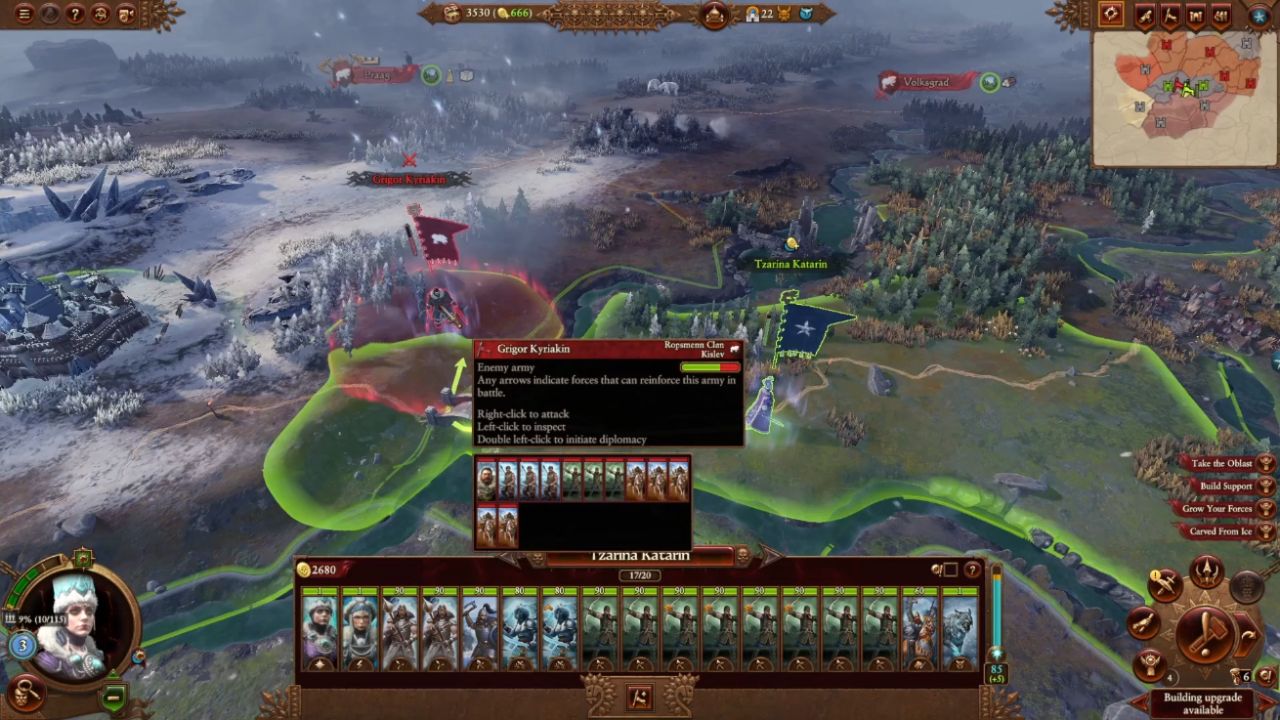
You will often encounter enemy armies that run away every time you try to fight them, which becomes especially frustrating if movement range is not yet improved and the opponent is using Forced March. To counter this, press Backspace to stop your army’s movement after initiating an attack but before contact is made, positioning the army inside the enemy’s engagement circle.
How the Engagement Circle Works
When hovering over an enemy army, a visible circle appears around it. While primarily a reinforcement indicator, this circle also governs whether the enemy must react to your army’s presence.
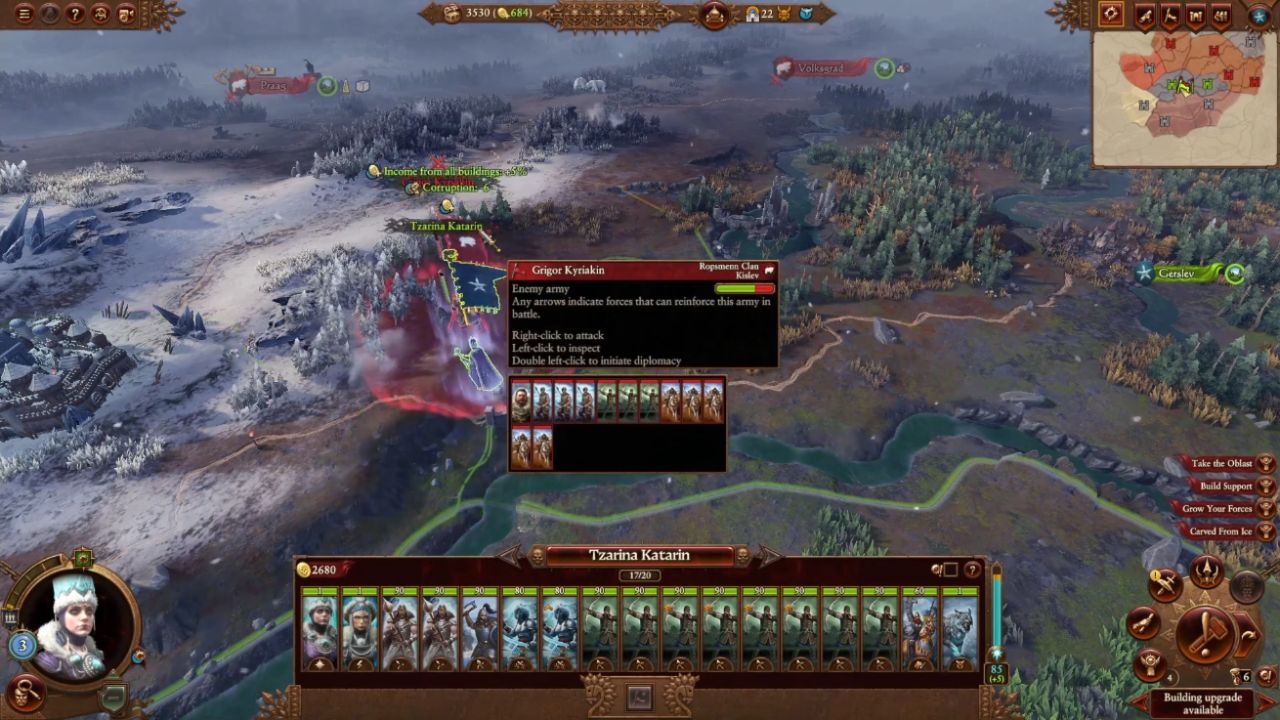
If your army ends its turn inside this circle, the opposing force is compelled on its next turn to either remain in place or attack you. Entering the circle normally requires committing to an attack, which lets the enemy choose Withdraw and continue running.
The solution is to attack, wait until your army physically enters the circle, then hit Backspace to cancel the charge and stop on the spot. Once you are parked within that circle, the enemy cannot move away freely; it must either attack or encamp. If it encamps, you attack next turn, and if it tries to flee again, you repeat the process until you get the battle you want.
Step-By-Step Timing
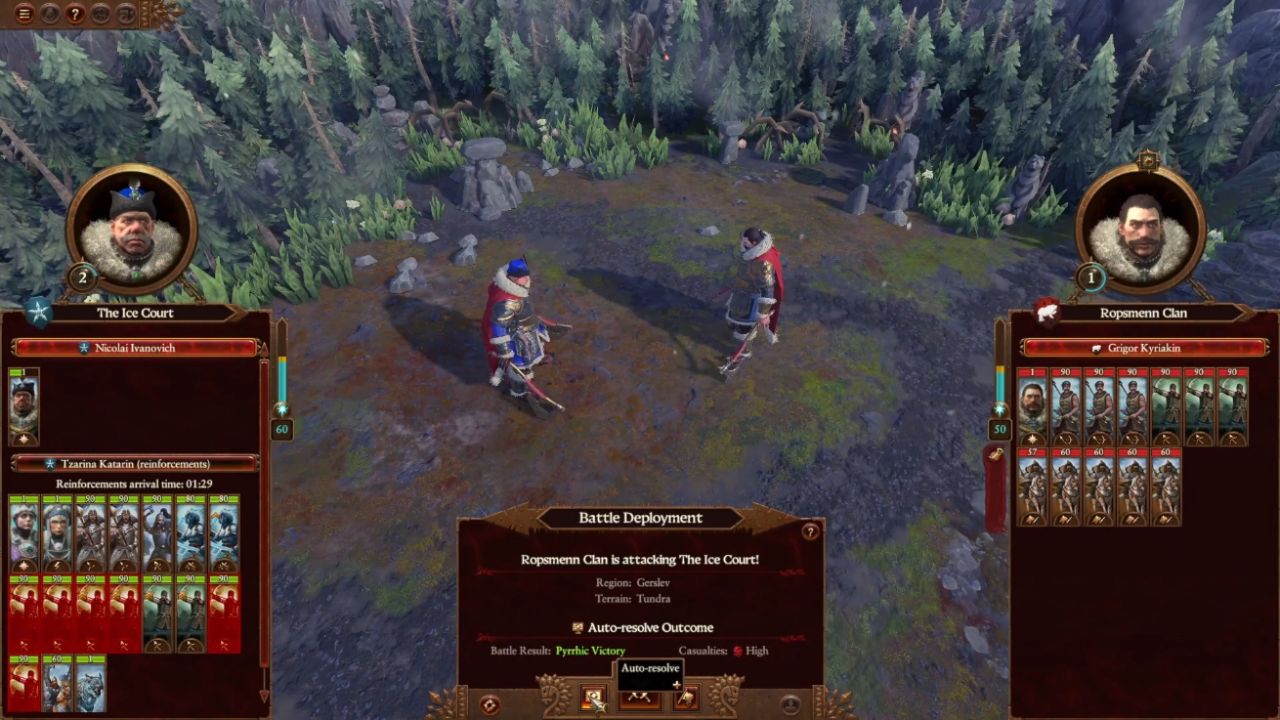
Approach to attack and watch the movement animation closely. As soon as your troops cross into the engagement circle—but just before actual contact—press Backspace to halt. This leaves your army inside the circle without consuming the actual battle, denying the opponent the ability to slip away via Withdraw.
Repeat this tactic whenever the AI attempts to disengage; as long as you can get close enough to initiate an attack at least once, even the slowest armies can pin evasive foes.
Extra Tips for Smooth Execution
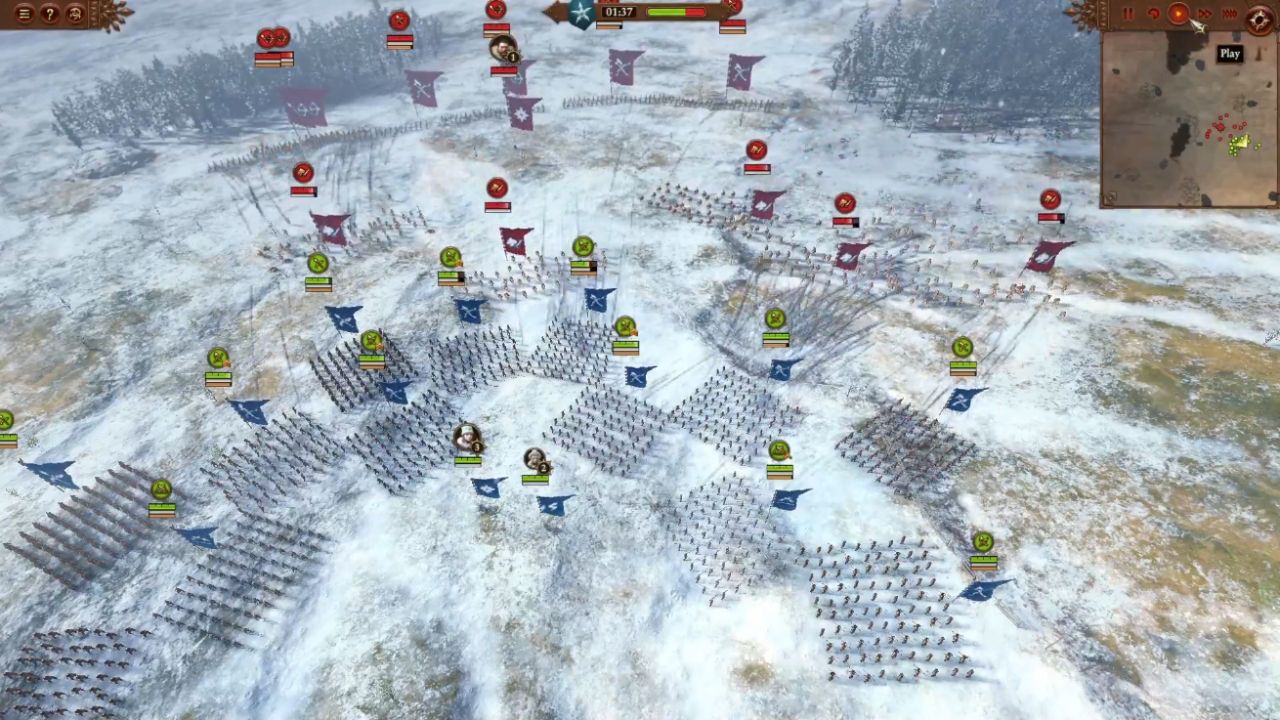
Avoid speeding up time while performing this trick. Pressing R to accelerate campaign-map animations makes the Backspace timing harder to hit precisely, so keep movement at normal speed whenever pinning an enemy is critical.
Also, check our other guides below:
- Total War: Three Kingdoms Guide | Best Commandery Building Strategies
- Total War: Three Kingdoms Guide | How to Use Quick Deals Effectively
- Total War: Three Kingdoms Guide | How to Speed Up Construction
- Total War: Three Kingdoms Guide | How to Fight Corruption Efficiently
- Total War: Three Kingdoms Guide | How to Earn Income Fast
- Total War: Three Kingdoms Guide | Adjusting Tax Levels and Using Tax Exemption
Contributor, NoobFeed
Latest Articles
No Data.