
XeSS 2.1 Frame Generation with XeLL: Unlock Smoother Gaming
Seamless combination of XeSS 2.1 and XeLL features transforms gameplay by balancing high frame rates with crisp image quality
Hardware by Tanvir Kabbo on Aug 05, 2025
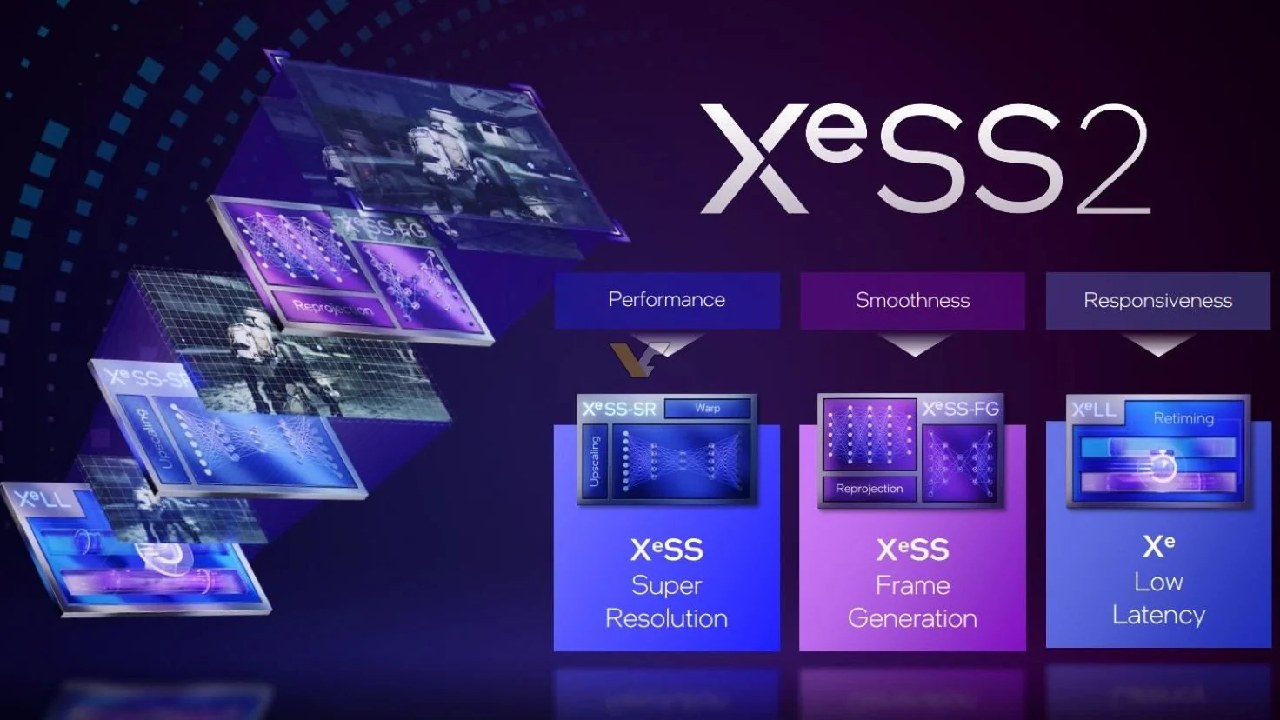
XeSS 2.1 super sampling and frame generation started out as features for Intel graphics cards, but they've now been unlocked for AMD and NVIDIA hardware as well. Super sampling works by rendering the game at a lower resolution and then using intelligent algorithms to upscale it, giving you sharper visuals without a huge performance hit.
Frame generation creates extra frames between the ones your GPU renders, so fast motion looks smoother and more fluid. On top of that, XeLL's low-latency mode helps cut down the delay between your input and what you see on screen, making controls feel snappier.
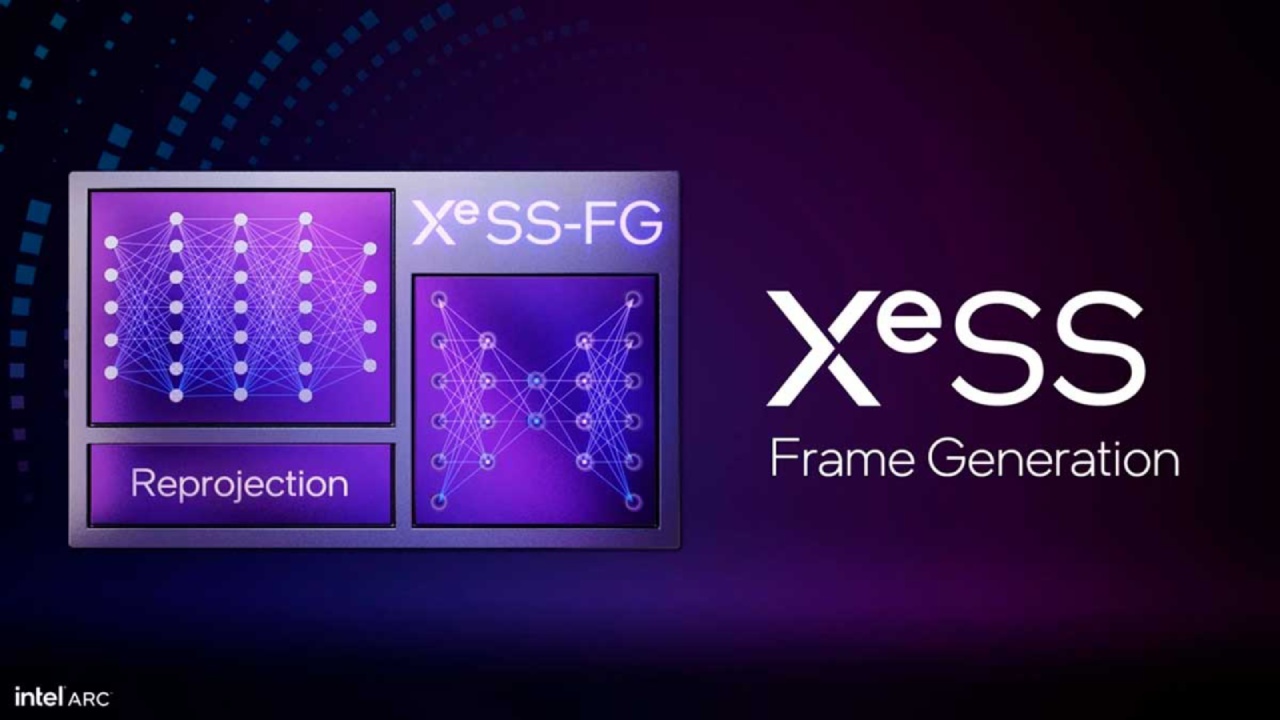
Together, these features bring a big leap forward in both image quality and playability—especially for older graphics cards that didn't have access to them before—so you can dive into your favourite games and enjoy a noticeably smoother, more responsive experience.
Performance and Latency Gains
Once upgraded, games like Expedition 33 showcase the new options under graphics settings: XeSS super resolution, XeSS frame generation, and XeLL. Enabling XeLL maintains essentially the same frame rates—around 60 fps on my test rig—while noticeably reducing input lag.
In comparison to earlier anti-lag solutions, XeLL consistently feels more responsive, especially on older cards such as RX6800 or RTX 3000 series.
Activating XeSS frame generation typically boosts frame rates from the mid-60 fps to the 80–90 fps range, delivering smoother motion without sacrificing stability. XeSS frame generation frequently produces a more reliable, fluid experience compared to FSR 3.1.
Even though FSR could have a marginally better numerical frame rate, XeSS is superior in terms of gaming fluidity and visual stability.
Frame Rate Targeting with XeLL
One of XeLL's standout features is the ability to set a precise frame rate target directly within supported games.
Rather than relying on V-Sync or external frame-limiting tools, you can lock both base rendering and generated frames to your desired value, whether 75 fps, 100 fps, or any other target.
Doing so maintains the low-latency benefits of XeLL while preventing unnecessary GPU load and screen tearing.
Case Studies: Cyberpunk 2077 and Hogwarts Legacy
In Cyberpunk 2077, upgrading to XeSS 2.1 allows 4K performance mode with XeLL and XeSS frame generation enabled. Base frame rates (around 60 fps) and generated frames combine to deliver nearly 120 fps, all while retaining exceptionally low latency.
Locking the target to 100 fps further smooths the experience on a 100Hz monitor, demonstrating XeLL's efficiency at synchronizing both upscaling and frame generation.
Hogwarts Legacy also benefits from the upgrade. Although its native FSR implementation is suboptimal, injecting XeSS 2.1 DLLs raises frame rates from roughly 40 fps to 60 fps with frame generation.
Switching to XeSS performance upscaling further increases smoothness to around 90 fps, while preserving better image quality and reducing shimmer compared to FSR3.
Compatibility and Risks
We recommend performing these manual upgrades only in single-player titles, as altering game DLLs may conflict with anti-cheat measures in online games.
Popular multiplayer games, such as Marvel Rivals, may prohibit changed executables, so proceed at your own risk.
Final Thoughts
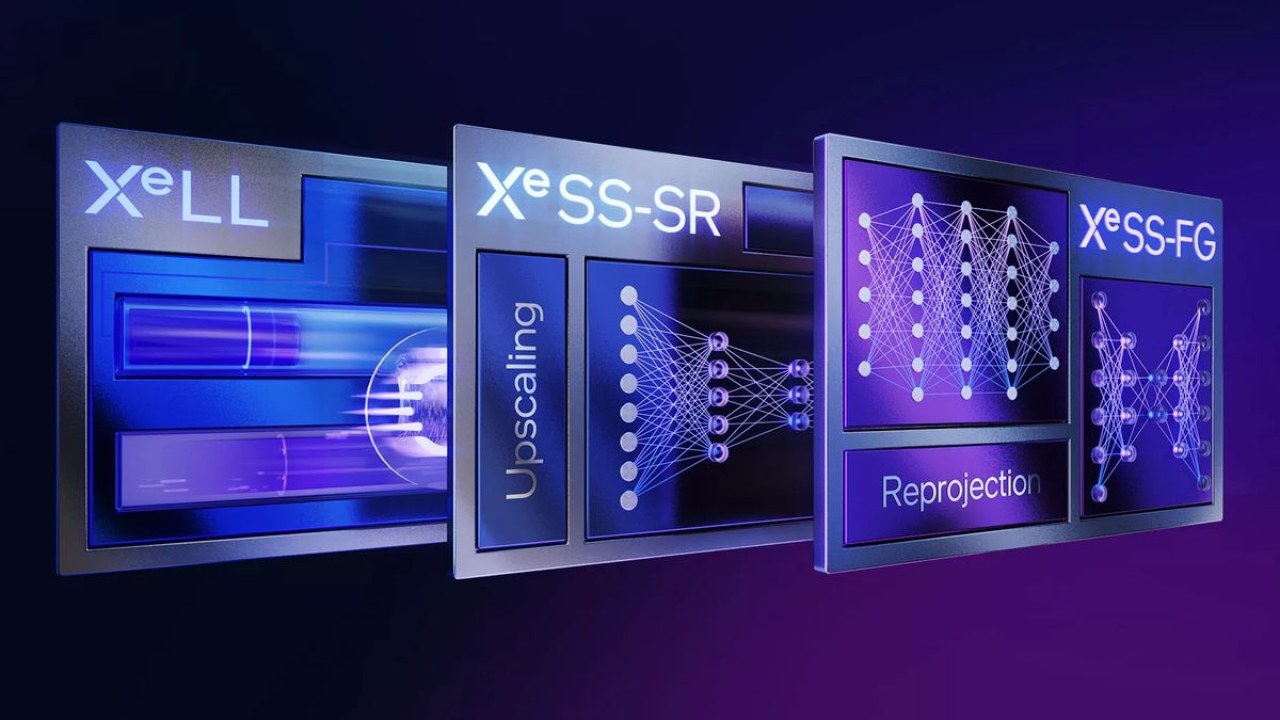
XeLL low latency and XeSS frame generation technologies are game changers for older AMD and NVIDIA graphics hardware. These elements work together to make every action on the screen feel more fluid and precise.
With XeSS frame generation, extra frames are created between the real ones, so high-speed action looks fluid instead of choppy.
Meanwhile, XeLL reduces the tiny delays between your inputs and what happens on screen, so aiming, steering, and other quick actions feel sharp and on-point.
You'll notice the biggest difference in titles like Expedition 33, Cyberpunk 2077, and Hogwarts Legacy, where fast camera pans or sudden turns used to stutter, but no longer.
Even in the most demanding scenes, your gameplay will flow naturally, making it easier to stay focused and react quickly.
If your old GPU has been giving you trouble playing specific games, now is the ideal moment to get back into it.
Try XeLL and XeSS frame generation in your favorite games; you'll be astonished at how much more responsive and fluid everything feels. Take pleasure in the new game level!
Check Our Other Intel Chips Articles:
- Intel Core Ultra 9 285K Review And Performance Breakdown (2025)
- Intel Core Ultra 9 285K vs AMD Ryzen 7 9800X3D: In-Depth Gaming Performance and Benchmark Comparison
- Intel Core i5-13400F Gaming Performance: Still Worth It in 2025?
- Intel Core i9‑14900K vs. AMD Ryzen 7 7800X3D: Power Profiles & Gaming Benchmarks
- Intel Core i9 14900K: Specs, Benchmarks, and Competitor Comparison
- Intel Core Ultra 5 245K Review: Gaming, Productivity & Power Efficiency Tested
- Intel Core Ultra 9 285 K's iGPU Gaming: In-Depth Benchmarks & Analysis
- Intel vs. AMD Gaming Laptop: Performance, Thermals & Battery Life Compared
- AMD Ryzen 7 9800X3D vs.7800X3D vs. Intel Core Ultra 7 265K: Gaming, Thermals & Price Analysis
Senior Editor, NoobFeed
Gaming Hardware Updates
No Data.