
Why the ROG Xbox Ally X Running SteamOS Beats a $900 Steam Deck OLED on Value
Steam Deck OLED pricing has climbed toward eight hundred to nine hundred fifty dollars amid the ongoing memory shortage.
Hardware by Shinji Okazaki on Jul 10, 2026
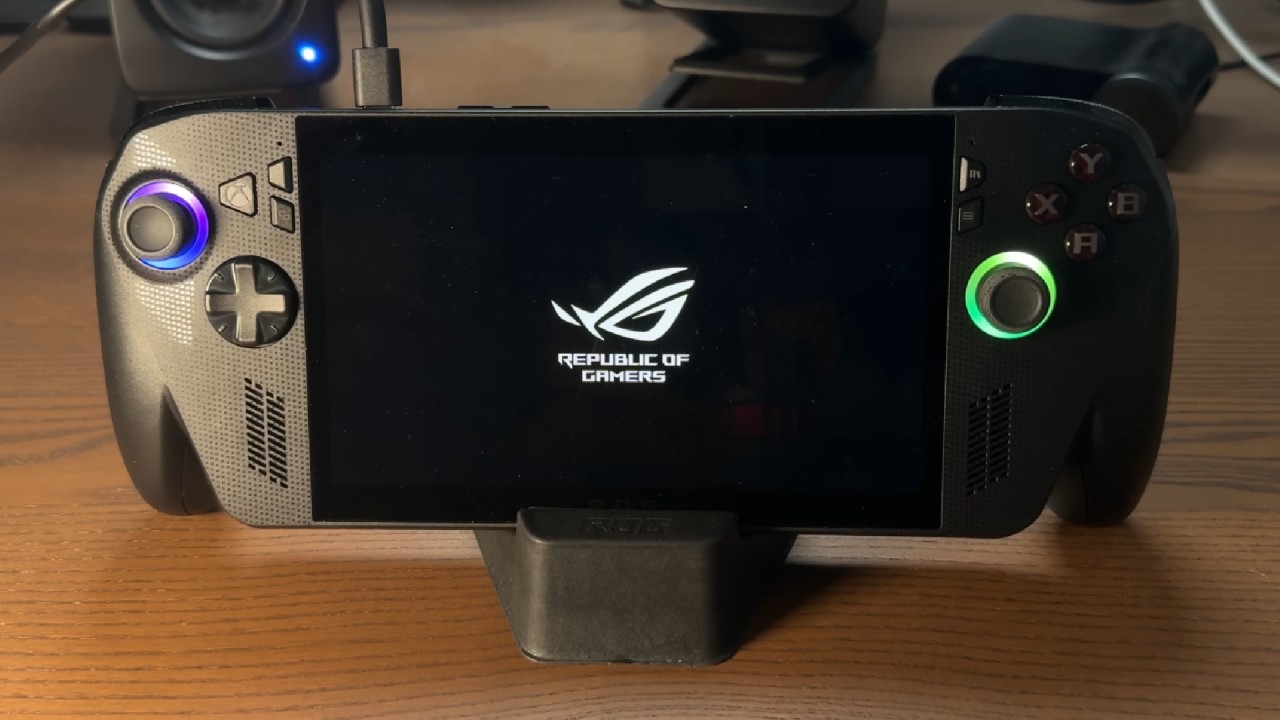
Handheld gaming PC prices and availability have shifted enough recently that the usual recommendation of a Steam Deck OLED deserves a second look. Rising prices on the Steam Deck OLED, combined with steady availability and discounting on the ROG Xbox Ally X, have sparked a real conversation about whether the ROG Xbox Ally X, once loaded with SteamOS rather than Windows, makes more sense for some buyers.
A brand-new ROG Xbox Ally X typically costs around $600, though it has regularly dropped to $500 and occasionally to $450. The Steam Deck OLED's pricing has shifted considerably since its original launch, and the gap has only widened as memory and component costs have climbed across the industry.
What You Give Up Without the OLED Screen and Trackpads
Depending on when you're comparing prices, choosing the ROG Xbox Ally X over the Steam Deck OLED can save anywhere from $150 to several hundred dollars, particularly as Steam Deck OLED pricing has continued to climb toward the $800 to $950 range for its higher-storage configurations.
Raw performance between the two devices is generally considered comparable, so the more relevant differences lie in screen quality, controls, and overall experience rather than power alone. Steam Deck OLED's trackpads are a genuine advantage for certain games, and once you've used a Steam Controller, that value becomes obvious.
The OLED display itself is also generally considered worth the added cost for many buyers, particularly if the ROG Xbox Ally X can't be found below $600 again. For anyone who values trackpads and an OLED screen enough to justify paying roughly $150 more, the Steam Deck OLED remains a reasonable choice.
Comfort and Speaker Quality
A few smaller advantages lean toward the ROG Xbox Ally X as well. It, along with the more powerful ROG Xbox Ally X, is among the more comfortable gaming handhelds available among devices with actual internal hardware, setting aside lighter streaming-only devices like the PlayStation Portal. The speakers on the ROG Xbox Ally X are also excellent.
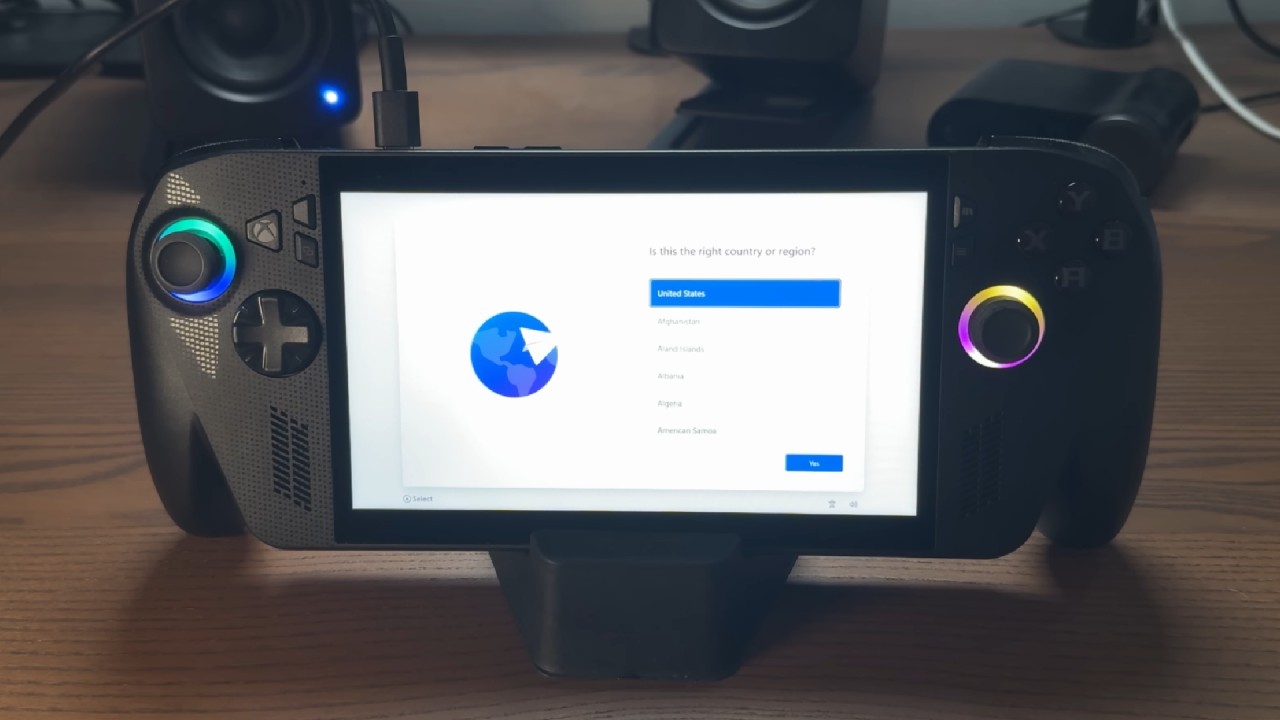
That said, the Steam Deck remains comfortable to hold with solid speakers of its own, making this a relatively minor factor compared to the screen and refresh rate differences. It is easier than it sounds to install SteamOS on the ROG Xbox Ally X. It usually takes less than an hour, more like 20 or 30 minutes, and you can use a walkthrough on Steam's website to help you. Most of the features work as expected once they are installed.
The Xbox button switches to the Steam button, and the library button replaces the quick menu. You can still use all of your favorite Steam hotkeys. There is even a VRR button and a slider that goes up to 120 fps in the quick menu, which makes the experience feel like it would on an official device. It takes a little extra work to get the joystick LED lighting to work, but most users don't care about this small feature.
Mouse Input Without a Trackpad
The most notable downside of running SteamOS on the ROG Xbox Ally X is the lack of a trackpad. When a mouse is needed, whether navigating desktop mode or using an application that requires one, the options are the touchscreen, which is not recommended, or the right joystick, which functions as a mouse by default in desktop mode but moves quickly.
Outside of desktop mode, holding the Xbox button while moving the right joystick provides mouse control when needed. However, a more precise option is to set a secondary Steam Input command tied to the select button, which gives a slower, more accurate cursor for fine clicking. This workaround is mainly useful when docked without a keyboard or mouse nearby, and is rarely needed otherwise.
Before switching to SteamOS, extended use on Windows in Xbox full-screen mode, now referred to as Xbox mode, often led to defaulting back to other devices for games that weren't well supported, including relying on remote play from a PlayStation 5 in some cases, which undercuts much of the appeal of running Windows at all.
Windows navigation on the ROG Xbox Ally X also tends to feel noticeably slower and less responsive than on more powerful Windows handhelds like the Legion Go, a pattern consistent with running Windows on lower-power handheld hardware generally, including the Steam Deck itself. Switching the ROG Xbox Ally X over to SteamOS produced a dramatic improvement in overall experience.
While installing Windows on a Steam Deck noticeably reduces its responsiveness, installing SteamOS on the ROG Xbox Ally X has the opposite effect. Battery life improved noticeably, and frame rates increased significantly, consistent with results from other tests comparing SteamOS and Windows performance on similar handheld hardware.
Windows generally requires at least a Z1 Extreme chip to deliver a genuinely good experience.
Legion Go S with the Z2 Go chip sits close to that threshold and performs reasonably well on Windows, though SteamOS would likely still be the better choice even on that hardware. For weaker chips, including those found in the Steam Deck and ROG Xbox Ally X, SteamOS is the clear better option, even though switching does mean sacrificing access to some Windows-exclusive games.
ROG Xbox Ally X isn't quite a full-on Steam Deck killer because that comparison is too strong. ROG Xbox Ally X is a good option for people who need to buy a new or unopened handheld from an official store but missed the chance to buy a Steam Deck OLED before its price increased.
At prices between $450 and $500, or even up to $550, it's a good choice for people who want to start playing PC games on the go, as long as they set it up to run SteamOS instead of Windows. Also, check whether the Legion Go S in its Z2Go version is on sale at the same time. The price of that model often goes down in the same way.
Editor, NoobFeed
Latest Articles
No Data.