
Is 16GB RAM Enough for Gaming in 2026? 16GB vs 32GB DDR5 Performance Tested
Modern gaming performance remains largely unchanged between 16GB and 32GB DDR5 across 1080p, 1440p, and 4K resolutions
Hardware by Tasnim Yoshi on Jan 22, 2026
The lack of DDR5 memory is one of the main problems with manufacturing PCs right now. Anyone who wants to build a new gaming PC is having a hard time finding this RAM at a good price, or even finding it at all. That brings up a very significant question: Do you really need 32GB of DDR5? For gaming PCs, this is the standard amount of RAM. But can you really get by with 16GB? Is it a good strategy to save money for a while, or does it make things worse?
Our Testing Setup
We ran gaming benchmarks on several popular games to see whether 16GB is a good choice. The idea was to show what you might play, from Call of Duty and Indiana Jones to Arc Raiders, Cyberpunk 2077, and Unreal Engine games that use more RAM, including Fortnite, The Finals, and Expedition 33.
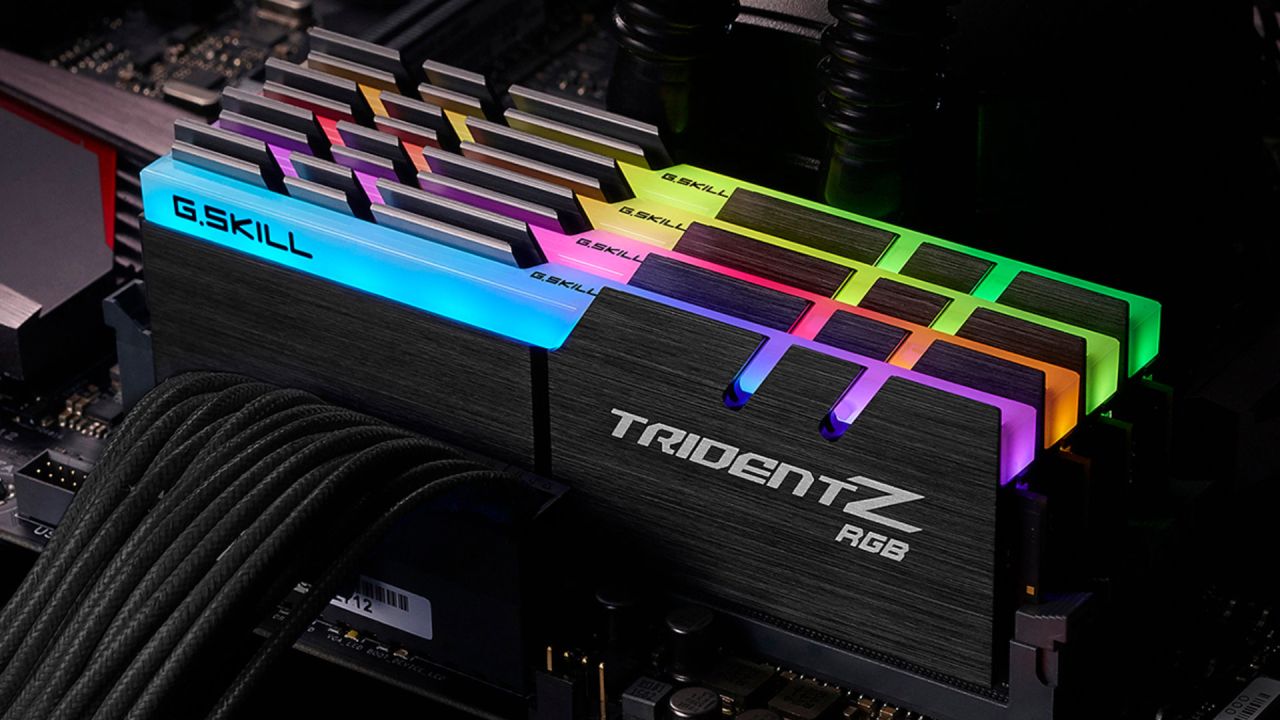
We also tested it on different GPUs and resolutions to see whether it makes sense to reduce to 16GB in some cases but not others. We used an RTX 5080 on the upper end. To prevent GPU memory constraints, we utilized a 9070 XT for the middle range and a 9060 XT with 16GB of VRAM for the lowest range.
We tried utilizing one 16GB DIMM and two 16GB DIMMs for 32GB. It's hard to get DDR5 8GB sticks. If you wish to upgrade later, a single 16GB stick makes more sense because you can add another one later.
1080p Gaming Results
At 1080p, system memory shouldn't matter as much, so this is the optimum case for 16GB. In Call of Duty Black Ops7 Zombies, 16GB got an average of 149 frames per second, while 32GB got 156 frames per second. That's not even a 5% change.

In Cyberpunk 2077, 16GB got an average of 128fps, while 32GB got an average of 129fps. The averages were almost the same, but the 1% and 0.1% lows were much better with 32GB, which made things more consistent.
Arc Raiders had a similar pattern. The average for 16GB was 137 frames per second, and for 32GB, it was slightly lower. But again, the lower percentiles chose 32GB because it delivered frames more smoothly.
Indiana Jones did the same thing. The difference in average frame rate was very small, with only a slight improvement at the lows on 32GB.
The summary showed that there wasn't much difference between 16GB and 32GB at 1080p across any of the titles, including Fortnite, The Finals, and Expedition 33. If you use a single 16GB stick instead of two, you can save roughly $160 on a budget system. You can then use that money to buy a better GPU, which will offset the minor performance difference.
1440p Gaming Results
With a better GPU and 1440p, you might be able to see memory restrictions more clearly. In Call of Duty: Black Ops 7, 16GB averaged 166 fps, while 32GB averaged 177 fps, a gain of roughly 11 fps, or less than 10%.
Both setups in Cyberpunk 2077 yielded an average of 145.5 frames per second, indicating the problem was elsewhere.
The Arc Raiders had strange consequences. The average liked 16GB, but the 1% and 0.1% lows were much better with 32GB. The 0.1% low increased by more than 20 fps, showing that reduced memory has a greater effect on consistency than on raw averages.
Indiana Jones had almost the same average frame rate, and 16GB even improved the lows a bit.
Overall, Fortnite, The Finals, and Expedition33 didn't show any significant differences again. You can make a good case for saving money on RAM and upgrading later at 1440p.
4K Gaming Results
At 4K, the bottleneck moves even farther from the system's memory. In Call of Duty Black Ops 7, 16GB gave 103 frames per second (fps), and 32GB gave 101 fps. There was a 1.7 fps discrepancy in Cyberpunk 2077.
Arc Raiders again favored 16GB in average scores, but 32GB gave more consistent low scores. Indiana Jones was the only situation where the average fps went up more for 32GB, but the lows were weaker.
Across all games, such as Fortnite, The Finals, and Expedition 33, 16GB was quite close to 32GB. At 4K, the GPU is the main bottleneck, and system memory has a lot less of an effect.
Virtual Memory Explained
When your computer runs out of RAM, it uses your storage to make virtual memory. This isn't great, but it's not as bad as it used to be because NVMe SSDs are so quick these days. Virtual memory is much better now that Gen4 drives can read and write at about 7000MB/s.
VRAM is more important for games than system RAM, which is another reason why 16GB works so well in recent games.
Video Editing Tests
We also tried editing videos in DaVinci Resolve. It took almost 2 minutes to render a short video with 3D tracking on 16GB and 1 minute and 52 seconds on 32GB. A project that was the same length as a complete YouTube video took 28 minutes and 14 seconds on 16GB and 27 minutes and 18 seconds on 32GB.
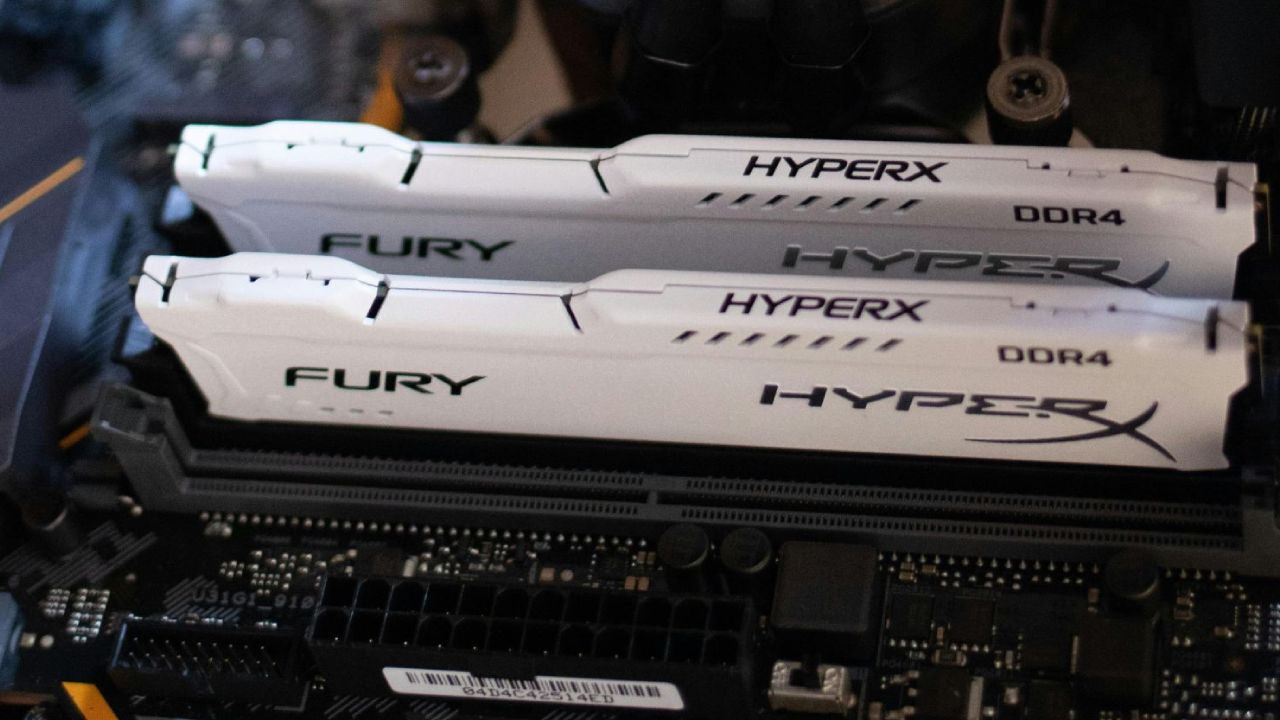
There is a difference, but it's not big. Even with creative tasks, 16GB is still amazingly powerful.
Is 16GB Enough?
If you're building a budget or entry-level gaming PC, 16GB of RAM is a fine choice right now because there aren't enough memory chips available. You can use it as a temporary solution and then get 32GB when costs go down.
Memory prices probably won't return to the lows they were at before, but they will fall from current levels. If you're on a limited budget, 16GB should be enough.
Top Tip When Buying One Stick
If you only want one 16GB stick right now, get a well-known, mainstream kit. You need to make sure that when you add another stick later, the speeds and latencies will remain the same. It's easy to locate a DIMM that fits because there are so many versions available, both new and used.
Final Thoughts
Sadly, we have to make deals like this, but the consequences are quite interesting. If we were creating a gaming PC right now, we would probably start with 16GB and then add more later. The performance difference is tiny, and you can use the money you save to buy parts that are more important right now.
Also, check our other articles below:
- NVIDIA GeForce RTX 5080 Review (2025): Still A 4K Gaming Powerhouse?
- NVIDIA RTX 5070 Review: Mid-Range Muscle or Marketing Hype?
- RTX 5070 Ti Review: Performance, Thermals & Power Efficiency Tested
- ASUS GeForce RTX 5090 LC Liquid Cooled GPU Review: Unmatched Silence & Speed
- MSI GeForce RTX 5090 32GB SUPRIM SOC Review: Power Efficiency, Cooling, and Gaming Performance
- INNO3D RTX 5060 Ti 16 GB X2 Review: Gaming Benchmarks, Temps, and Power Efficiency
- HP Omen 45L Review: RTX 5090 Performance, Thermals, and Value Analysis
- ASUS TUF Gaming GeForce RTX 5060 Ti Review: DLSS 4, Power Efficiency, and Gaming
- ASUS Prime RTX 5060 Ti OC 16GB Review: DLSS 4, Ray Tracing, & Thermals Tested
- NVIDIA GeForce RTX 5060 Review: Specs, Gaming, and Cost per Frame
- MSI GeForce RTX 5090 GAMING TRIO OC Review: A Monster Power GPU
Subscriber, NoobFeed
Gaming Hardware Updates
No Data.