
Super Meat Boy 3D Guide | How to Get A+ Ratings
Here's a guide on how to get A+ ratings in Super Meat Boy 3D.
Game Guide by Rubaiyat Shihab on Apr 03, 2026
Every level in Super Meat Boy 3D has a target time attached to it. Finish the level under that time and you get an A+ rating. The target time is different for every level, and you can see what it is after completing a run. If you've already hit the A+ on a level, a large red A+ will show next to it on the map before you enter.
Getting an A+ on at least one level per world unlocks the Dark World for that world. There are also rewards for getting A+ ratings across every level in the game, so it's worth pushing for them all eventually.
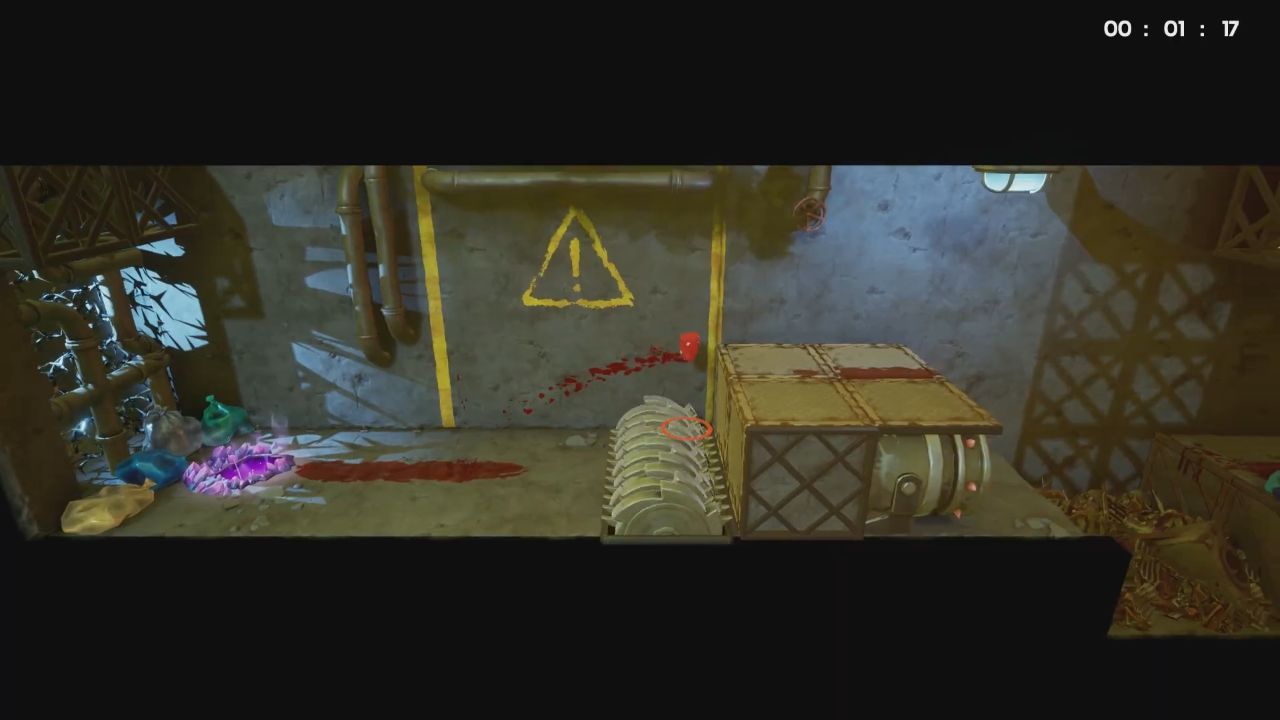
Pick The Right Character
Characters in Super Meat Boy 3D aren't just visual changes. Each one has its own speed, weight, jump height, and hitbox, and those differences matter when you're trying to move fast. Part of getting good clear times is finding which character works best for a given level.
Ed is fast and covers ground well with long jumps, which makes him a good fit for open levels with a lot of running and wide gaps. Skeleton Boy is very light, so he can be sent flying at speed with a jump and air dash, which helps on levels that use momentum. Nate has a double jump that can get you over or past sections that would otherwise slow you down. Knowing your characters and matching them to the level goes a long way.
Look For Shortcuts
Levels in Super Meat Boy 3D don't have strict paths you have to follow. If you spot a gap you think you can clear, try it. Cutting across unconnected parts of a level can save a lot of time. Some shortcuts need a specific character to pull off. As an example, Skeleton Boy can skip a large portion of Toxic Trouble by climbing the first metal wall and jumping across the acid lake.
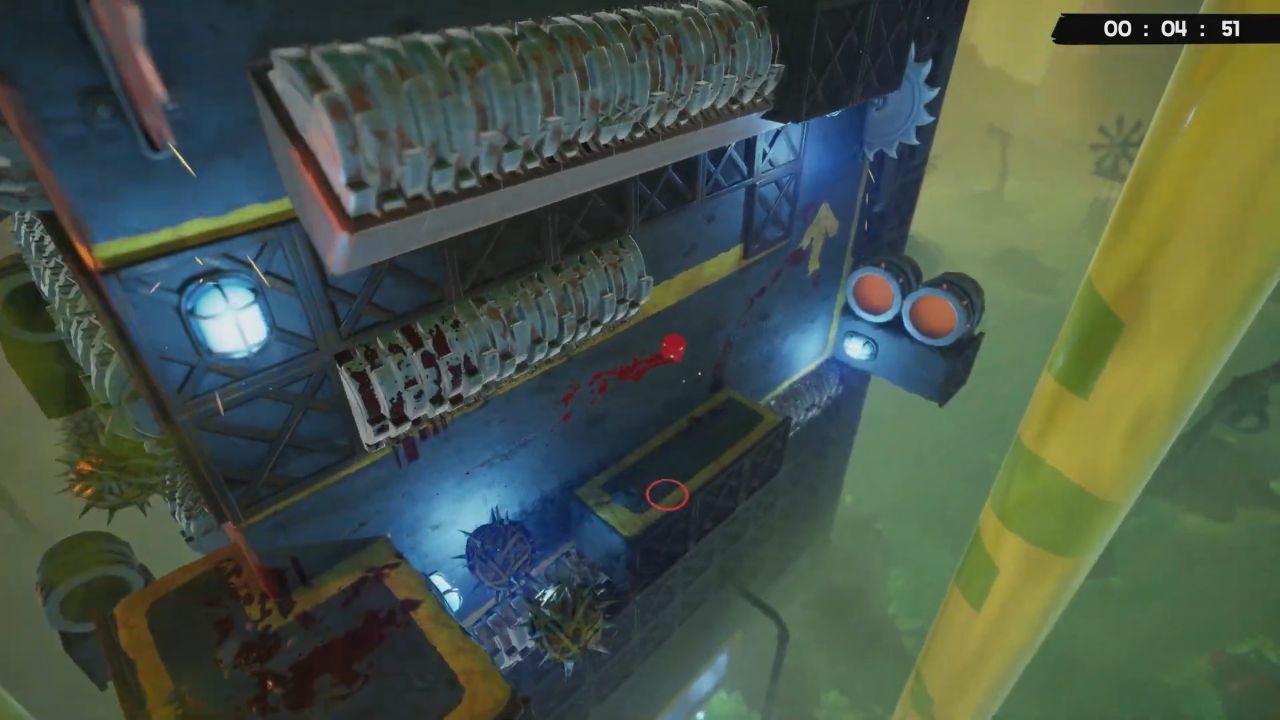
Leave Bandages For A Separate Run
Bandages are usually placed off the main path, and going for them adds time to your run. Skip them when you're going for an A+. You only need to grab a Bandage once as long as you finish the level after picking it up, so come back for it on a different attempt.
Use Quick Restart When A Run Falls Apart
If something goes wrong mid-run and you know the time is lost, restart right away instead of finishing the level. The quick restart button gets you back to the start instantly. On Xbox it's Y, on PlayStation it's Triangle, on PC it's R, and on Switch it's X.
Dash At The Start And Finish
Dashing is faster than sprinting for most characters, so use it right at the start of a level to build speed early. At the end of a level, if the finish line is on flat ground, dash into it rather than just running. Every small saving adds up when the time gaps are tight.

The dash button is X on Xbox, Square on PlayStation, Left Mouse Button on PC, and Y on Switch.
Ground Slam When You're Above The Finish Line
If you're in the air above the finish line, don't wait to float down. To drop quickly, use a ground kick. This helps a lot with light figures that take a long time to fall naturally. Dashes and ground slams can also be put together in short routines to move faster.
The ground slam button is B on Xbox, Circle on PlayStation, Ctrl on PC, and A on Switch.
Learn The Level Before Going For Speed
There's no limit on attempts, so don't feel like you need to hit an A+ straight away. Spend some runs just learning how the level is laid out, especially the later sections that you won't reach as often early on. After getting used to the whole level, going for the time becomes a lot easier.
Also, check our Super Meat Boy 3D Review and other guides below:
- Super Meat Boy 3D Beginner's Guide | Gameplay Tips & Tricks
- Super Meat Boy 3D Guide | World 1 Bandages Location
- Super Meat Boy 3D Guide | How to Unlock Dark World
- Super Meat Boy 3D Guide | How to Find Secret Levels
- Super Meat Boy 3D Guide | All World 2 Bandages Locations
- Super Meat Boy 3D Guide | All World 3 Bandages Locations
- Super Meat Boy 3D Guide | How to Unlock Glitch Boy
- Super Meat Boy 3D Guide | How to Defeat Maggot Larry
- Super Meat Boy 3D Guide | How to Defeat Dr. Fetus
- Super Meat Boy 3D Guide | How to Defeat The Forge Master
- Super Meat Boy 3D Guide | How to Unlock All Characters
Editor, NoobFeed
Latest Articles
No Data.