
The Alters Guide | Where to Place the Gravity Sensor
Here's how you can efficiently place the Gravity Sensors in The Alters.
Game Guide by Faviyan Mustafiz on Jul 25, 2025
In The Alters, it's essential to know where to put the Gravity Sensor because the game has short time limits and disasters happen all the time. Putting things in the right place can mean the difference between success and setbacks.
This guide gives you clear instructions on how to use the Gravity Sensor goal that will save you time and keep you from making common mistakes.
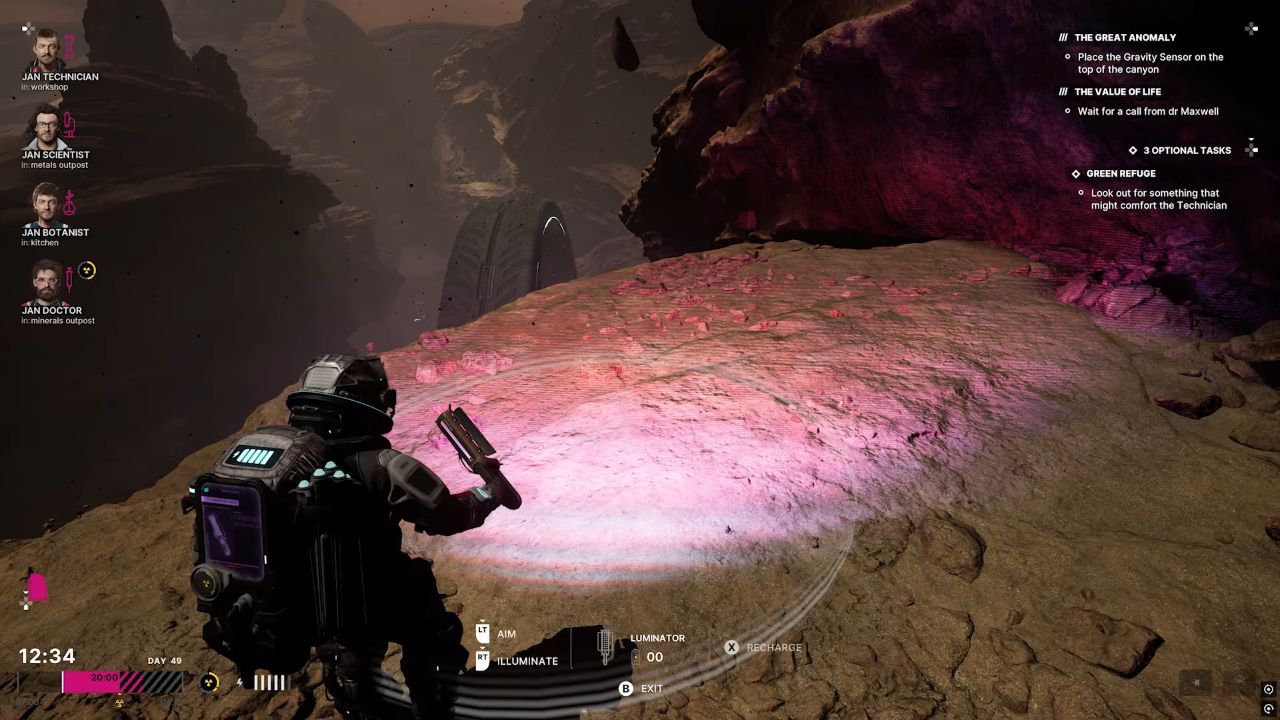
Getting ready for placement
Before you try to place the Gravity Sensor, you need to make sure that all of the other jobs are finished. Ensuring all the necessary conditions are met will speed up the process and avoid delays.
Make sure you have the Gravity Sensor in your inventory and that all of the mission's conditions are met.
Figuring Out the Right Place
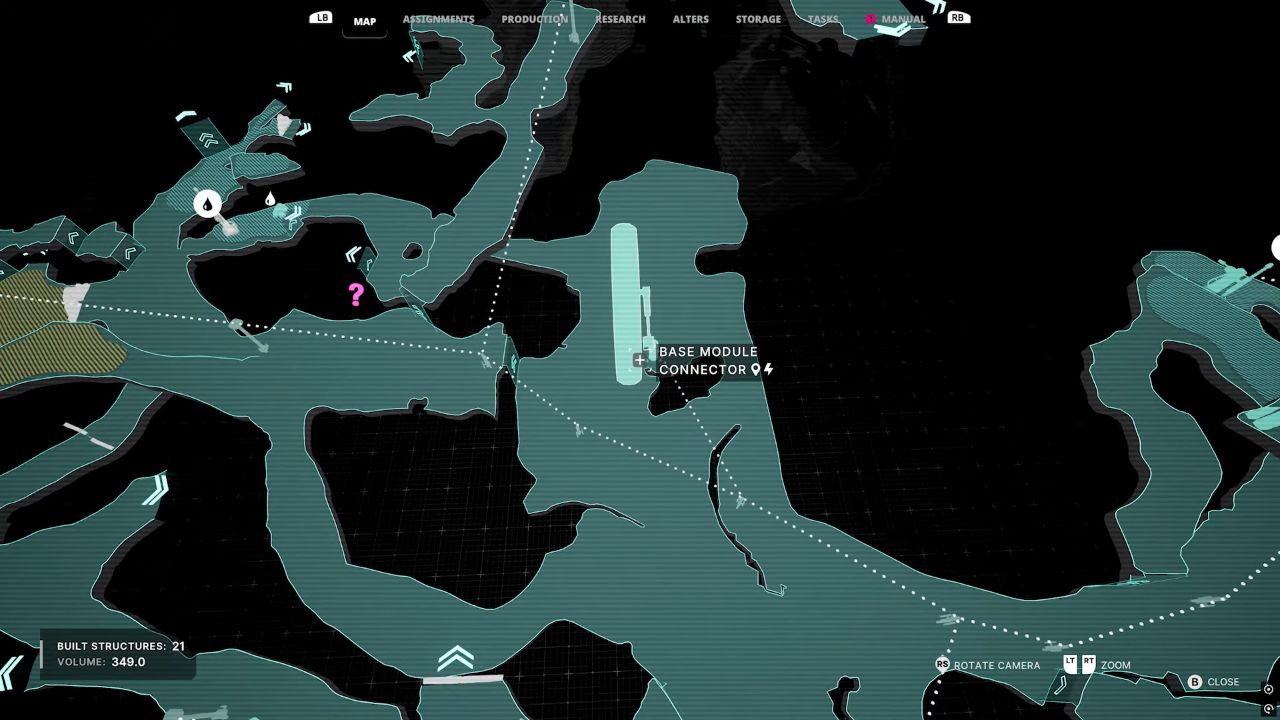
Usually, there are clear signs in the task area that show where the Gravity Sensor is. You need to find the exact spot that the game tells you to go to.
This spot is usually in a visible place that is related to the current goal or the goal of preventing disasters.
There are visual cues or signs in the game world that will help you find where the device needs to be installed.
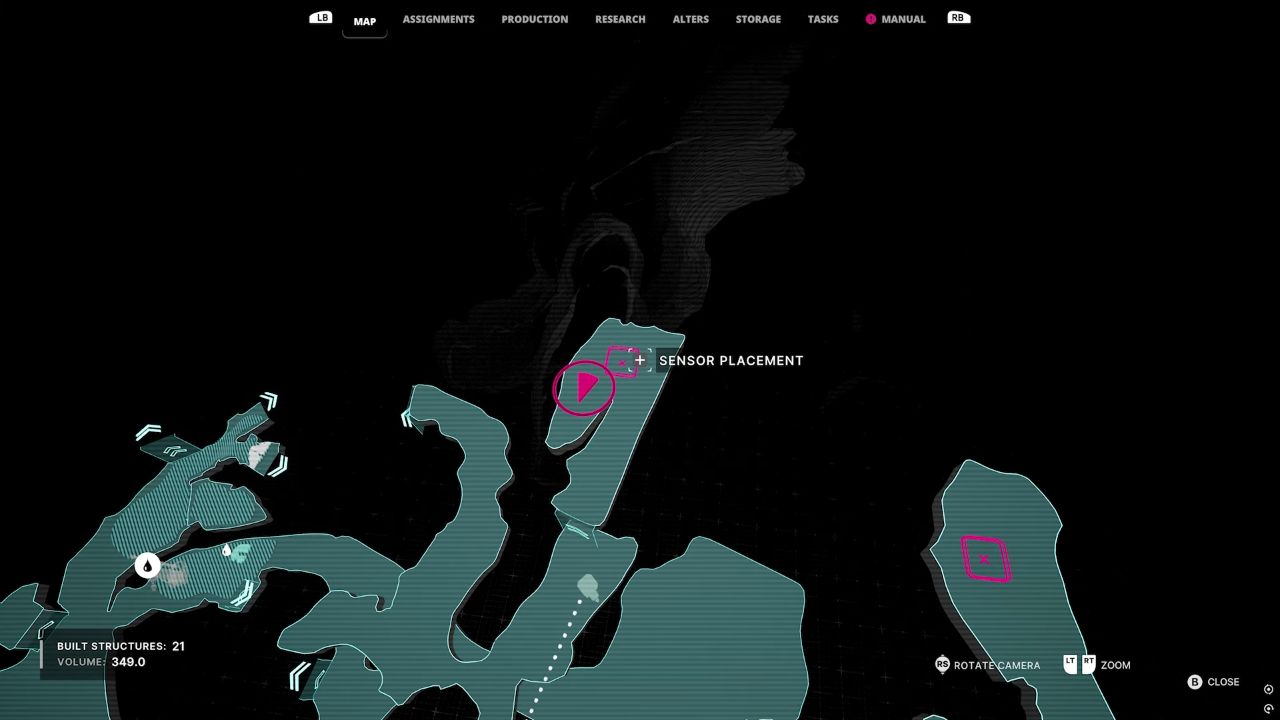
Putting the Gravity Sensor Down
As soon as you get to the right place, pick up the Gravity Sensor from your collection. The location prompt will show up, letting you turn on the device and make sure it is safe.
Make sure there are no immediate threats in the area, because dangerous situations or disasters could stop the process or require you to move quickly.
Getting the Job Done
Once the Gravity Sensor is in place, make sure it is working the way it should. The game might send a message or change the mission's state to show that installation went well.
This step is necessary to move on to the following goals and lessen the effects of the disasters that are still happening in The Alters.
Also, check our The Alters Review and other guides below:
- The Alters Guide | How to Finish the Green Refuge Optional Quest
- The Alters Guide | Where to Place the Gravity Sensor
- The Alters Guide | Rebel Base Location
- The Alters Guide | How To Make More Than One Mining Outpost
- The Alters Guide | Best Order To Unlock Alters
- The Alters Guide | How To Increase Base Storage
- The Alters Guide | Best Alters To Pick First
- The Alters Guide | Where To Find Minerals in Act 1
Contributor, NoobFeed
Latest Articles
No Data.