
The Mound: Omen of Cthulhu Guide | How to Complete a Portal Contract
Here’s a guide on how to complete a Portal Contract in The Mound: Omen of Cthulhu.
Game Guide by Jubair Baky on Jul 30, 2026
A Portal Contract in The Mound: Omen of Cthulhu begins differently from a normal treasure expedition. Your cart hangs from a rope, most map destinations appear unavailable, and no ordinary objective marker explains what to do. This is intentional. You must travel to the marked corrupted region, collect the Censer, destroy the portal creature, and extract.
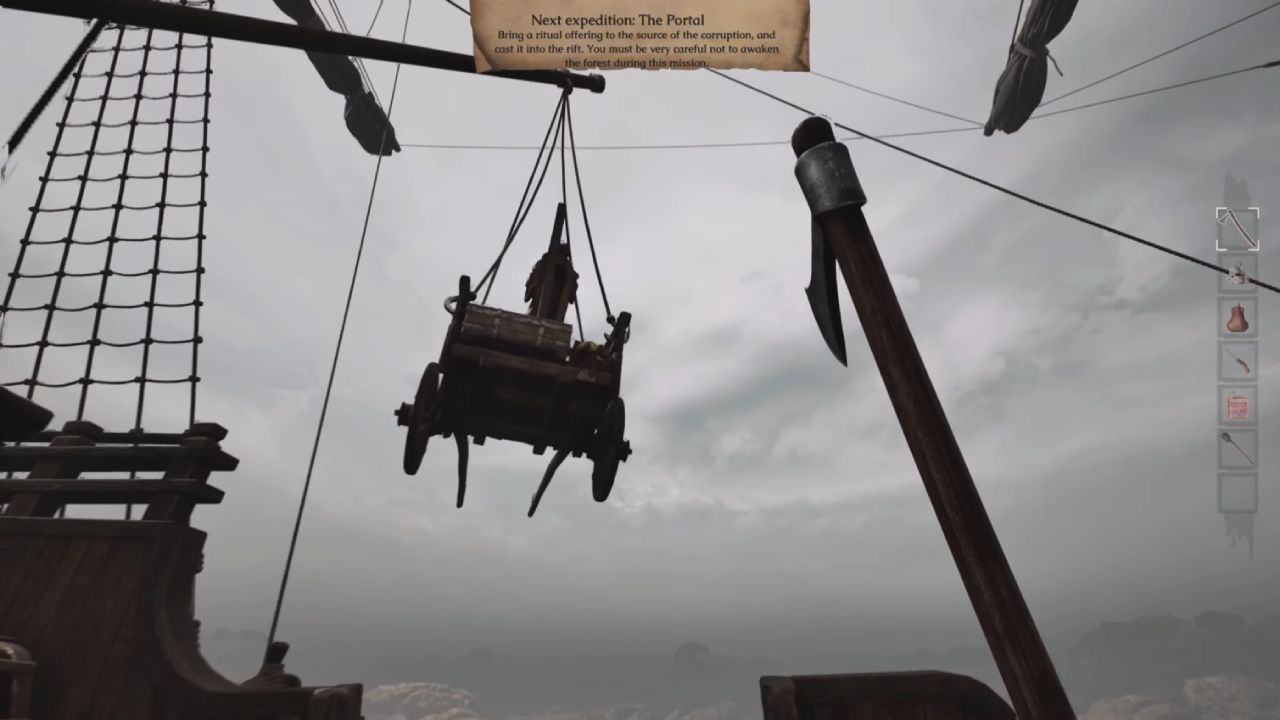
After selecting the Portal Contract and collecting your gear, the cart remains suspended and cannot be accessed. This is not a bug. Portal Contracts use one specific expedition destination instead of allowing you to choose from the usual locations.
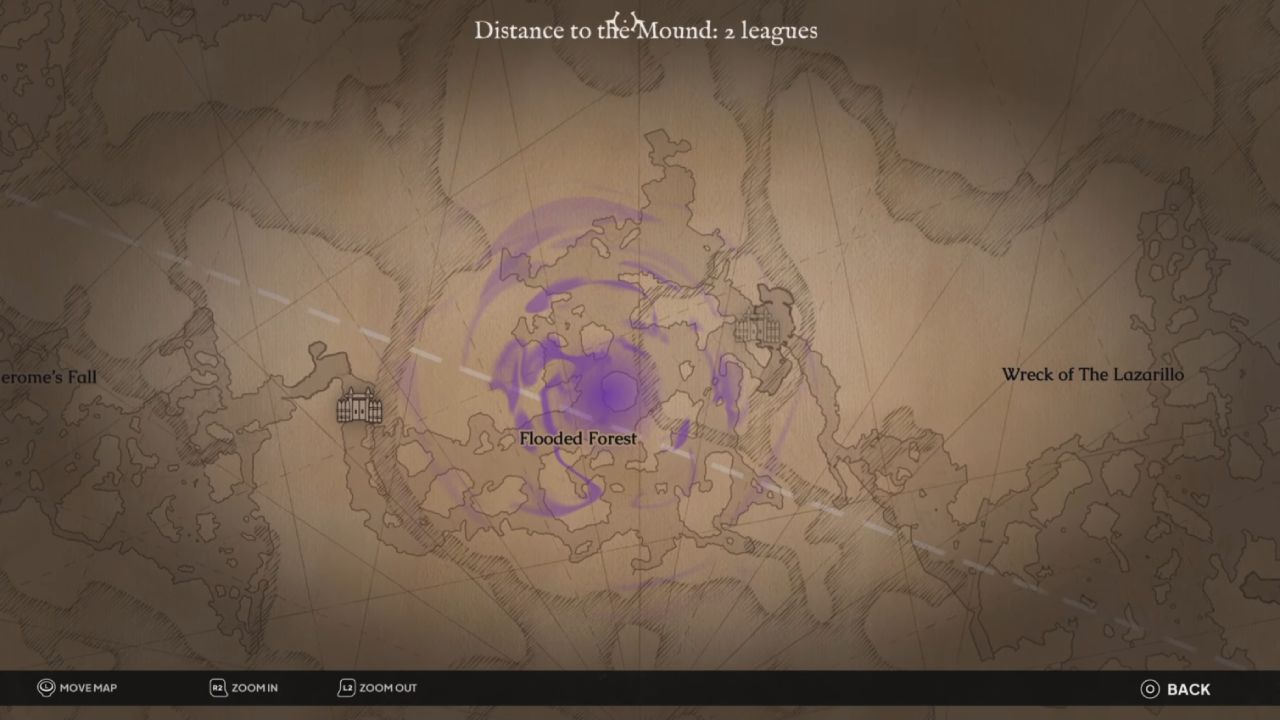
Travel to the Pink Contract Area
Check the expedition map for the location covered by a pink highlight. The other destinations may remain grayed out because only this marked area can progress the contract. After arriving, follow the pink and purple corruption through the region. It acts as a visual trail leading toward the fort where the objective is located.
Collect the Censer
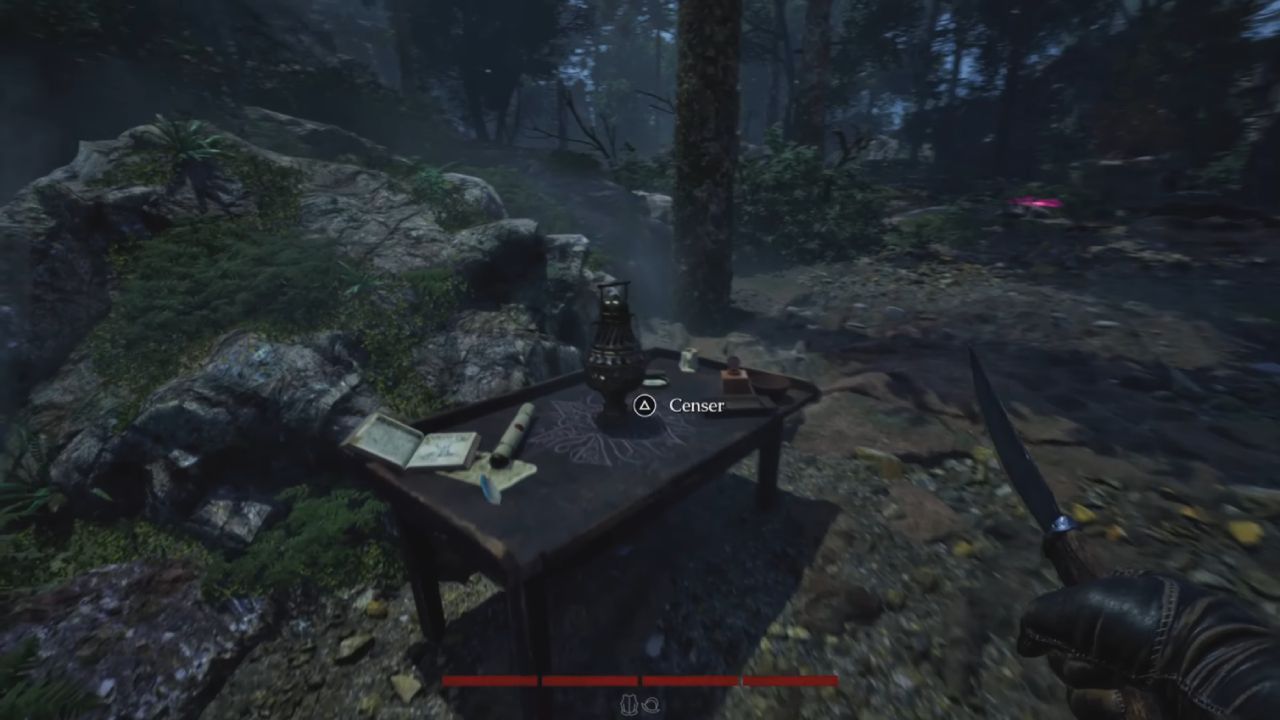
Search the arrival area for the Censer, an incense-lamp-shaped offering required to defeat the portal creature. Pick it up and carry it to the fort. Some locations have shortcut doors, so unlock these before using the Censer; this gives you a quick way out once the objective is complete.
Destroy the Portal Creature and Extract
Locate the portal-like creature inside the fort and throw the Censer into the opening at its bottom. Wait for the message confirming that the creature has been defeated. Once that confirmation appears, the contract objective is complete, and you can return to the extraction point.
Protect Yourself from Corruption
Reach the pink destination, carry the Censer to the fort, throw it into the portal creature, and extract after the defeat message appears.
Heavily corrupted zones build up a pink effect around the screen and can make you fall unconscious quickly. Carry a yellow Matico Flower and consume it when the corruption becomes dangerous. It removes the buildup and makes the route through the strongest corrupted areas easier to survive.
FAQ
Q. Why is the cart hanging during a Portal Contract?
A. The hanging cart is part of the contract setup and does not indicate a bug or broken expedition.
Q. Why are most expedition locations grayed out?
A. A Portal Contract uses one valid destination, which is identified by the pink highlighted area on the map.
Editor, NoobFeed
Latest Articles
No Data.