
Top 5 RTX 5070 Ti GPUs Compared: Build Quality, Features, and Gaming Benchmarks
Power delivery and connector configurations vary across models, impacting compatibility with different PC builds and setups.
Hardware by Tanisha Aria on Nov 14, 2025
There are numerous RTX 5070 Ti graphics cards to choose from, each with its own unique design, cooling system, materials, features, and performance. There are differences between manufacturers in how they balance speed, sound quality, and looks.
These differences can be observed in the size, design, power configuration, and additional features such as dual BIOS modes or RGB integration. These models all have the same GPU, but they perform slightly differently in games, with varying temperatures and noise levels, depending on their factory setup and cooling capabilities.
.jpg)
5 RTX 5070 Ti Cards in a Nutshell
A closer look at five different RTX 5070 Ti graphics cards reveals how each model brings its own unique combination of design, build quality, and additional features.
These characteristics help determine compatibility with certain PC cases, performance expectations, and aesthetic preferences. The MSI Ventus 3X OC, Asus TUF Gaming OC, Palit GameRock OC, Gigabyte Gaming OC, and Gigabyte Aorus Master are all in the lineup.
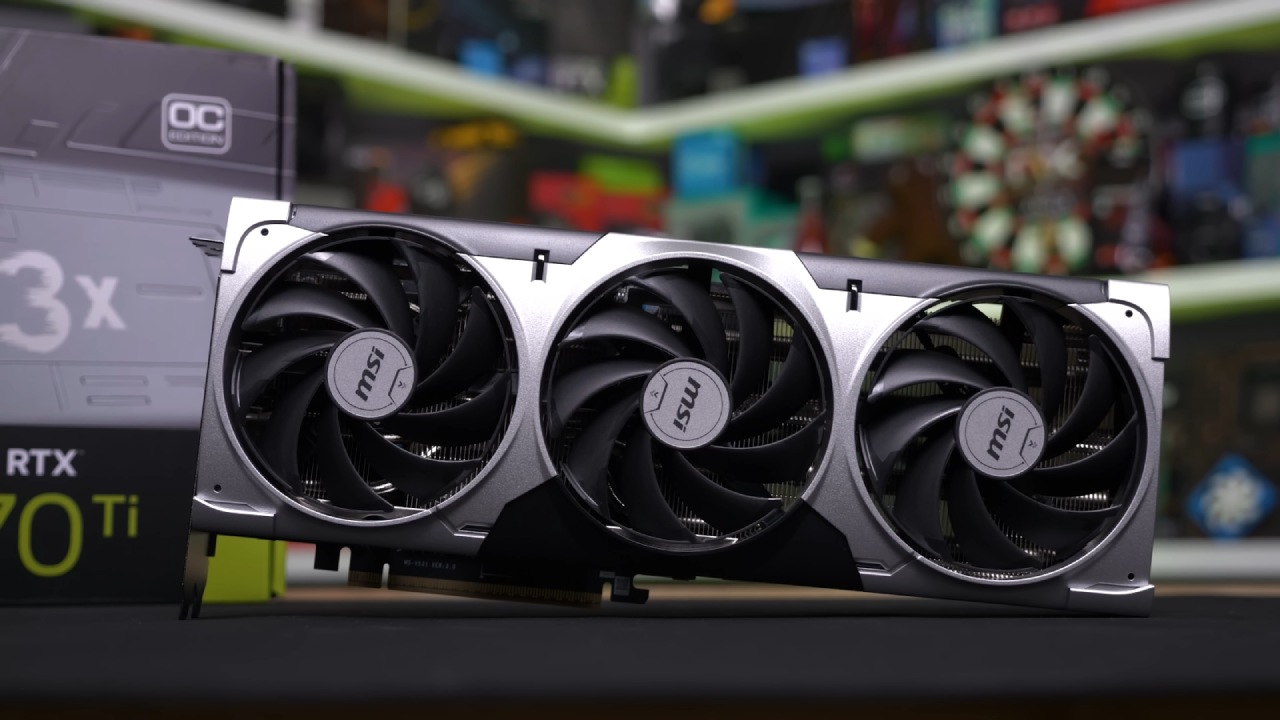
MSI Ventus 3X OC
The Ventus 3X OC is the same GPU used for the launch review of the 5070 Ti. It is also an MSRP model, which means it is one of the most affordable 5070 Ti options on the market.
Although it's not inexpensive, it features a sturdy metal frame, a metal backplate, and a plastic cover over the fans. Its size makes it compatible with most ATX and smaller form factor cases. It stays simple, with no RGB, extra connectors, or a dual BIOS. However, it does come with a GPU holder.
Asus TUF Gaming OC
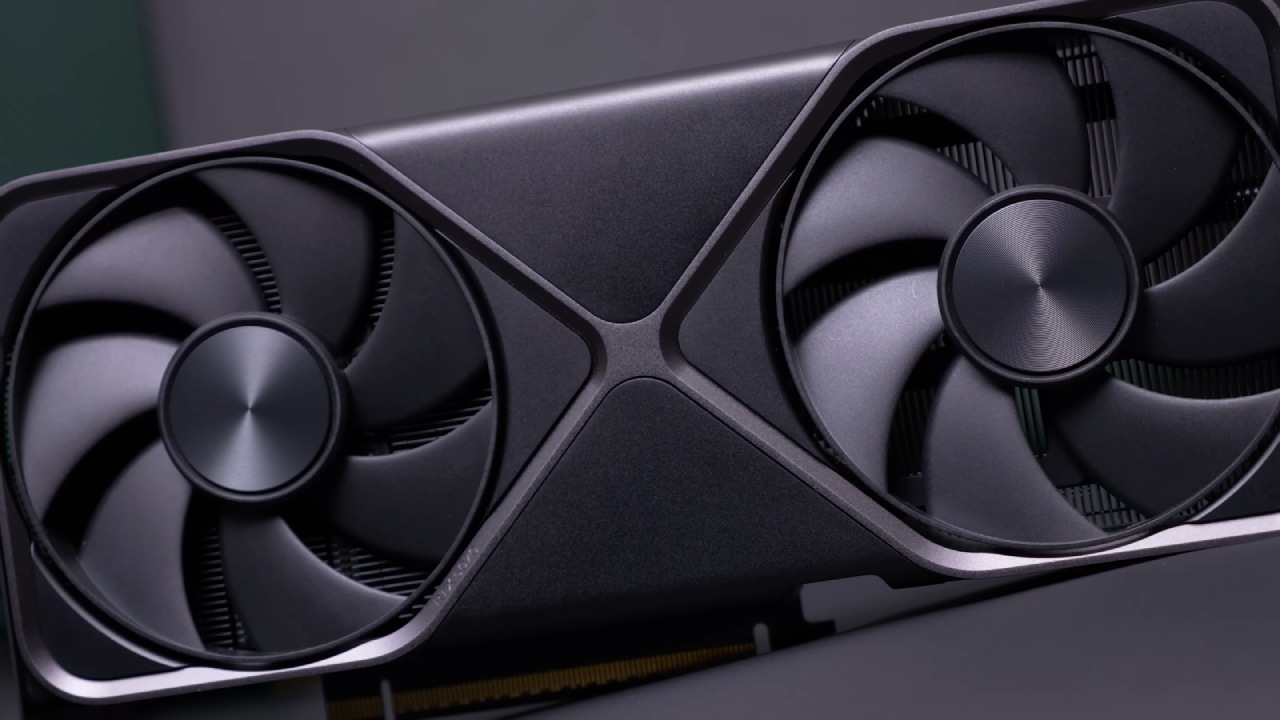
In stock photos, the Asus TUF Gaming OC appears small, but in real life, it is significantly larger. It has three slots and bigger fans, and it is longer, taller, and heavier.
It has a metal cover and is built to last. It also has a dual BIOS, a second HDMI port, RGB lighting, and a GPU holder. These upgrades come at a higher price.
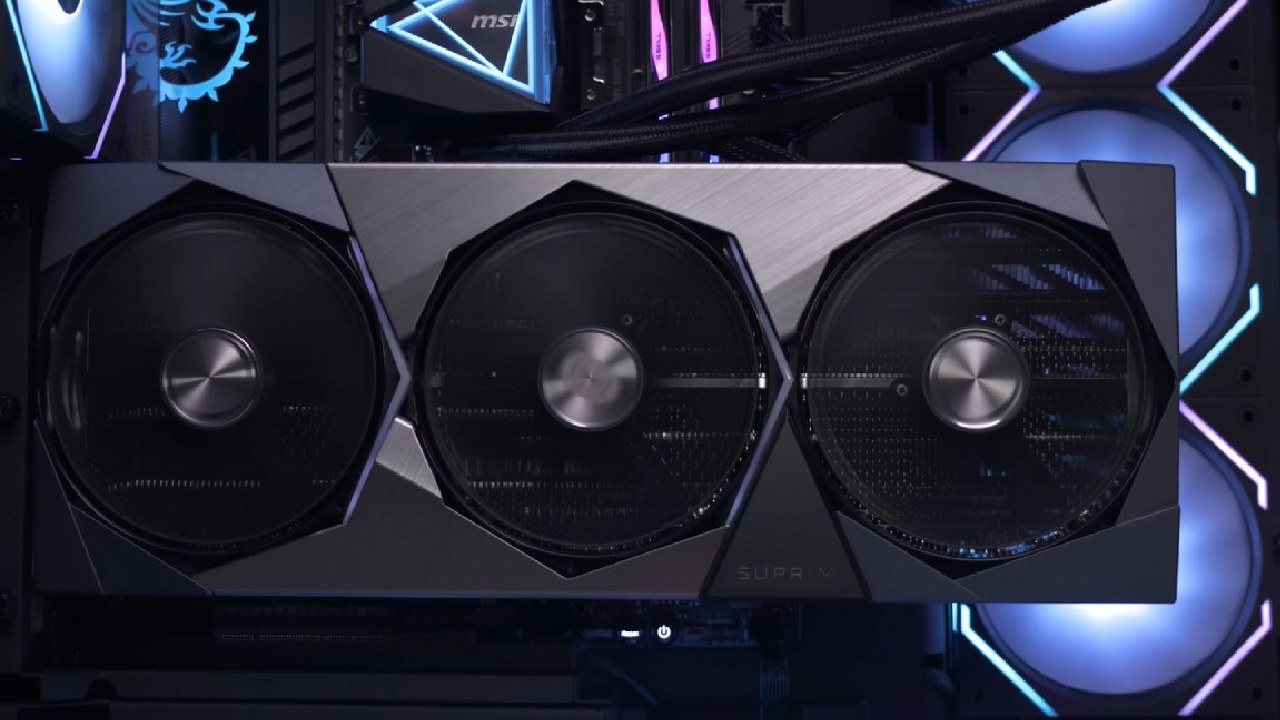
Palit GameRock OC
It is approximately the same length as the TUF Gaming, but slightly thicker. It has a metal frame, a metal backplate, and a plastic shroud. It also has a dual BIOS, a GPU holder, and even a small mouse pad.
Its standout feature is the heavy RGB color-shifting shroud designed to shine when mounted vertically. Its design may not be for everyone, but it represents a new approach that sets it apart from other models.
Gigabyte Gaming OC
The Gigabyte Gaming OC carries the brand's familiar dark gray color scheme, blending well with most motherboard and case combinations. It is slightly thicker than the 3-slot model and slightly longer than the TUF Gaming model. Still, it is compatible with most standard ATX cases.
Gigabyte's motherboard features two BIOS chips, a GPU holder, and a small amount of RGB lighting on the side, as well as additional RGB lighting behind the fans for setups mounted vertically. One of its most significant advantages is the extended warranty, offering a total of 4 years.
Gigabyte Aorus Master
The Gigabyte Aorus Master is aimed at the high-end market. This model is huge, with 4 slots and a length of about 36 cm. It is bigger than most RTX 4090s that have been tested before. Some of the best features include dual BIOS, a GPU holder, extensive RGB lighting, and a display that can show pictures or animations and be customized to suit your needs.
The RGB fans differ from the Gaming OC fans in that they feature LEDs integrated into the fan blades, rather than being positioned behind them. This makes the lighting effect more distinct.
Connectors for power and display outputs
All five cards have a 12V-2x6 power connector, but the adapters that come with them vary by model. The Ventus has a dual-8-pin PCIe adapter, but other models have triple-8-pin adapters.
All models have the same display connections: three DisplayPort 2.1 b ports and one HDMI 2.1 b port. Asus adds an additional HDMI 2.1 b port, offering two in total.
Performance of the RTX 5070 Ti chip
Before comparing these custom models, the performance of the base RTX 5070 Ti chip provides context. The MSI Ventus 5070 Ti performed about 12% better than the RTX 4070 Ti Super Gaming OC at 4K and 8% better at 1440p in earlier tests.
This doesn't make a huge difference in performance compared to the last generation, but it does bring the 5070 Ti close to the RTX 4080 Super, making it a great choice for gaming at both 4K and 1440p.
With an MSRP of $750, the 5070 Ti costs less than the 4070 Ti Super and a lot less than the RTX 4080 Super. The final value will depend on the actual cost and the ease of obtaining it.
The 50-series features DLSS 4 and multiframe generation, which can be highly beneficial in some games but not in others. This means that you can choose not to use them if you don't want to.
Improve Gaming Performance and Boost Clocks
The RTX 5070 Ti's official boost clock is 2450 MHz, but this can vary in real-world usage. All models tested exceed this specification, with actual frequencies largely dependent on workload and the characteristics of the game engine.
Using the MSI Ventus as a starting point:
- Gigabyte Gaming OC is about 2.5% faster.
- Asus TUF Gaming: about 3% faster
- Palit GameRock is about 3% faster.
- Gigabyte Aorus Master: ~4.5% faster
These differences result in small but measurable improvements, although not substantial enough to significantly alter the gameplay experience. In some cases, higher-end models also outperform the RTX 4080 Super Founders Edition.
How much power does it use
Power consumption reveals additional differences. The Ventus 3X uses the least power on average. In contrast, the other models use 8–10% more, which is in line with slightly better performance.
It remains unclear whether the Ventus is naturally more efficient or if these differences are simply due to variations in the silicon lottery among samples.
Performance in terms of noise and heat
All cards feature fan-stop functionality, operating silently at idle. Even the loudest model remains at a reasonable level of approximately 40dB when under load.
The quietest model is the Asus TUF Gaming, followed by the Gigabyte Gaming OC, Gigabyte Aorus Master, and Palit GameRock. However, the TUF Gaming model exhibits slight coil whine in some cases, although it is not severe enough to be noticeable.
When it comes to heat, all five types work well. The MSI Ventus gets slightly hotter than the other two. Still, the difference between 65°C and 60°C isn't significant enough to shorten the GPU's lifespan.
The Aorus Master and Gaming OC have slightly lower core temperatures than the others. The Palit model, on the other hand, has slightly higher memory temperatures. None of these differences is really a problem.
BIOS profile tuning varies by brand
Asus offers noticeably distinct silent and performance modes, with silent mode being the preferred option.
Gigabyte has profiles that are quieter, but the differences are smaller. Both cards could potentially run even quieter while maintaining strong thermals.
Palit could benefit from more pronounced BIOS profile differences. A greater focus on silence in low-noise mode and improved cooling in performance mode would provide users with more options.
Final Thoughts
The best RTX 5070Ti depends heavily on pricing and availability. Currently, only the MSI Ventus is confirmed as an MSRP model, while all others will include varying premiums. Since the five models all work similarly, the best deal will always be the one that costs the least at the time.
The Ventus performs well and makes the most sense from a pure value standpoint. Higher-end models justify higher prices through lower noise, improved thermals, enhanced aesthetics, additional HDMI ports, expanded RGB, or longer warranties—such as Gigabyte's 4-year coverage.
But price increases must still be fair. If the price of a 5070 Ti gets close to that of base RTX 4080-class cards, which are significantly faster, it doesn't make sense to spend more on it.
Also, check our other NVIDIA articles:
- GeForce RTX 5090 Unleashed: Is NVIDIA's New Flagship the Ultimate 4K Gaming GPU?
- NVIDIA GeForce RTX 5080 Review (2025): Still A 4K Gaming Powerhouse?
- RTX 5090 Laptop Vs. M4 Max MacBook Pro: Ultimate Raw Performance Vs. Battery Endurance
- NVIDIA RTX 5070 Review: Mid-Range Muscle or Marketing Hype?
- RTX 5070 Ti Review: Performance, Thermals & Power Efficiency Tested
- ASUS GeForce RTX 5090 LC Liquid Cooled GPU Review: Unmatched Silence & Speed
- MSI GeForce RTX 5090 32GB SUPRIM SOC Review: Power Efficiency, Cooling, and Gaming Performance
- INNO3D RTX 5060 Ti 16 GB X2 Review: Gaming Benchmarks, Temps, and Power Efficiency
- HP Omen 45L Review: RTX 5090 Performance, Thermals, and Value Analysis
- ASUS TUF Gaming GeForce RTX 5060 Ti Review: DLSS 4, Power Efficiency, and Gaming
- ASUS Prime RTX 5060 Ti OC 16GB Review: DLSS 4, Ray Tracing, & Thermals Tested
- NVIDIA GeForce RTX 5060 Review: Specs, Gaming, and Cost per Frame
- MSI GeForce RTX 5090 GAMING TRIO OC Review: A Monster Power GPU
Contributor, NoobFeed
Gaming Hardware Updates
No Data.