
Gigabyte MO27U2 4K 240Hz QD OLED Monitor Review: Performance, HDR, and Gaming
High-performance 27in 4K QD OLED monitor delivering fast response times, HDR support, and vibrant color reproduction for immersive gaming.
Hardware by Tanvir Kabbo on Sep 21, 2025
The Gigabyte MO27U2 27-inch 4K 240Hz QLED gaming monitor is a high-end display that was released earlier this year, alongside comparable models from ASUS and MSI. With a focus on high refresh rates and crisp visuals, it targets gamers seeking smooth gameplay and HDR capabilities.
Performance is comparable to other monitors using the same panel, making features and pricing crucial factors in choosing this monitor.
Design and Build Quality
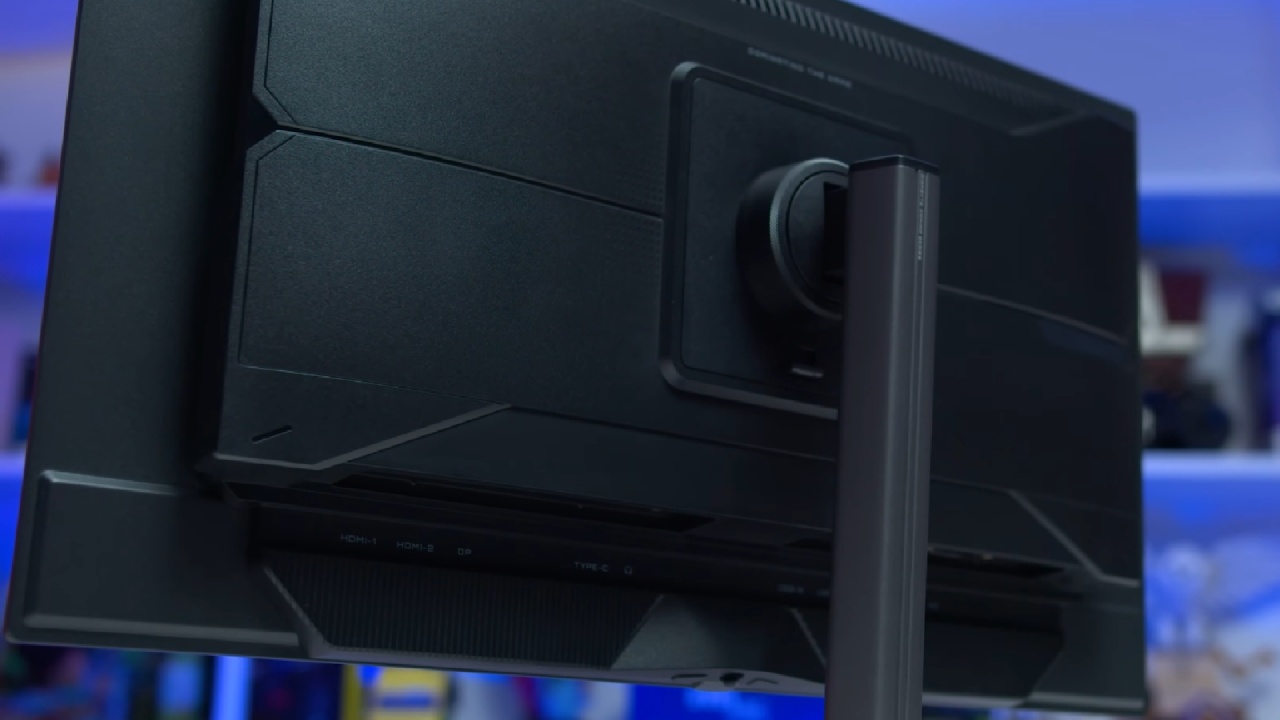
The new 2025 design for Gigabyte's M series OLEDs replaces the broad V-shaped base with a tiny six-sided metal plate. This base is narrow, yet it stays solid and takes up less desk space. This means that you may use it in more ways and have more room on top for your keyboard.
The stand pillar is a sturdy metal tube that provides ergonomic adjustments, including height, tilt, swivel, and pivot. While the maximum height is decent, the stand assembly feels like a significant improvement over previous Gigabyte models.
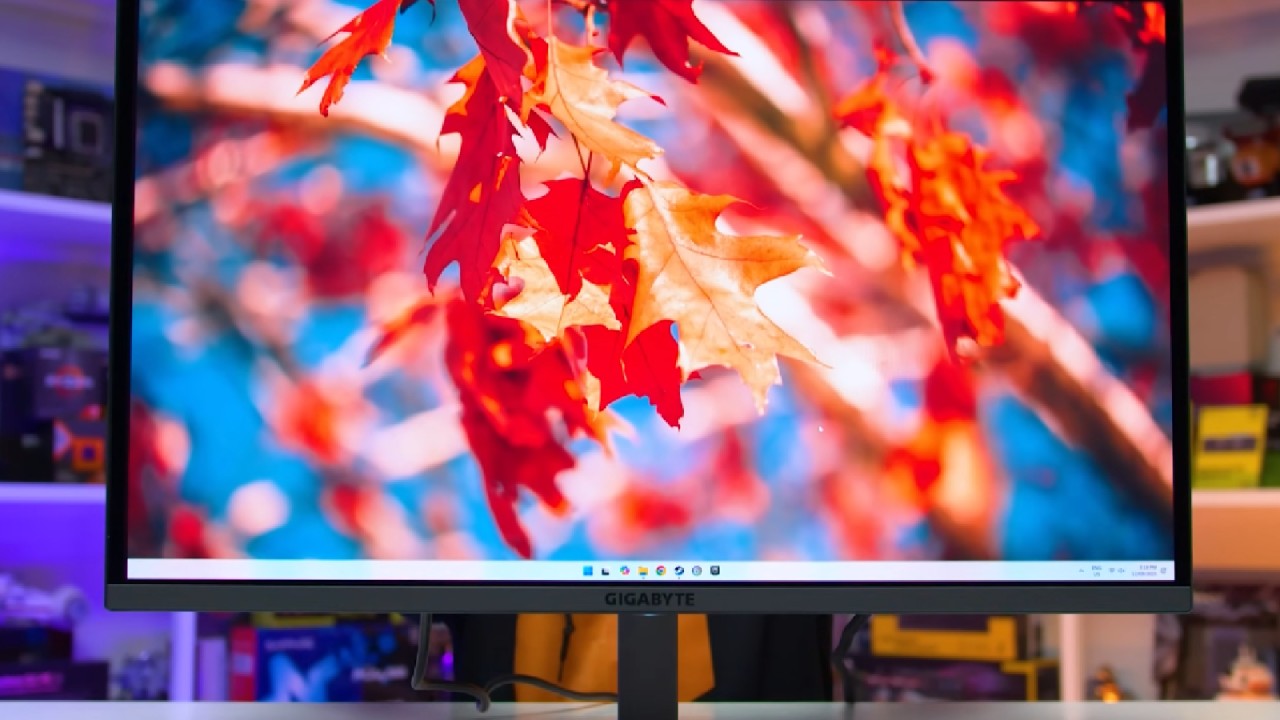
The monitor's front is dominated by a glossy OLED panel, featuring a subtle Gigabyte logo at the chin. At the rear, a plastic housing accommodates components while the thin OLED panel extends outward.
Gigabyte uses a mix of lines and vents, offering a neutral black and gray aesthetic without RGB lighting. The port selection includes one DisplayPort 1.4 with DSC, two HDMI 2.1 48 Gbps ports with DSC, and a USB-C supporting DPL mode and 18W power delivery, along with a two-port USB5 Gbits hub and a KVM switch.
The lack of DisplayPort 2.1 has no practical effect; thus, DP1.4 with DSC is a sensible and affordable option.
On-Screen Display and Features
In addition to offering distinct display modes, the OSD features gaming enhancements such as crosshairs, shadow boosting, FPS counters, and OLED care settings, all of which are controlled by a directional toggle. Similar to other current Gigabyte displays, the navigation is simple.
However, it lacks certain features found on competitors, such as proximity sensors, anti-flicker technology, black frame insertion, or Dolby Vision support. While Gigabyte's website advertises black frame insertion and anti-flicker, these features are not accessible in the latest firmware as of September 11.
Screen Coating, Subpixel Layout, and Burn-In
The Gigabyte MO27U2's texture rendering is on par with other 27-inch 4K QD OLED monitors, delivering excellent text clarity at a high 166PPI pixel density. The triangle RGB subpixel structure minimizes color fringing, making text appear sharp and clear.
The glossy panel improves sharpness but can reflect ambient light, potentially reducing black depth in bright environments. OLEDs are less suitable for high productivity use since they are prone to permanent burn-in when displaying static content for extended periods of time. With its three-year burn-in warranty, Gigabyte gives customers some peace of mind.
Performance in Response Time
The Gigabyte MO27U2 has exceptional response times, averaging 0.3 ms across all refresh rates. There is no overshoot artifact, resulting in smooth and accurate motion performance. Compared to LCDs, OLED monitors offer superior clarity, with a perceived advantage equivalent to a 360Hz LCD.
Input latency is excellent, remaining below 1ms in both SDR and HDR modes. This combination of fast response, low latency, and high refresh rate makes the monitor feel very responsive.
Power Consumption
Power consumption is similar to that of other 27-inch 4K QD OLED panels. Displaying a full white 200nit image consumes around 75W, with typical gaming usage averaging around 40W. While slightly higher than most LCDs, this is not excessive given the performance and color capabilities of the panel.
Color Performance
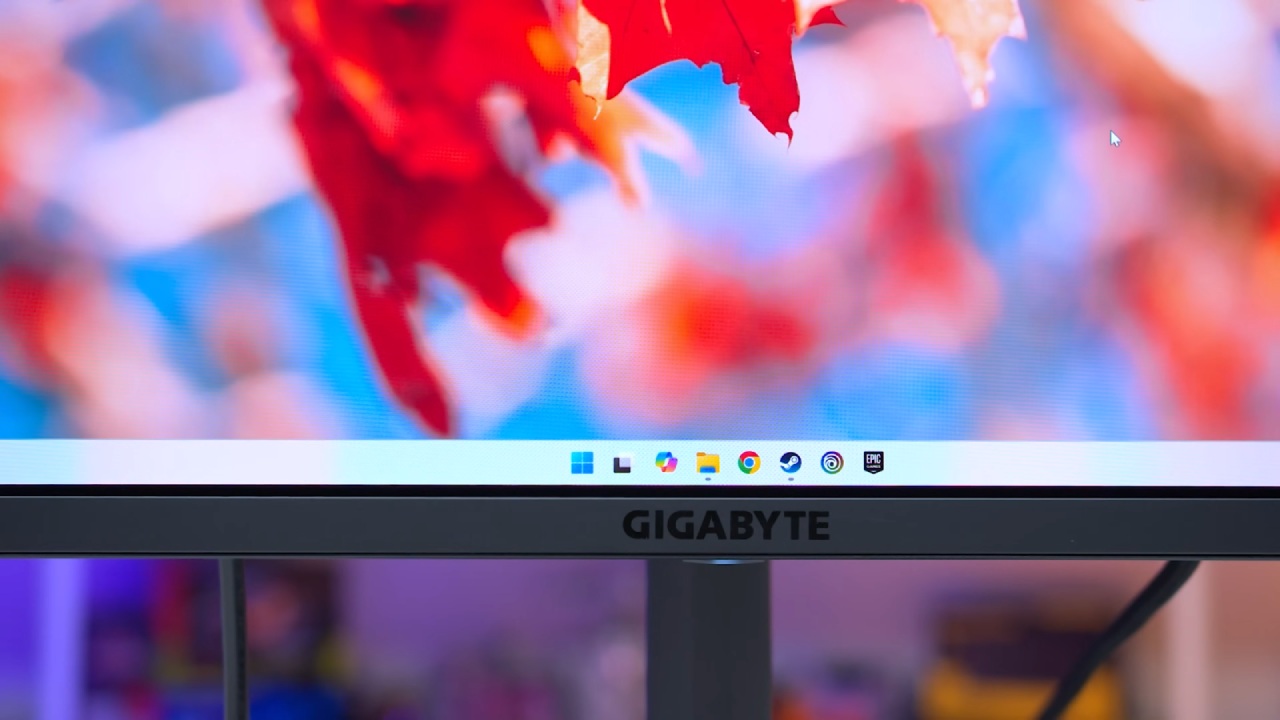
Gigabyte MO27U2 offers 98% DCI-P3 coverage and 96% AdobeRGB, with 76.6% coverage of REC2020. Factory calibration out of the box is slightly red-tinted with a near-flat 2.2 gamma, resulting in a deltaEITP average of 10. SDR content may appear oversaturated, and the sRGB mode provides better grayscale performance but is still slightly red-tinted.
Using Windows 11 auto color management improves accuracy while retaining full sRGB gamut coverage. With a maximum SDR brightness of 250 nits and a minimum of 20 nits, the monitor is appropriate for both bright and dimly lit spaces. Excellent viewing angles and consistency support QD OLED's dominance among 27-inch screens.
HDR Performance
OLED has deep blacks and reduced blooming, making it perfect for HDR content due to its per-pixel light emission. The Gigabyte MO27U2 has picture modes, APL stabilization settings, and numerous HDR options.
The standard true black HDR mode limits peak brightness to 450nits and maintains accuracy, while the HDR peak1000 mode increases brightness to 1,000nits for brighter scenes but over-brightens dark content.
HDR has good color volume and shadow depth, but it doesn't have the same impact as LCDs in the daytime due to peak brightness constraints.
.jpg)
Usability and Features
Gigabyte addresses important features, including passive cooling, KVM switching, and USB-C. However, it lacks proximity detection, black frame insertion, and Dolby Vision compatibility.
There aren't many flicker-free certifications since QD OLEDs produce a small pulse at each refresh, which can bother a few users. The Gigabyte MO27U2 has a lot of great features, but none of them are really unique compared to other products on the market.
Final Thoughts
The Gigabyte MO27U2 is a great 27-inch 4K QD OLED gaming monitor, featuring quick reaction times, a high refresh rate, and excellent HDR performance.
It has a wonderful panel and a terrific gaming experience, but it doesn't stand out in a crowded market. sRGB calibration is average, brightness is standard, and HDR modes are acceptable but lack the advanced options available on other monitors.
While the design is appealing and features like USB-C and KVM add value, it is not compelling enough to justify the $1,000 price when alternatives like the Dell Alienware AW2725Q or ASUS XG27UCDMG provide better value and superior calibration.
If the price drops or discounts are available, it becomes a more viable option; however, buyers should carefully compare all 27-inch 4K QD OLED offerings before making a decision.
Check our other Monitor Articles:
- ASUS ROG Strix XG27AQWMG Review: 280Hz 1440p OLED Gaming Performance
- ASUS ROG Strix XG32UCWG Review: 32-inch OLED with 4K 165Hz and HDR
- Samsung Odyssey OLED G81SF Review 2025: Ultimate 32-Inch QD-OLED Gaming Monitor
- Adaptive Sync Explained: FreeSync vs. G-Sync for Modern Gaming Monitors
- Gigabyte MO27Q2 QD OLED Review: Performance, HDR, and Gaming Experience
- ASUS ROG Swift PG27UCDM Review: Blazing Fast 240hz 4K OLED Performance
Senior Editor, NoobFeed
Gaming Hardware Updates
No Data.