
MSI MAG 273QP X24 Review: The 1440p 240hz QD-OLED Gaming Monitor
MSI MAG273 QPX24 provides consistent 1440p 240Hz QD-OLED performance with deep blacks, accurate colors, and reliable HDR brightness across all content.
Hardware by Masaru Hoshino on Sep 13, 2025
MSI MAG 273QP X24 is another addition to the crowded 27-inch 1440p 240Hz QD-OLED gaming monitor lineup. For some reason, MSI has multiple models in this category, including the MAG 271 QP XE2, which we've already tested.
The differences between them are minimal, leaving us to wonder why MSI felt the need to release so many variants. Our best guess is that the X24 is slightly cheaper to produce while still reusing Samsung Display's 1440p 240Hz QD-OLED panel.
This is a panel type we've seen across 280Hz and 360Hz models in the past 18 months, with the only real change here being the lower refresh rate. Typically, the 240Hz units save at least $100 from the price compared to the 360Hz variants.
The 273QP X24 also carries a similar name to the 272QP X50 we reviewed earlier, but these monitors use different panel types. The X24 is not simply a lower refresh version of the X50.
The X50 features a newer QD-OLED panel with DisplayHDR True Black 500 certification and higher brightness capabilities, while the X24 carries True Black 400 certification.
Design and Build Quality
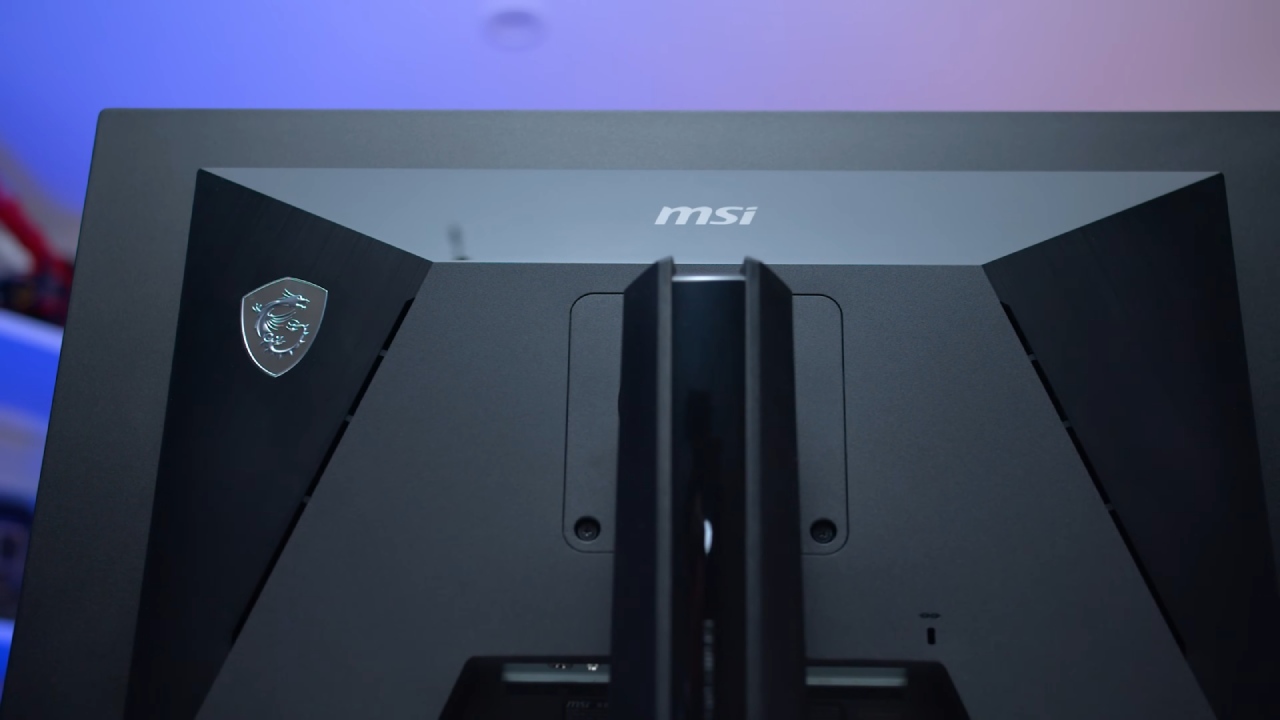
The design of the X24 follows MSI's usual OLED monitor aesthetics, though with some small cost-saving tweaks. The rear panel uses simpler black plastic, which we actually think looks better than the premium design used on the E2. The stand remains consistent with MSI's 27-inch lineup—flat, square, and sturdy, offering height, tilt, swivel, and pivot adjustments.
One downside is the change to a screw-based stand connection instead of the tool-less design of other MSI models. Port selection is also more basic here: 1 DisplayPort 1.4 (using DSC for 10-bit 240Hz) and 2 HDMI 2.1 ports with 48Gbps bandwidth. Unlike the E2, the X24 drops USB-C input and removes any USB hub or KVM functionality.
However, firmware updates are still supported via DisplayPort. The OSD is navigated using a directional toggle beneath the MSI logo and includes typical features like crosshair overlays, refresh rate readout, sniper mode, shadow boosting, and low blue light.
Screen Coating, Subpixel Layout, and Burn-In
The X24 uses Samsung's revised triangle RGB subpixel layout. Text rendering is weaker than on LCDs, and there is some pink-green fringing on the edges of the Text. In general, however, it is better than W-OLED panels with the RWBG arrangement. Although clarity is improved by more recent 480 Hz and primary RGB tandem panels, QD-OLED is still affordable for a variety of applications.
The glossy coating produces mirror-like reflections and enhances clarity and sharpness without the need for coating grain. Ambient light reflections can reduce apparent black levels, especially in bright areas; however, this can be changed with correctly calibrated illumination.
While gaming and watching videos are safe, burn-in is still an issue with prolonged static desktop use, as it is with all OLEDs. MSI provides a standard 3-year burn-in warranty for this.
.jpg)
Response Time and Latency
Response time performance is excellent, as expected from OLED. We measured lightning-fast 0.3ms response times across all refresh rates with no overshoot artifacts. This ensures a consistent single overdrive mode and near-ideal response behavior. In practice, 240Hz QD-OLED delivers clarity comparable to a 360Hz LCD, making it a great choice for gaming.
Input latency is sub-1ms in both SDR and HDR, making the monitor feel very responsive. The only way to achieve even better latency is through a higher refresh rate display, such as a 360Hz or 500Hz option.
Power Consumption
QD-OLED typically uses 66W of power when in full white. Consumption during gaming is comparable to other 240Hz and 280Hz OLEDs, averaging closer to 30W. It is lower than higher refresh OLEDs but marginally higher than LCDs.
Color Performance
The X24 delivers excellent HDR performance and reliable results for wide-gamut workflows, covering 99% of DCI-P3 and 80.4% of REC2020. Factory calibration is decent, with good color temperature and gamma balance. However, SDR mode lacks an sRGB clamp, leading to oversaturated colors in standard content.
Windows 11's auto color management handles this well, and the sRGB mode delivers improved accuracy, making it the best way to use the monitor for SDR. Compared to competitors, calibration is better than MSI's E2 model but slightly behind Dell's AW2725D and Gigabyte's MO27 Q2. Full calibration improves results further.
Brightness, Contrast, and Uniformity
Peak SDR brightness is 250nits, consistent with other 240-360Hz OLEDs. While fine for most users, it won't match the brightness of LCDs in very bright rooms. Minimum brightness of 30nits works well for dark environments. Viewing angles are excellent, and uniformity is strong, with no dirty screen effects.
HDR Performance
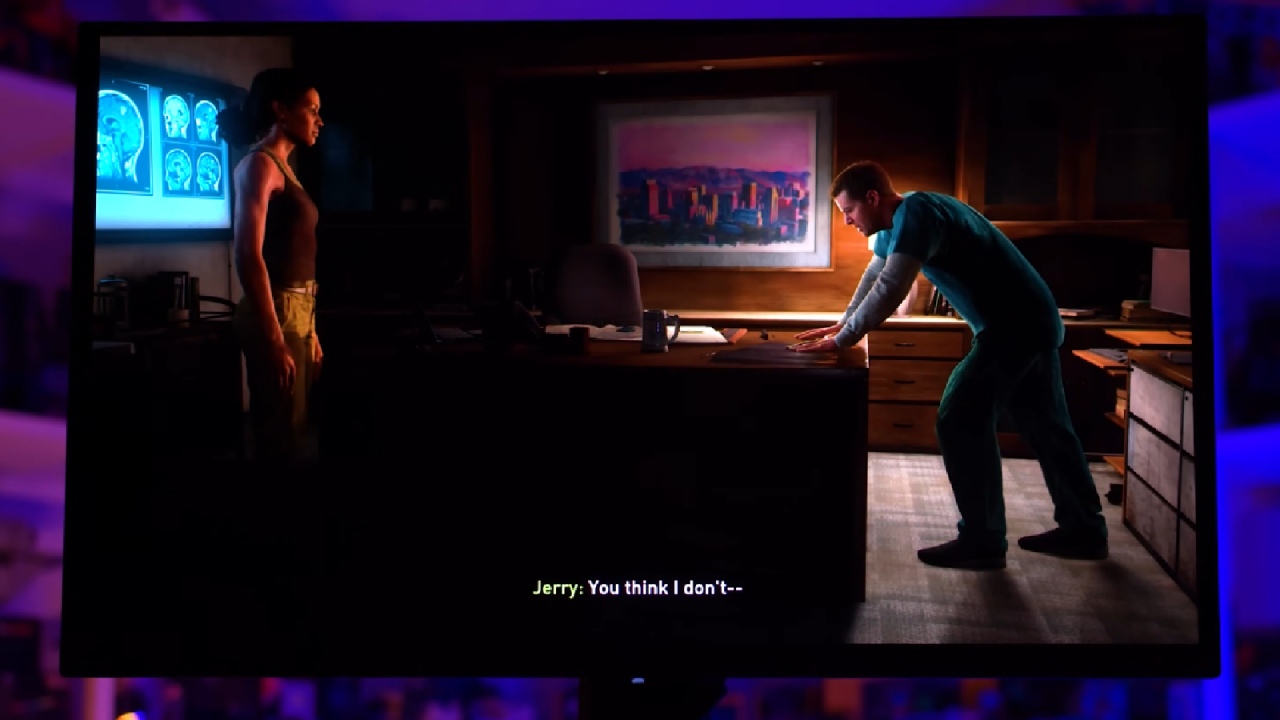
As with other OLEDs, HDR performance benefits from per-pixel lighting and near-perfect black levels. The X24 offers two HDR modes: True Black 400 (up to 450nits without dimming) and Peak 1000 (up to 1000nits with panel dimming in bright scenes). Accuracy is excellent in darker scenes but weaker in bright, high-APL scenes due to dimming.
For the best experience, consider switching modes depending on the content type; however, setting one mode and leaving it in place works well for most users. The brightness is lower than that of the more recent 500Hz QD-OLED and RGB tandem W-OLED panels, but the X24 is still reasonably priced.
Pricing and value
One of the less expensive QD-OLED monitors is the MSI MAG 273QP X24, which normally retails for about $500 in the US. Nevertheless, stock issues cause the price to rise, occasionally surpassing $600, thereby drastically diminishing its worth.
Competing models, such as the Dell AW2725D (280Hz280Hz), sell for $530 and make the X24 a hard sell if priced higher.
At $500, the X24 is a solid buy thanks to good calibration, fast response, and excellent HDR performance. However, when priced above competing 280Hz or even 360Hz OLEDs, it loses competitiveness.
Final Thoughts
The MSI MAG273 QPX24 is another strong QD-OLED entry, offering all the usual benefits: fast response, per-pixel dimming, excellent contrast, and strong HDR capabilities. It isn't revolutionary and feels nearly identical to MSI's other 27-inch OLED models, with only small differences in calibration, ports, and design.
Whether this monitor is worth buying depends heavily on pricing. At $500, it's a good value and easy to recommend. At $600 or more, it's difficult to justify when better alternatives like Dell's AW2725D exist for less.
If you're shopping for a 27-inch 1440p 240Hz OLED monitor, the X24 is a good option if found at the right price, but it doesn't stand out in a crowded field of nearly identical competitors.
Check our other Monitor Articles:
- ASUS ROG Strix XG27AQWMG Review: 280Hz 1440p OLED Gaming Performance
- ASUS ROG Strix XG32UCWG Review: 32-inch OLED with 4K 165Hz and HDR
- Samsung Odyssey OLED G81SF Review 2025: Ultimate 32-Inch QD-OLED Gaming Monitor
- Adaptive Sync Explained: FreeSync vs. G-Sync for Modern Gaming Monitors
- Gigabyte MO27Q2 QD OLED Review: Performance, HDR, and Gaming Experience
- ASUS ROG Swift PG27UCDM Review: Blazing Fast 240hz 4K OLED Performance
Editor, NoobFeed
Gaming Hardware Updates
No Data.