
QD-OLED vs. W-OLED: Which 1440p Gaming Monitor is Better in 2025
Both OLED variants deliver stunning visuals but vary significantly in motion clarity, color accuracy, and panel construction.
Hardware by Tanvir Kabbo on Oct 07, 2025
It can be hard to decide between QD-OLED and W-OLED when you want to upgrade to a new 1440p OLED gaming monitor. Both technologies have amazing motion performance, deep blacks, and picture quality. Still, the ways they get these findings are very different.
As of 2025, two main 1440p OLED panels dominate the market—a 27-inch 240Hz W-OLED from LG Display and a 27-inch 360Hz QD-OLED from Samsung Display. The W-OLED variant has been around since early 2023, while the QD-OLED version debuted in 2024, bringing direct competition with a similar size, aspect ratio, and resolution.
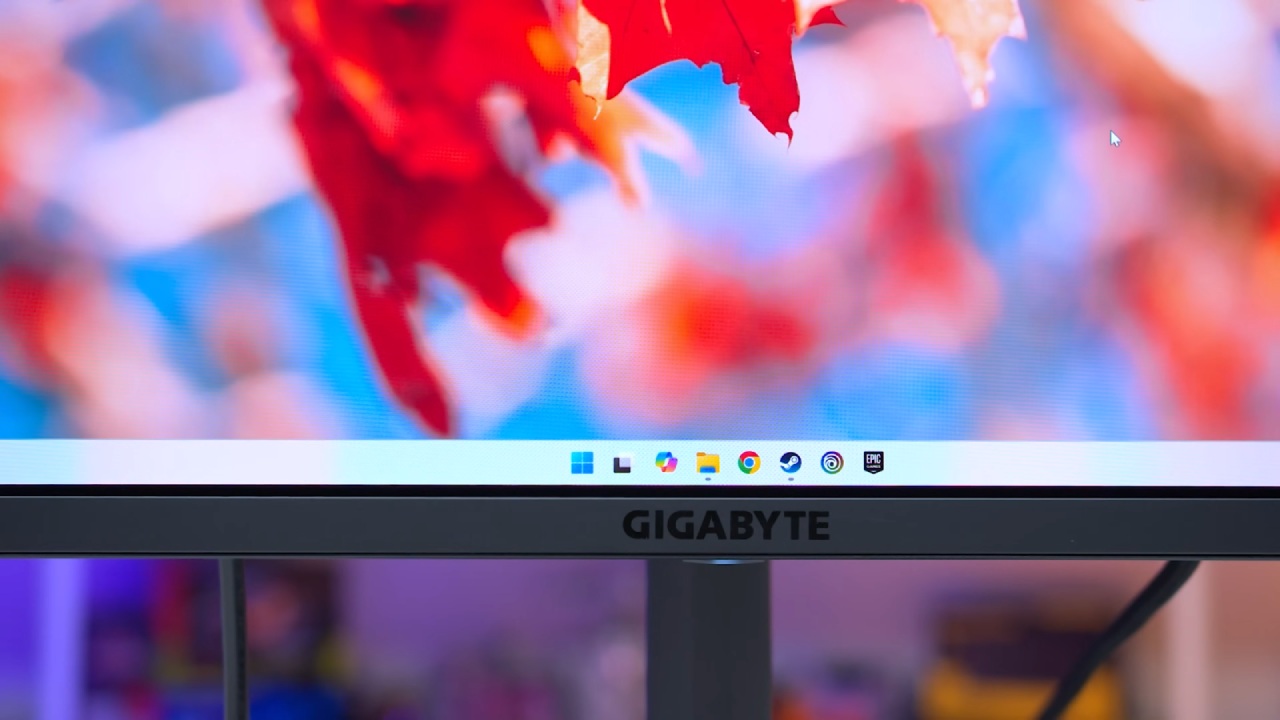
Understanding OLED Technology
Both QD-OLED and W-OLED are types of OLED (Organic Light Emitting Diode) displays. OLED panels emit light directly from millions of organic diodes, with each pixel controlling its own light output.
This per-pixel local dimming enables brilliant HDR performance and perfect blacks since individual pixels can switch off completely.
In contrast, LCDs rely on a uniform or zoned backlight that passes through liquid crystals to control brightness and color. Because LCDs can't manage per-pixel lighting, they lack the precise control and deep contrast levels OLEDs deliver.
Moreover, LCD pixel transitions are typically slower, reducing motion clarity. That's why people like OLEDs, such QD-OLED and W-OLED, because they respond quickly and let you regulate the light exactly.
Main Difference Between QD-OLED and W-OLED
Both have OLED basics, however the panels and subpixel structures are different.
W-OLED uses a white-emitting OLED layer that passes through color filters to produce red, green, and blue, along with a fourth unfiltered white subpixel—hence the name "White OLED."
QD-OLED, on the other hand, emits blue light through a quantum dot layer that converts portions of it into red and green, creating red, green, and blue subpixels arranged in a triangle configuration. The "QD" refers to this quantum dot layer, which is key to its design.
Motion Performance and Refresh Rate
Motion performance differs mainly due to refresh rate. QD-OLED panels reach up to 360Hz, while W-OLED is limited to 240Hz. At maximum refresh rates, QD-OLED displays clearer motion with reduced blur, as seen in
Blur Busters tests, making text more readable and UFO test images sharper. The higher refresh rate also slightly reduces input lag, giving QD-OLED an edge for competitive gaming.
However, when running both displays at the same refresh rate—120Hz, 144Hz, or 240Hz—the motion performance is identical. Both technologies deliver near-instantaneous response times, so unless you play at 300+fps, you won't notice a difference.
Both panels are great for single-player HDR games or movies. But QD-OLED gives smoother and sharper motion for competitive gaming at speeds above 240 fps.
.jpg)
Brightness and HDR Quality
When comparing OLEDs to LCDs, brightness is still an important factor. QD-OLEDs tend to offer more consistent brightness across different manufacturers, typically around 230–250nits peak in SDR. W-OLED brightness, however, varies widely—some models, like the Corsair Xeneon 27QHD240, deliver just 130 nits. In contrast, others, like the AOC Agon Pro A276QZD, can reach up to 260 nits.
When it comes to HDR, QD-OLEDs again show stronger consistency. Models like the Dell Alienware AW2725DF can achieve up to 1000nits in small (2%) highlight windows. The brightest W-OLEDs, such as the ASUS PG27AQDM, peak at around 900 nits, while others average 750 nits.
In mid-sized 10% windows, W-OLED can sometimes outperform QD-OLED. Still, overall, QD-OLED offers superior HDR brightness and more vivid highlights in most real-world scenarios.
Color Brightness and Volume
QD-OLED has a big edge when it comes to color brightness and loudness. Its color brightness is often more than twice that of W-OLED, which makes images that are richer and more saturated. When tested with a low APL (Average Picture Level), QD-OLED gets around 73% of the BT.2020 color volume, while W-OLED gets about 44%.
QD-OLED covers about 80% of the BT.2020 range, while W-OLED covers about 72–73%. Both offer wide color gamuts that are great for HDR, but QD-OLED has a wider, more brilliant color spectrum.
Text Clarity and Subpixel Layout
One big difference between these two technologies is how clear the text is, especially at 1440p. Both use subpixel layouts that aren't standard, thus they don't line up exactly with Windows' subpixel rendering, which causes artifacts.
W-OLED's WRGB stripe structure can produce soft or shadowed edges, making text appear slightly blurred. QD-OLED's triangular RGB layout introduces faint green and pink fringing—green on top, pink at the bottom—but this is less distracting than W-OLED's softness.
For productivity tasks like browsing, document editing, or coding, QD-OLED provides sharper, cleaner text and an overall better desktop experience.
.jpg)
Screen Coating and Reflection Handling
The screen coating is another important difference. Most of the time, QD-OLED displays have a glossy surface, whereas W-OLED panels have a matte finish. Depending on how your lights are put up, each has its own pros and cons.
In bright places, matte W-OLEDs work better since they don't reflect as much light from the surroundings and keep deep blacks even when the light is on them. On the other hand, glossy QD-OLEDs seem clearer and have higher contrast in controlled or dark settings. They provide you a clear image with no reflections and more "pop."
W-OLED's matte finish can be beneficial for you if your room has bright lights or windows that face the screen. But for dark or optimized situations, the glossy coating of QD-OLED makes colors look brighter and clearer.
Uniformity and Viewing Angles
Both QD-OLED and W-OLED panels have great viewing angles and homogeneity, which means that the brightness and color stay the same across the screen. W-OLED can sometimes show slight "dirty screen effect" artifacts on dark gray backgrounds, such faint speckling or banding.
In this sense, QD-OLED panels are usually cleaner since they show gray more evenly. This difference doesn't matter much for gaming or watching videos, but it could be important for professional design or editing work.
Price and Value Considerations
Right now, QD-OLED displays cost between $800 and $900, while W-OLED devices cost between $650 and $800. Overall, QD-OLED is the better performance since it has a greater refresh rate, better HDR brightness, a wider color range, and clearer lettering.
If you're on a budget or generally play games in bright rooms, though, W-OLED still gives you great picture quality for less.
The Future of 1440p OLED Displays
The landscape is changing quickly. LG's new 480Hz 1440p W-OLED screens are due out shortly. They promise better motion clarity and maybe even higher brightness levels. These could change the balance between QD-OLED and W-OLED alternatives that we have now.
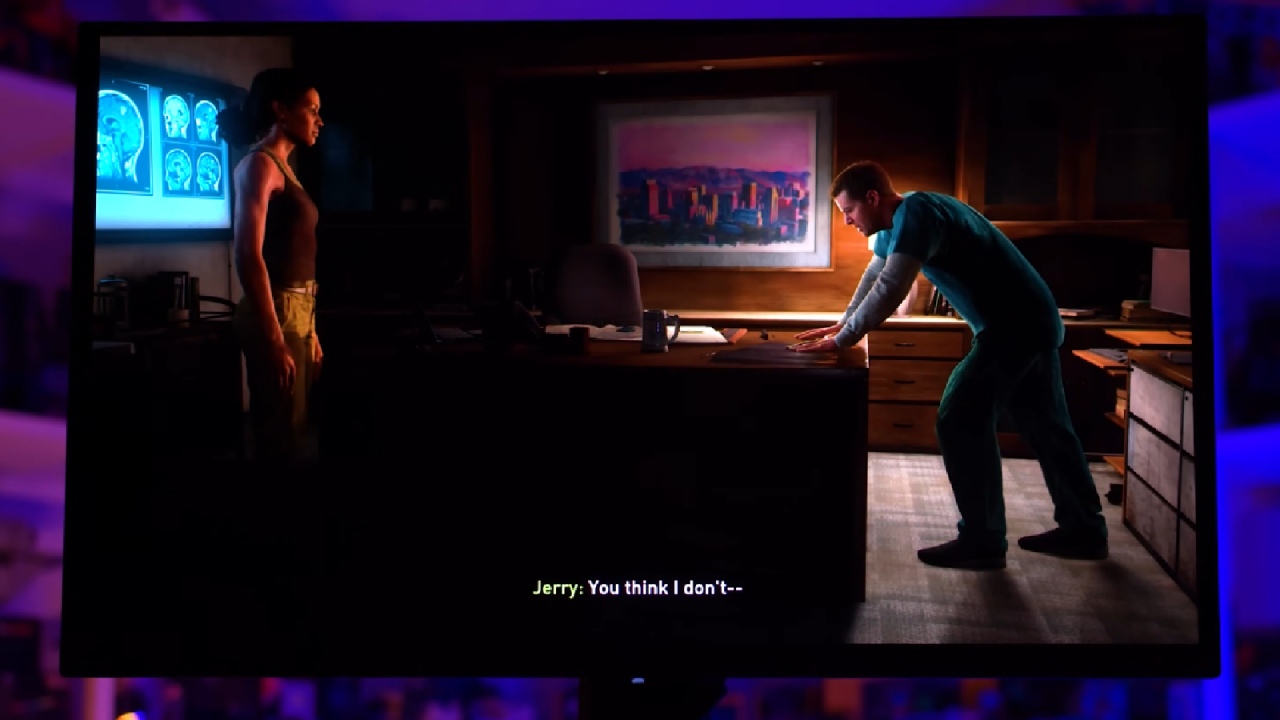
Final Thoughts
Both 27-inch 1440p OLED technologies have better contrast, deeper blacks, and rapid pixel response than LCDs. In the end, it all comes down to what matters most to you. QD-OLED is the ideal choice if you want the best performance, color, and smoothness.
W-OLED is still a good choice if you want a matte look, a lower price, and good performance in bright places. Both of them offer a next-generation gaming and visual experience that really shows off what OLED technology can do.
Check our other Monitor Articles:
- ASUS ROG Strix XG27AQWMG Review: 280Hz 1440p OLED Gaming Performance
- ASUS ROG Strix XG32UCWG Review: 32-inch OLED with 4K 165Hz and HDR
- Samsung Odyssey OLED G81SF Review 2025: Ultimate 32-Inch QD-OLED Gaming Monitor
- Adaptive Sync Explained: FreeSync vs. G-Sync for Modern Gaming Monitors
- Gigabyte MO27Q2 QD OLED Review: Performance, HDR, and Gaming Experience
- ASUS ROG Swift PG27UCDM Review: Blazing Fast 240hz 4K OLED Performance
Senior Editor, NoobFeed
Gaming Hardware Updates
No Data.