
Samsung Viewfinity S8 Review: Monitor with KVM, USB-C, and Gigabit Ethernet
Offering a balanced mix of size, clarity, and functionality, the 37in 4K panel introduces a new productivity-focused display category.
Hardware by Tanvir Kabbo on Dec 11, 2025
Samsung has launched the world's first 37-inch 4K monitor, the Viewfinity S8, filling a niche for users seeking something between the common 32-inch and 42-inch displays.
While this is not aimed at gamers due to its 60Hz refresh rate, it offers a unique option for office setups or creative workspaces where size and versatility matter.
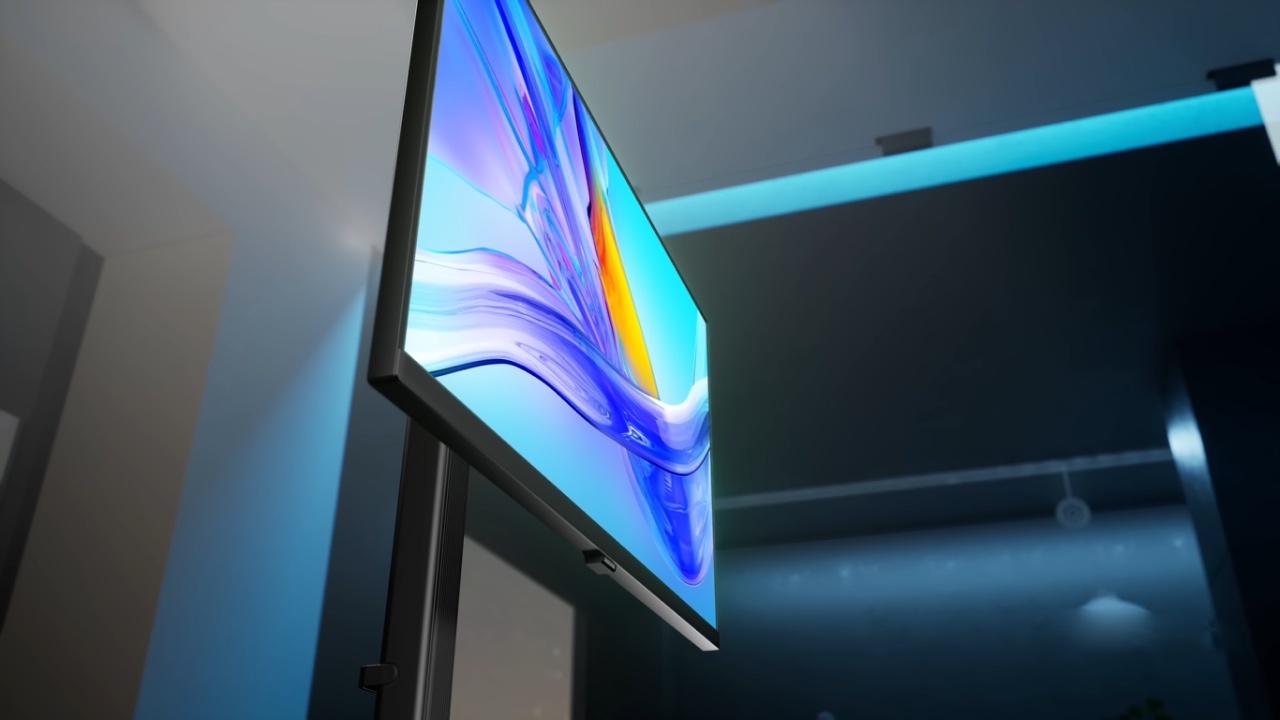
First Impressions
Inside the box, you'll find a range of cables, including HDMI, DisplayPort, power, and USB-C to USB-C. DisplayPort is only 1.2, so it doesn't support high refresh rates.
The USB-C connection supports power delivery (though details are unclear), and it also enables KVM functionality, which is rare in monitors of this size. There's a simple user guide that works for many monitors, detailing basic setup instructions.
The monitor stand is reportedly toolless and can be installed in about 5 seconds, according to Samsung's promotional material. In practice, the assembly is straightforward. The column slots into the base and twists into place, creating a sturdy setup.
While a 37-inch TV is large and might feel like a TV, the stand provides a stable, compact footprint, allowing easy desk placement without overwhelming your workspace.
Design and Connectivity
The back of the monitor is simple, with standard flat panels and no unnecessary embellishments. On the front, the 37-inch 4K display is striking. Connectivity options include HDMI, DisplayPort, USB-B, USB-C, a Kensington lock for office security, a headphone jack, three USB-A ports, and gigabit Ethernet.
Holding the monitor feels balanced and light enough to manage with one hand, which is a small but significant advantage for larger displays.
Adjustability
The monitor can be easily changed in many ways, including tilt and rotation. Still, it is too big to support pivot. You can change the height, and it works well. The monitor can't be used vertically, but its flexibility allows it to work with most work setups.
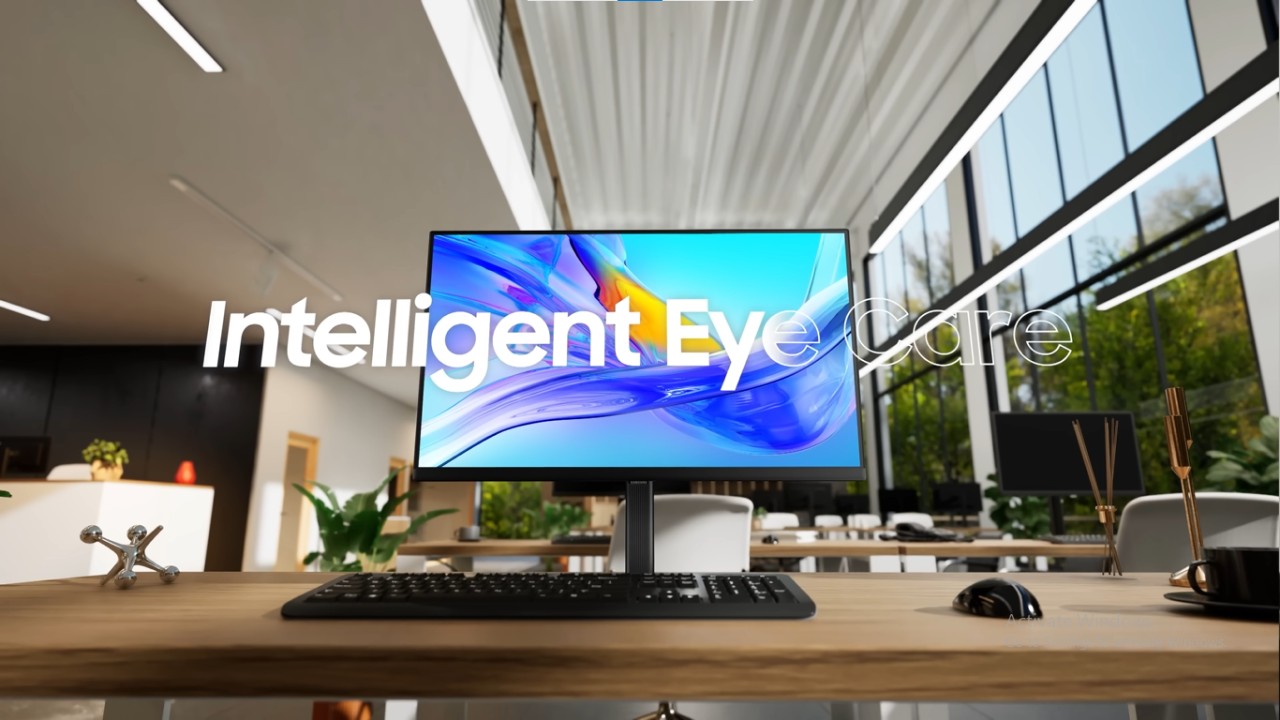
Display Performance
The monitor has ample screen space at 4K resolution. But, 100% scaling might make things look too small, so find a setting that works for you. For games, 60 Hz is too low, and overclocking might only reach 75 Hz, with significant screen tearing.
Casual games or slower-paced games, like strategy or city-building games, work well with this. That makes it a great choice for playing in the office or when you just want to relax and play.
KVM and USB-C Functionality
The function for KVM works well. A USB-C connection gives 90W of power and Ethernet to a laptop. Still, you can't get the full 4K resolution, 90W power delivery, and gigabit Ethernet all at once. Changing the USB-C settings in the menu to high-speed data gives you access to gigabit Ethernet.
Still, it lowers the quality of the laptop's default output.With 4K quality, upload and download speeds of around 300 Mbps are normal, which is enough for most office tasks.
.jpg)
HDR and How Accurate the Colors Are
The monitor gets a Delta E2000 average of a little more than 1 in SDR mode, which means that it is very accurate when it comes to showing colors. Because there is no local dimming and the screen is edge-lit, HDR performance is limited, with a Delta E ITP average of just under 23.
HDR content is not recommended, but for office work and productivity, the display is impressive.
Final Thoughts
At around $580, the Samsung Viewfinity S8 is a bit expensive but reasonable for its size, 4K resolution, and additional features like KVM and Ethernet.
37-inch 4K display is a great choice for office work, making content, or playing games casually. It stands out from other monitors on the market because of its distinctive size, easy setup, and many uses.
Also, check our other Monitor articles:
- ASUS ROG Strix XG27AQWMG Review: 280Hz 1440p OLED Gaming Performance
- Samsung Odyssey OLED G81SF Review 2025: Ultimate 32-Inch QD-OLED Gaming Monitor
- Adaptive Sync Explained: FreeSync vs. G-Sync for Modern Gaming Monitors
- Gigabyte MO27Q2 QD OLED Review: Performance, HDR, and Gaming Experience
- ASUS ROG Swift PG27UCDM Review: Blazing Fast 240hz 4K OLED Performance
Senior Editor, NoobFeed
Gaming Hardware Updates
No Data.