
Steam Deck vs. Legion Go S: Which PC Handheld Wins?
Bigger screen and stronger hardware face challenges from noise, battery life, and retail pricing.
Hardware by Shinji Okazaki on Feb 11, 2026
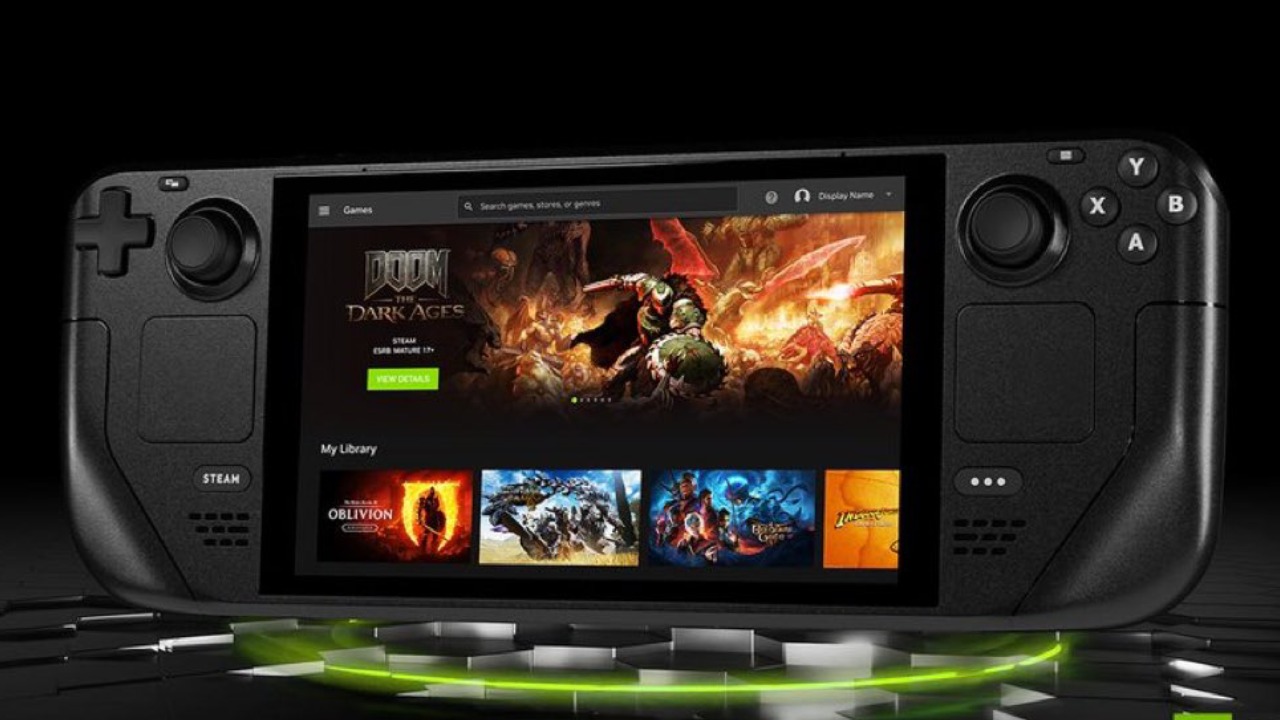
Steam Deck is one of the best handheld PCs you can buy. It doesn't cost much, is comfy, and SteamOS makes PC gaming feel a lot like console gaming. There is now a handheld that might be superior without losing what makes the Steam Deck work.
Lenovo Legion Go S is the first handheld to come with SteamOS right out of the box. It has a bigger screen, more power for higher graphics, and better gaming. It should be the recommended entry-level PC handheld. Still, people keep coming back to the Steam Deck.
What the Legion Go S Isn't
It's crucial to state what the device isn't before discussing what it is. Not a Steam Deck. It does include SteamOS; however, other things make a Steam Deck a Steam Deck. Legion Go S does not feature an OLED screen. There is no HDR. It doesn't have the trackpads that the Steam Deck does.
That said, the gadget you are getting is bigger, more powerful, and has features the Steam Deck does not. Lenovo took SteamOS and made something that felt different. Instead of a black slab, Nebula Nocturn is a dark metallic purple. The 8-inch, 16:10, 1200p display on the gadget is taller than the Steam Deck's. It supports VRR and up to 120hz.
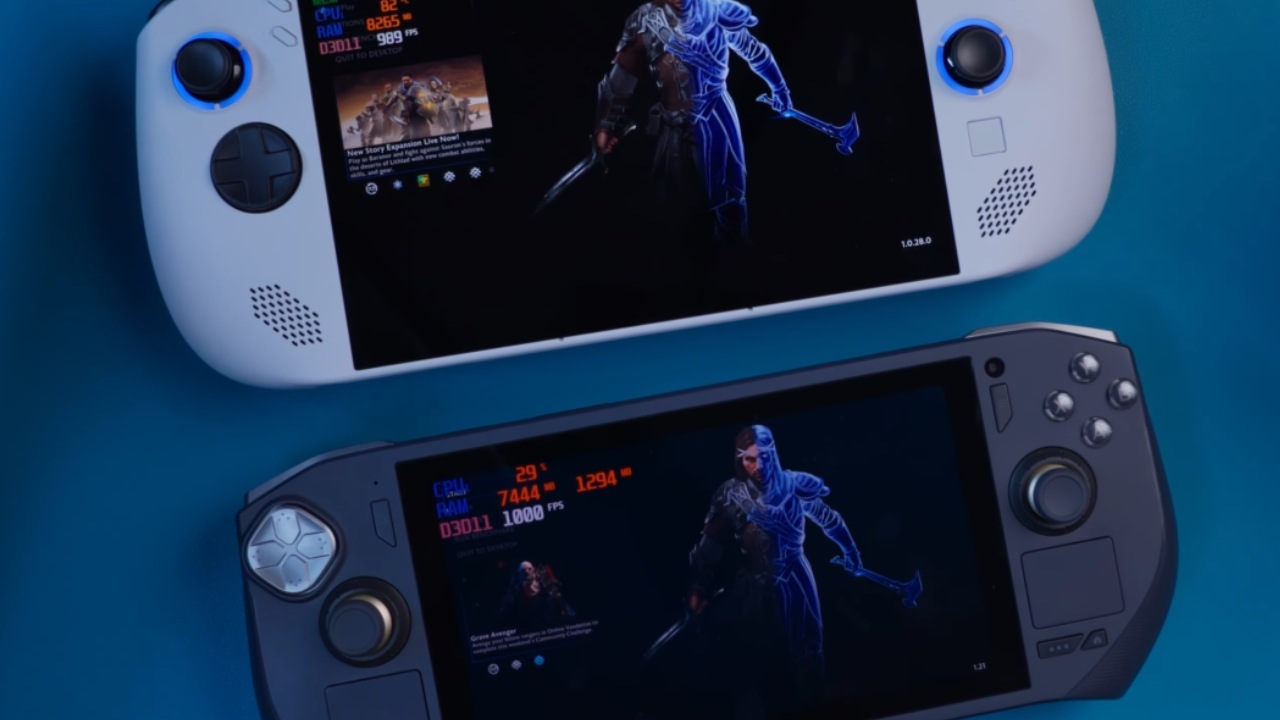
Lenovo was able to squeeze this bigger screen into a space that was about the same size as the Deck by moving the buttons around. The business ditched the trackpads and went with a layout like the old Xbox. You get sticks that are off-center and a little square that Lenovo calls a trackpad. In real life, it isn't useful. Even though we largely used the Steam Deck's trackpads to type, we found ourselves missing them more and more as we used them.
At first, we didn't think the offset layout would make a difference. Over time, it changed how we held on. The caps on the thumbsticks are smooth, so we had to adjust how we held them to reach the right one easily. The symmetrical layout on the Steam Deck stops this from happening. When you add the extra weight of the Legion Go S, you can feel the grip change.
Controls and Functions
The controls are strong on their own. You don't have to worry about stick drift because you receive Hall effect sticks. The buttons and D-pad feel the same. The bumpers make a loud, clicky sound. The triggers have a switch that enables you choose between full trigger throw and hair triggers, something the Steam Deck does not have. That flexibility is there even if you don't need it.
Legion Go S has two programmable buttons on the rear. Steam Deck has more buttons on the back, but we couldn't recall what half of them did. In practice, we liked having two that we could always use better.
Show and Performance
When we turned it on, the biggest difference showed up. The screen is really clear. The 1200p resolution and 120hz refresh rate are significant compared to the Steam Deck's smaller 800p panel, but there is no OLED or HDR. When we played the same games on both devices, the text and UI elements on the Legion Go S seemed clearer.
Just having a higher resolution doesn't inevitably make the experience more immersive. Performance is important. Z1 Extreme chip is in the model we tested. The performance has improved. We could play games at greater resolutions with more consistent frame rates and fewer problems. We typically just played instead of changing the settings.
We wouldn't try games like Black Myth Wukong and Helldivers 2 on the Steam Deck, but they worked nicely on the Legion Go S without any settings changes. That affected what we were willing to put on our computers. It went from messing around to taking up and playing. Steam Deck runs many games fine, but heavier games run better with the extra space.
Noise and Battery Life
The battery life is not as good as the Steam Deck's. You can adjust settings in lighter games to improve performance. Still, if you're lowering performance to match the Deck, the benefit isn't as evident.
Another problem is noise. The fans turn on and off a lot, and the vibration motors are loud. You can hear the device working from far away. The haptics are not very subtle. These things didn't stop us from making a transaction, but they are obvious.
A grip case can improve ergonomics. It's normal for the battery life to be shorter because of the extra power. More performance means using more energy.
The Issue with Pricing
Legion Go S looks set to replace the Steam Deck, with a larger 8-inch 1200p 120hz display and better performance. The issue is the pricing.
Some open-box Z1 Extreme variants cost between $500 and $600. At that price, it's easy to suggest the item. You get a bigger screen, more power, sharper quality, and better frame rates.
Prices at full retail in the US range from $750 to $900, depending on the store. Prices in secondary markets are usually around $700. It's hard to advocate as a default option because of that discrepancy. The difference between $500 and $900 matters.
It's hard to defend spending $900 more on the Steam Deck. With that money, you could get two Steam Decks. Other Z1 Extreme handhelds cost less, and it's not too hard to install SteamOS or other operating systems on them yourself.
Final Thoughts
We didn't think we would like playing on the Legion Go S. It was evident that the lack of an OLED display, HDR, and a trackpad were problems. Over time, performance changed how we used it. We kept going back to the Legion Go S more and more. It's important to be able to play more games at higher resolutions on a bigger screen.
If you can get the Z1 Extreme variant for approximately $600 and you don't care about OLED, HDR, or trackpads, it makes sense to skip the Steam Deck and get the Legion Go S instead.
It gets hard to suggest at full price, which is close to $900. Price is more important than performance. Unless the Legion Go S is available at the appropriate price, the Steam Deck is still the safest choice.
Check our Other Handheld Articles below:
- ASUS ROG Ally X Handheld Review: Double the Battery, Double the Comfort
- Nintendo Switch 2 Vs. Original Switch 1: A Full Comparison
- How To Connect A Camera And Join Voice Chat With Nintendo Switch 2
- Nintendo Switch 2 Review: Handheld Performance, Features & Value Breakdown
- ROG Xbox Ally X Vs. ROG Ally X: Display, Battery & Controls
- ASUS ROG Ally X vs. Steam Deck OLED: Display, Battery & Gaming Benchmarks
- MSI Claw 8 AI+ Review: Display, Controls & Gaming
- Nintendo Switch 2 vs. Steam Deck OLED: Gaming, Performance, Battery, Display and Value
- PlayStation Portal Review: Remote Play, Cloud Streaming & Travel Gaming
- PlayStation Portal vs. Lenovo Legion Go: Best Portable Gameplay
- Lenovo Legion Go S vs. Zotac Zone: In-Depth Experience Comparison
- How AMD Dominates the Handheld Market
Editor, NoobFeed
Gaming Hardware Updates
No Data.