
AMD Ryzen X3D Showdown: Is the 9850X3D Worth Upgrading From 9800X3D or 7800X3D?
All CPUs were tested at 1080p with identical hardware to expose true CPU limits without GPU bottlenecks.
Hardware by Tanisha Aria on Jan 31, 2026
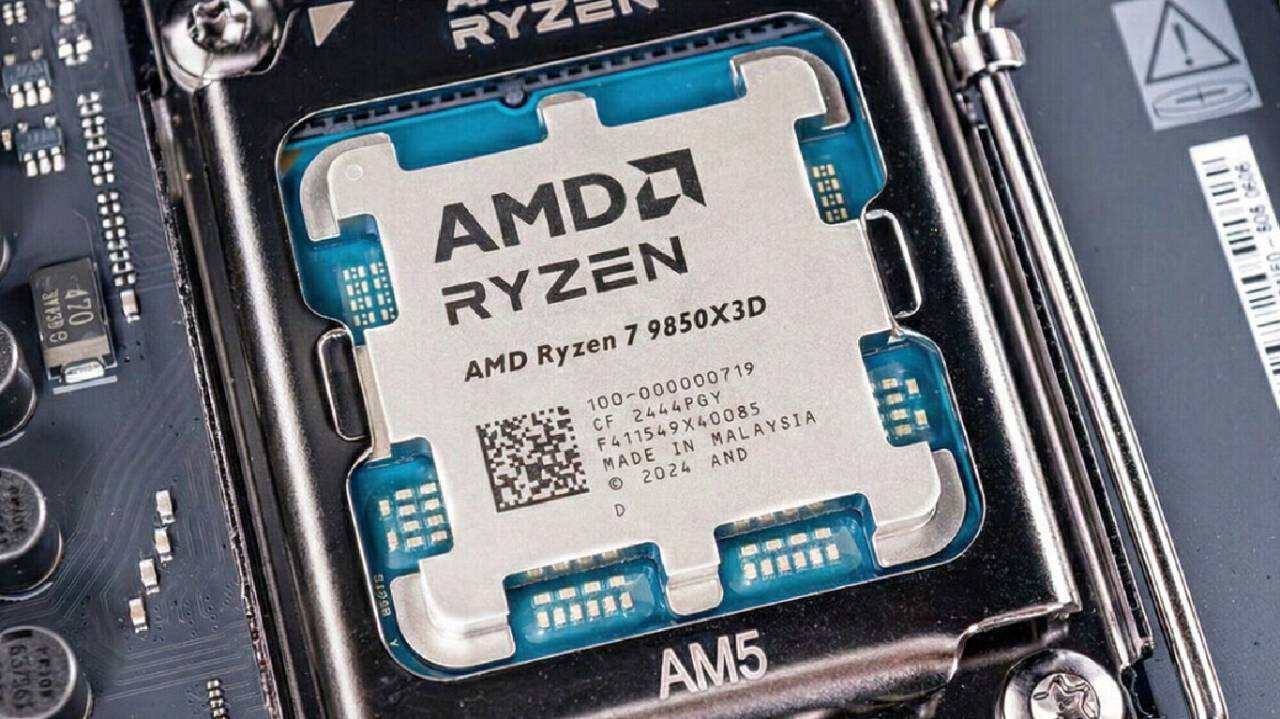
AMD's newest Ryzen 9850X3D goes up against the top 9800X3D from last year and the still-popular 7800X3D in a head-to-head matchup.
All three processors are tested the same way to see how much real-world gaming performance you actually gain as you move up AMD's X3D stack, and whether the newest chip changes the value equation for gamers who want the fastest frame rates in a meaningful way.
Test Platform and Methodology
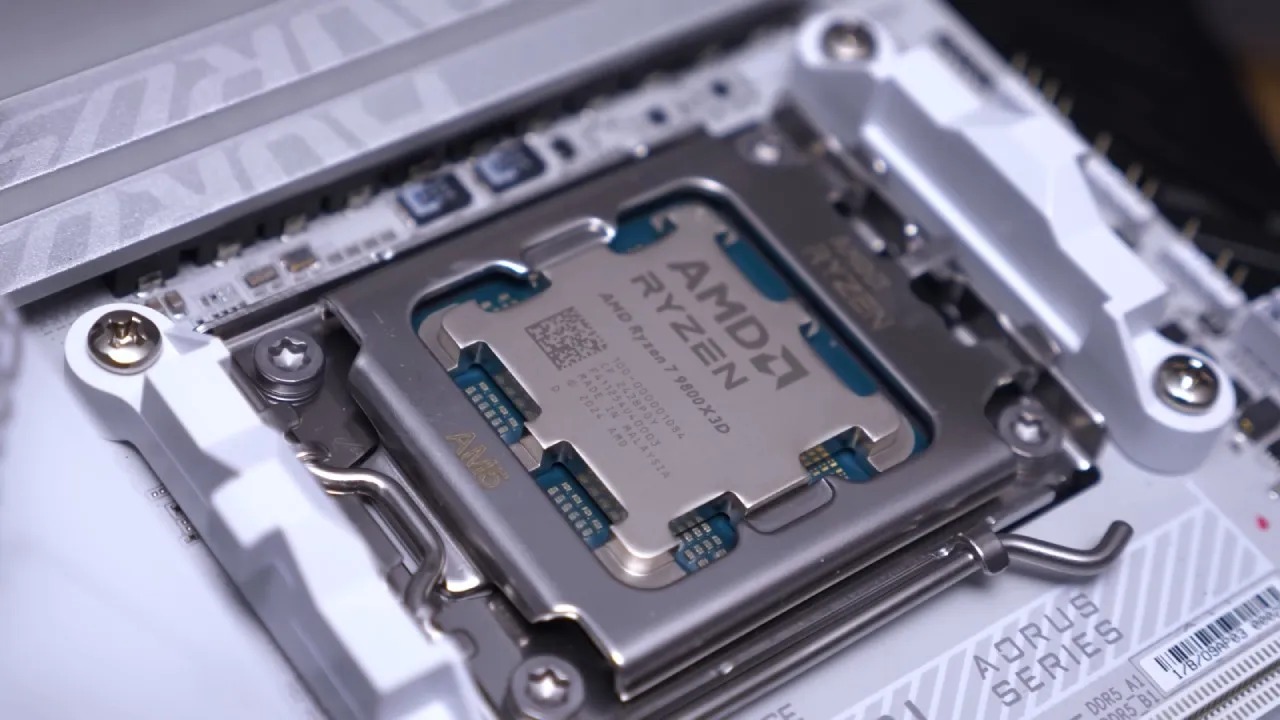
The test platform has all three CPUs and an RTX 5090 on an MSI X870 Carbon processor. We test every processor the same way, and we run all the games at 1080p to avoid GPU bottlenecks and show how fast each CPU can really go.
This way, we can look at the CPU's raw power, average frame rates, and 1% lows without the graphics card getting in the way.
Competitive Shooters and Esports Performance
Counter-Strike 2 shows you the biggest holes caused by CPUs. In this case, the 9850X3D definitely comes out on top, beating the 7800X3D by almost 90 frames per second. The 9850X3D is still far ahead, even though the 1% lows are pretty much the same on all three chips.
The difference isn't as big as it is between this and the 9800X3D, though, so if esports games are your main focus, it might not be worth updating.
The story in Fortnite is similar, but a little more intense. When set to "high," the 9850X3D gets about 20 frames per second more than the 9800X3D and a lot more than the 7800X3D.
Both of the latest chips have lows of about 1%, but the 9850X3D always does a little better. And when you play this game with a top-notch GPU, the generational jump is much clearer.
Graphically Intensive Games and CPU Scaling
The gap gets much smaller in Ark: Survival Evolved, which relies more on the GPU than Fortnite. At these frame rates, the 9850X3D is only 4fps faster on average than the 9800X3D.
This is an almost unnoticeable change. The 7800X3D is a little further behind, but the 9850X3D really shines at 1% lows, with results about 30 fps better, making the game run more smoothly and consistently.
Cyberpunk 2077 further develops this theme. There aren't many differences between the 9800X3D and 9850X3D. Their average frame rates are about 6 fps apart, and sometimes one chip performs better than the other, depending on the scene.
In real life, the 9850X3D works like a slightly tweaked version of the 9800X3D. This is similar to how Intel's KS models used to offer small clock boosts rather than large ones.
Open-World Titles and CPU Demands
In Dragon Age: The Veilguard, one of the most surprising findings can be found. The 9800X3D has slightly better average frame rates, but both chips are pretty much the same in terms of speed.
What stands out is how far behind the 7800X3D it is in this game. If you put a very fast GPU next to a slow CPU, the difference is much more noticeable than in a more balanced setup.
It's easier to tell the difference between CPUs in Hogwarts Legacy. The 9850X3D is faster than the 9800X3D in demanding places like Hogsmeade, by about 10 frames per second on average and 1% of the time.
The 7800X3D drops much more slowly, averaging about 150 frames per second, compared to the later chips' high-180s and near-200 fps. These gaps shrink as quality improves, but at 1080p, it's clear the older CPU has its limits.
Well-Optimized Console Ports
Horizon: Forbidden West shows how well-tuned engines can make CPU differences smaller. The 9800X3D and 9850X3D processors switch places during each run, but all three perform well.
Even though it's a little behind, the 7800X3D is still getting well over 200fps. The 7800X3D has lower 1% lows, but the general experience is still smooth and more than enough.
Returnal works in a similar way. All three CPUs have almost the same average frame rates, even with higher settings that put more stress on the GPU. When GPU-intensive features are enabled, CPU performance automatically scales, so any of these processors can handle this kind of work.
CPU Ceilings and Resolution Scaling
Testing at 1080p is important because it shows how fast the CPU can go. If a game uses a lot of CPU power, it will never be able to run faster than 150 fps, even if you raise the quality to 4K. Instead, higher resolutions make the GPU work harder, which usually means frame rates go down instead of up.
This idea is directly related to choosing a monitor. If you buy a 240hz or 360hz screen but your CPU can only handle 150fps in your best game, you will never get the most out of that refresh rate. Since different game engines place different demands on the CPU, e-sports games can hit 600 fps, while dense open-world games may not go above 150 fps on the same hardware.
Pricing, Value, and Upgrade Decisions
The 7800X3D costs about $375, the 9800X3D costs about $450, and the 9850X3D costs $499. When you use a high-end GPU with the 7800X3D and the 9800X3D, you might be able to tell the difference in some games. On the other hand, going from the 9800X3D to the 9850X3D doesn't really make things faster and costs a lot more.
Putting more money into a faster GPU will often make a bigger difference in speed and graphics than getting the fastest CPU. It's usually better to spend more on a stronger graphics card along with a balanced CPU rather than just the engine itself.
Final Thoughts
The fastest CPU for games right now is the Ryzen 9850X3D. It costs about 11% more than the 7800X3D but works about 16% faster on average and about 3% faster than the 9800X3D. It doesn't really feel like a big step forward; it's more like a slightly faster version of the 9800X3D.
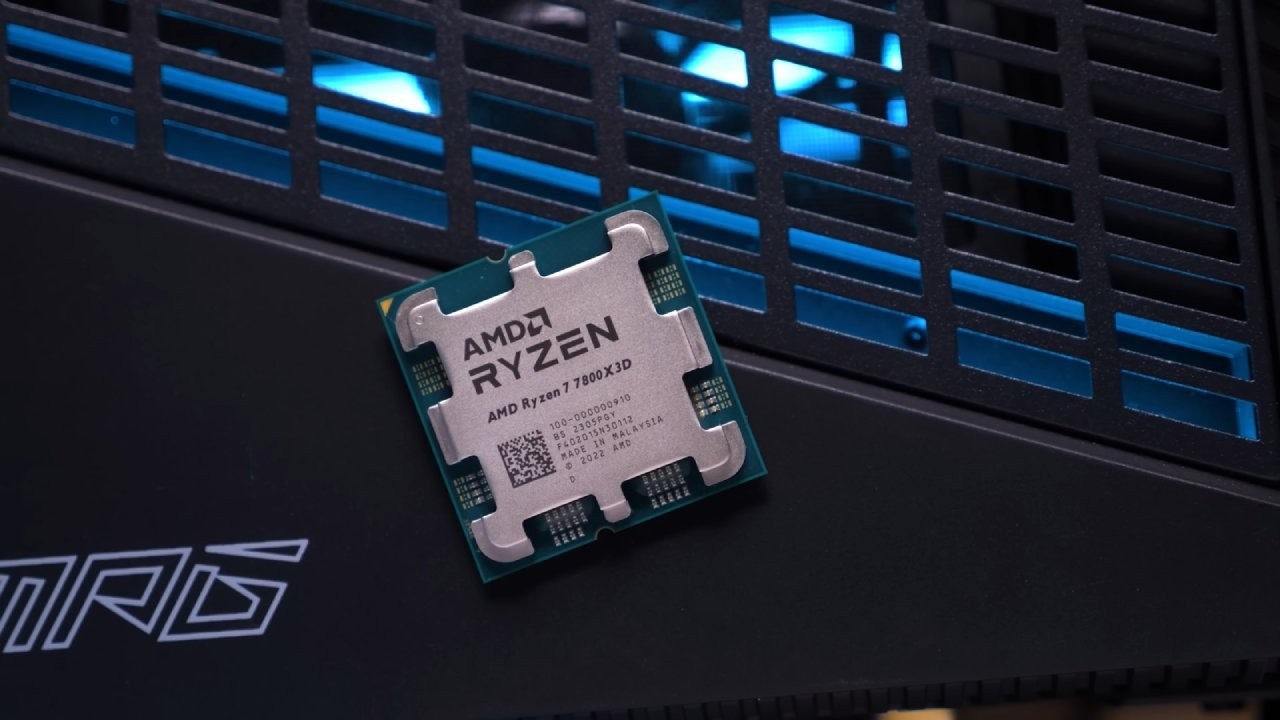
There's not much reason to buy a new 9800X3D if you already have one. The 9850X3D might be a good choice for you if you already have a 7800X3D and a very fast GPU, but it depends on the games you play.
Still, for most games, the best improvements come from putting the GPU first for graphics, the monitor first for clarity and refresh rate, and the CPU first for stability and consistency.
Also, check our other AMD articles below:
- AMD Ryzen 9 9950X3D Review: Setting The Standard For 2025 Gaming CPU
- AMD Ryzen 7 9800X3D Review: 3D V-Cache Goes God Mode with Stunning Gaming Performance
- AMD RX 9070 Performance Review: Thermals, Clocks, and Real-World FPS
- AMD Ryzen 5 7600 Review: Best Budget Gaming CPU of 2025?
- AMD Radeon RX 7800 XT Review: RDNA 3 Power For Midrange Gaming
- Sapphire NITRO+ AMD Radeon RX 9070 XT Review: The Ultimate 4K Gaming GPU
- AMD Ryzen 7 7800X3D: Delivers Gaming Performance Far Beyond Expectations
- AMD Ryzen 9 7900X Review: Powering the AM5 Era with DDR5 & PCIe 5.0
- Intel Core i9‑14900K vs. AMD Ryzen 7 7800X3D: Power Profiles & Gaming Benchmarks
Contributor, NoobFeed
Gaming Hardware Updates
No Data.