

ARK: Survival Ascended Guide | How To Use Template Hammer & Build Mode
Effortlessly Build Complex Structures Using the Template Hammer and Build Mode in ARK: Survival Ascended
Game Guide by Monarch on Jul 09, 2025
This guide explains how to use the new Template Hammer and Build Mode features in ARK: Survival Ascended. You will learn how to craft the hammer, create and save templates, use auto-build, and apply skins, as well as how to utilize pre-built templates for faster and more efficient building.
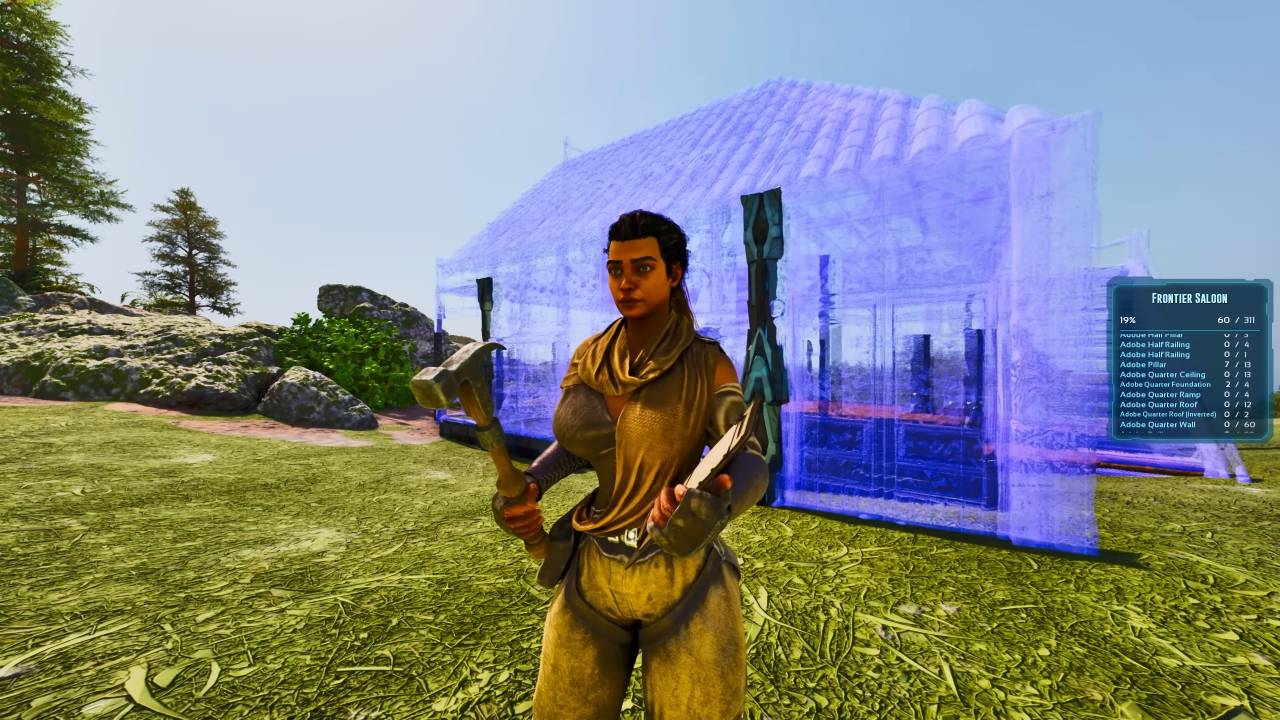
Overview of Build Mode and the Template Hammer
The Build Mode is a new feature that allows you to create structures automatically using the Template Hammer. Structures are placed directly from your inventory, and if you lack the required materials, the system will notify you.
You can stop the build at any time, which will halt all production and prevent further building until resumed.
Crafting the Template Hammer
The Template Hammer can be crafted using one Charcoal, one Metal Ingot, one Hide, and Wood. It is unlockable through the new battle pass system. Once crafted, you can access various building modes with the hammer.
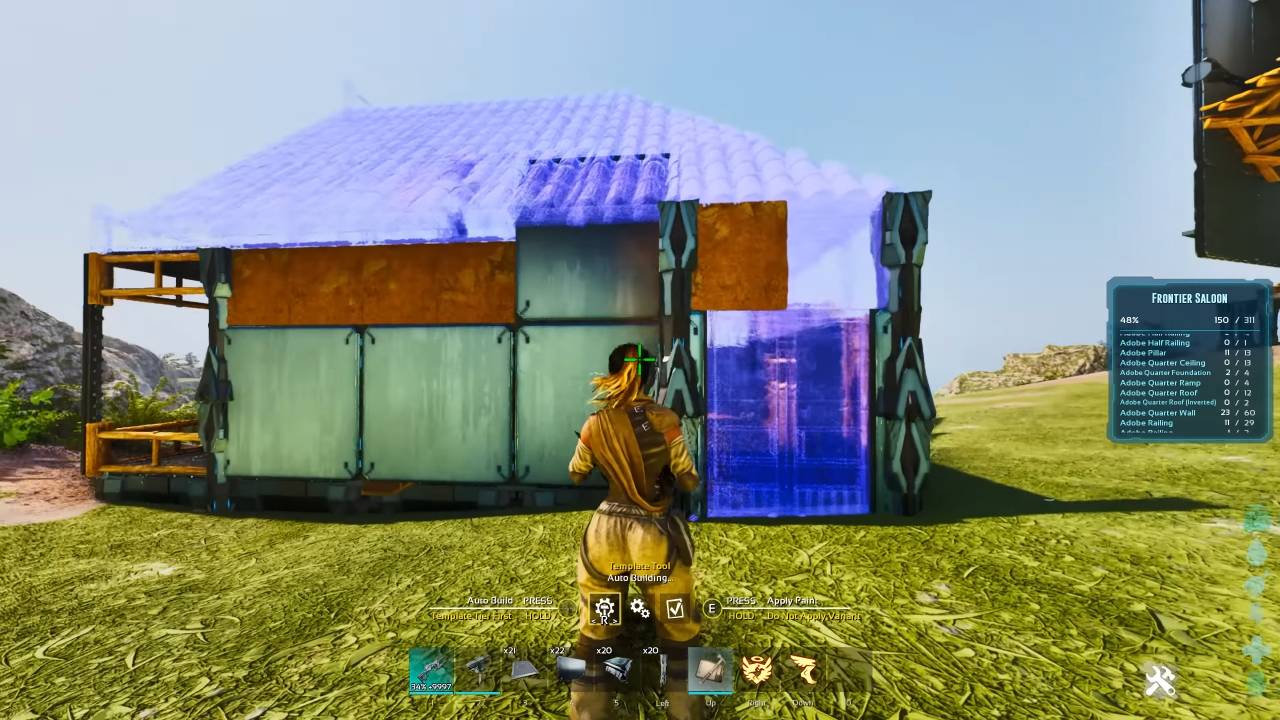
Modes Available with the Template Hammer
When using the Template Hammer, you have access to several modes. If you are building a structure, you can choose from Build Mode, Alter Mode, and Complete Mode. Without anything selected, you also have Create Mode and Click to Select Template Mode.
Build Mode allows you to enter a structure and build within it.
Create Mode lets you copy any structure you have placed, including all connected pieces.
Alter Mode enables you to modify existing structures.
Complete Mode finalizes your build and prevents further changes.
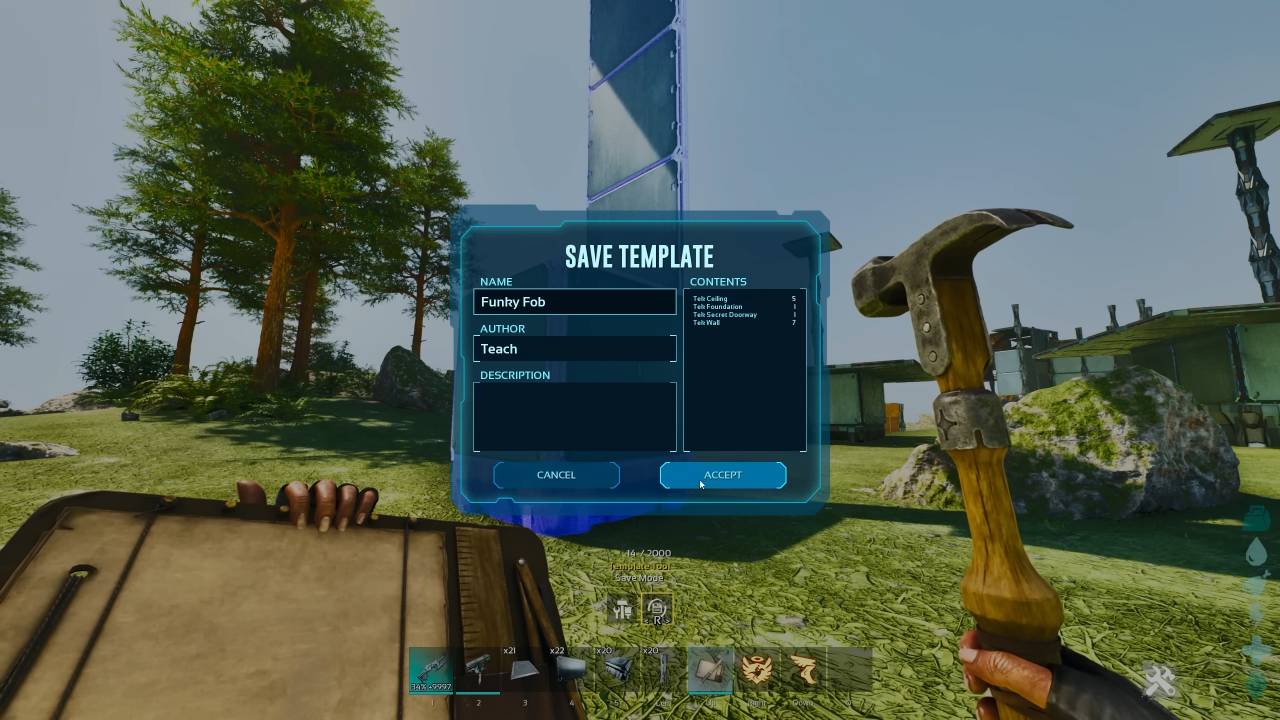
Creating and Saving Templates
To create a template, place down a structure and enter Create Mode. When you see a green highlight, click to copy every attached structure. You can modify the template or save it directly. Each template can include up to 2,000 structures.
When saving, name your template and provide a description if desired.

Using and Placing Templates
After saving a template, use Click to Select Template Mode to choose your saved template. You can rotate and position it as needed. On your screen, switch the build target to Auto Build to begin automatic construction.
The system places a few structures at a time, so larger builds will take longer. As long as you have the required materials in your inventory, the tool will auto-build the structure for you.
Applying Skins to Structures
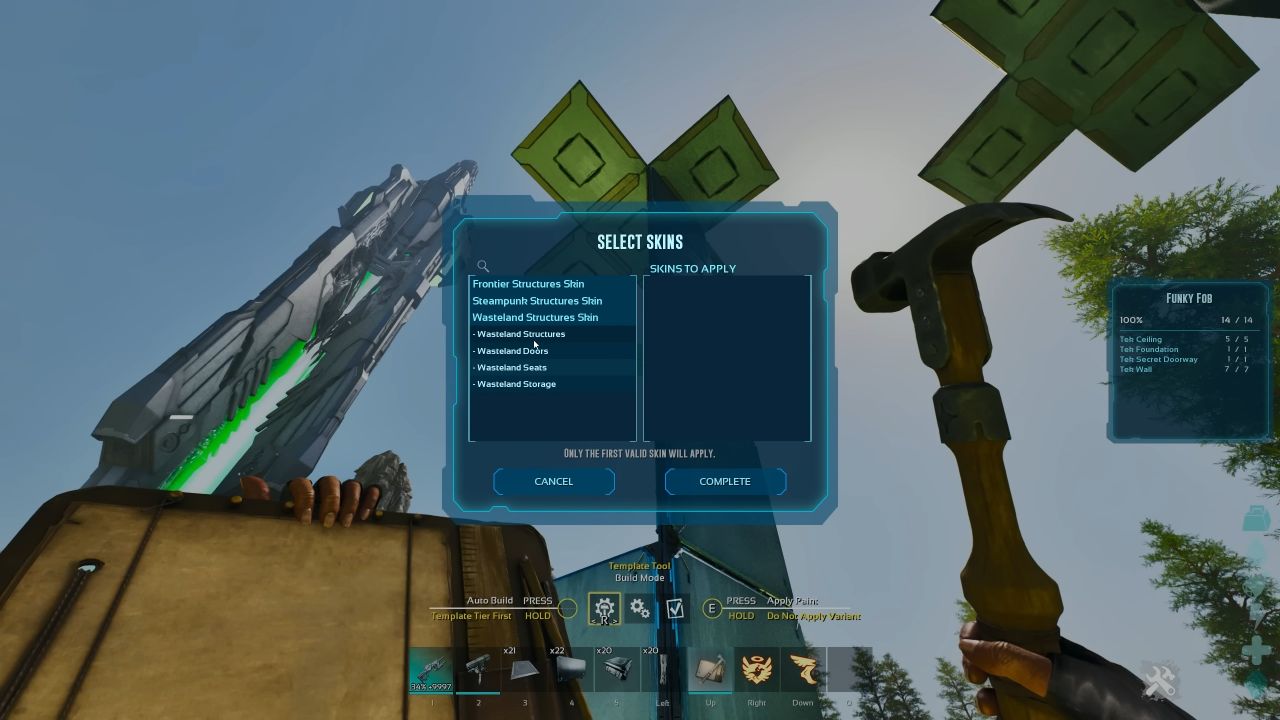
To add skins to your builds, go to the menu and choose items such as Wasteland Structures, Doors, Seats, and Storage. During the auto-build process, any skin that works will be applied. This makes it easy to change how your buildings look.
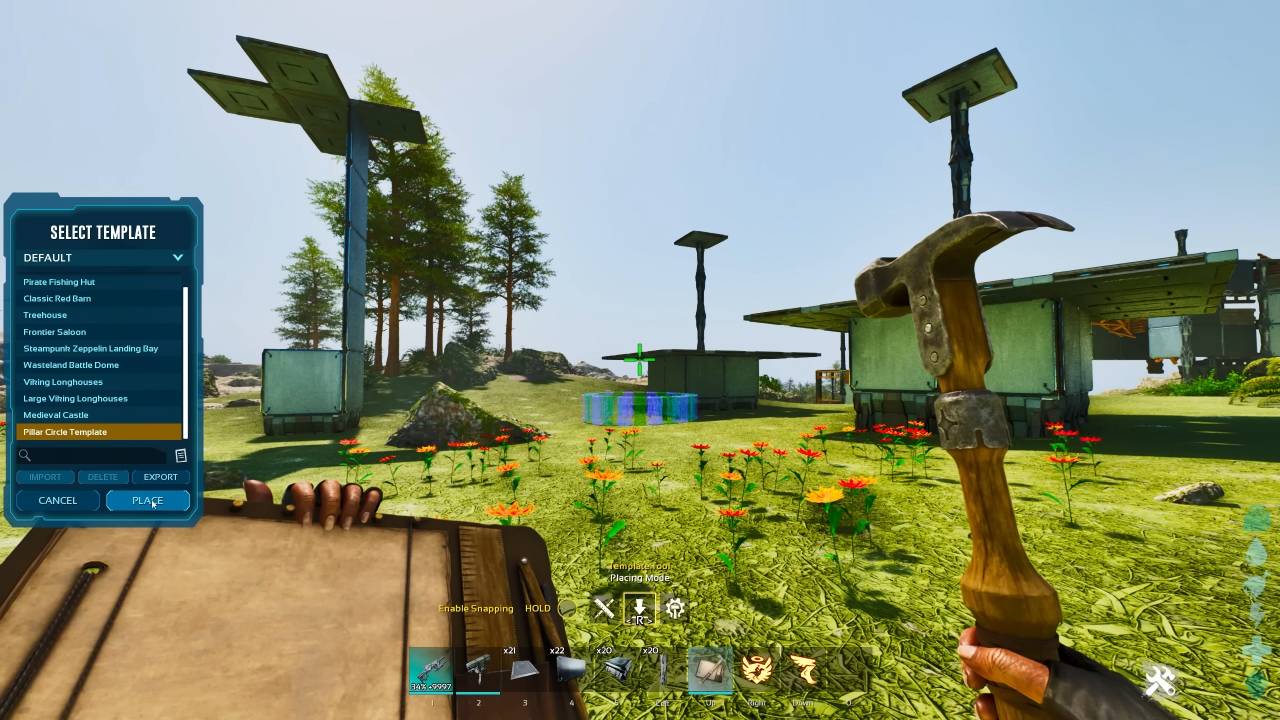
Default and Pre-Built Templates
The Large Viking Long House and the Pillar Circle Temple are two of the basic templates that come with ARK: Survival Ascended. With these ready-made templates, you can quickly make complicated shapes, like circles, that used to be hard to place by hand.
Note that some templates may not fit in certain regions, resulting in an aborted build.
You can also create large structures, such as a Giant Red Barn, using these pre-built templates. The auto-build feature will construct the entire structure as long as you have the necessary materials.
Advantages and Use Cases
The Template Hammer and auto-build functions are ideal for quickly deploying FOBs, crafting stations, barns, or any frequently used structures. You can pre-build in solo mode, save your templates, and then use them on regular servers.
This system saves significant time and effort, especially for complex or large builds.
Additional Features and Tips
You can change builds, finish them, or stop them at any time. The tool can be used by both beginners and experts, and there are many aspects that can be explored further.
You may also be able to import or save other players' templates, expanding your building options even further.
Also, check our other guides below:
- ARK: Survival Ascended Guide | How To Import & Export Templates
- ARK: Survival Ascended Guide | Best Base Locations on Ragnarok
- ARK: Survival Ascended Guide | All Desert Loot Crate Locations
- ARK: Survival Ascended Guide | All Beaver DAM Locations
- ARK: Survival Ascended Guide | Where To Find Aberration Biome
- ARK: Survival Ascended Guide | Best Blueprint and Loot Farm on Ragnarok
- ARK: Survival Ascended Guide | How To Farm Polymer
- ARK: Survival Ascended Guide | How To Get Black Pearls
- ARK: Survival Ascended Guide | Bisons' Abilities and Uses
- ARK: Survival Ascended Guide | How To Get Ice Wyverns
- ARK: Survival Ascended Guide | How To Find Griffins
- ARK: Survival Ascended Guide | How To Trap Griffins
- ARK: Survival Ascended Guide | How to Farm Berries
- ARK: Survival Ascended Guide | Astraeos Miniboss Location and Loot
- ARK: Survival Ascended Guide | How To Beat the Lava Golem Solo
- ARK: Survival Ascended Guide | How To Beat the Iceworm Queen
Editor, NoobFeed
Latest Articles
No Data.