
Choosing the Right RAM Speed for Intel and AMD CPUs
Higher RAM speeds deliver more consistent performance gains across demanding gaming workloads and modern productivity applications.
Hardware by Tanvir Kabbo on Dec 21, 2025
In late 2025, RAM prices shot up sharply as AI demand grew rapidly and major changes in the memory sector made it much harder to obtain RAM worldwide. As memory has become one of the most expensive parts of a PC design, it is more critical than ever to know how RAM speed, latency, and rank affect performance on Intel Raptor Lake and Arrow Lake CPUs.
A lot of testing on different games and professional workloads makes it evident how different memory configurations affect performance in the real world and which solutions offer the best value in today's market, where prices are high.
.jpg)
Matching RAM With the Right CPU
The recent spike in RAM prices can be traced back to several major developments. OpenAI secured rights to 40% of the global RAM supply, Micron shut down its consumer-focused Crucial brand, and reports surfaced that Nvidia was halting VRAM shipments to add-in-board partners.
Samsung and SK Hynix later stated that the worldwide RAM shortage would likely continue until 2027 as they focus on profitability rather than expanding production. PC makers must be careful to address the new reality of higher RAM prices these changes have brought about.
If you're still using a DDR4 platform, you need to look more closely at performance aspects to see if upgrading to DDR5 makes sense. DDR5's increased bandwidth often made up for its higher latency in earlier tests comparing DDR4 3600 CL14 and DDR5 7200 CL34 on an Intel 14900K.
However, DDR4 still won in half the tested titles, often by significant margins, suggesting that latency plays a more crucial role in games where the GPU is the limiting factor. When DDR5 6000 CL30 was added to the test, games that needed a lot of bandwidth, like Microsoft Flight Simulator, continued to get faster in a straight line.
On the other hand, games that required low latency, like Far Cry 6, preferred it even if it meant losing peak bandwidth. The primary problem is the price. A DDR5 7200 kit that used to cost only a little more than a DDR4 3600 kit now costs approximately 96% more, eroding its value. Because of this, DDR4 remains a viable and cost-effective option.
Lower-speed DDR5 becomes another consideration, though only for certain CPUs. On AMD AM5 Ryzen X3D processors, tests showed that speeds below 6000 MT/s have little to no impact on performance. A drop to 5200MT/s results in only about a 1% reduction in gaming performance, which is negligible.
Since a 32GB DDR5 5200 CL40 kit currently costs far less than a DDR5 6000 CL30 kit, lower-speed DDR5 can be a practical choice for X3D users, given their low sensitivity to memory speed.
As RAM now often costs more than the CPU, motherboard, or storage, we may need to rethink the traditional PC building approach. Instead of choosing the CPU and motherboard first, it may be more cost-efficient to start with RAM and let that drive the remaining component choices.
Lower-speed RAM below 6000MT/s pairs best with AMD AM5 Ryzen X3D processors. RAM speeds between 6400MT/s and 8000MT/s align better with Intel CPUs because AM5 processors drop into Gear 2 at those speeds, which lowers performance.
For stability, a 2-DIMM motherboard and RAM between 6000MT/s and 6400MT/s work well with AM5 non-X3D CPUs. RAM speeds between 8000 MT/s and 8400 MT/s are compatible with both AMD 9000-series and Intel CPUs. Current trends indicate that Arrow Lake with CUDIMM support is needed for stability at speeds above 8400 MT/s. This framework lets you choose components even when there isn't enough memory available at the moment.
Test Methodology
We ran benchmarks on both Intel Raptor Lake (14900KS) and Arrow Lake (285K) systems, using high-end Z790 Apex Encore and Z890 Unify-X 2-DIMM motherboards to ensure the memory was as stable as possible.
An RTX 5090 was used to apply a substantial load on the CPUs. XMP, high-performance power plans, DRAM refresh interval modifications, and optimized ratios for cores, rings, and fabric were all part of the safe, controlled performance tweaking that each system went through. We tried out a lot of different UDIMM and CUDIMM DDR5 kits.
We did all the gaming tests at 1080p on low settings to move the bottlenecks to the CPU and show how RAM affects performance. We turned off frame creation to prevent the results from changing. Upscaling was used only when it was enabled by default in the standard graphics settings.
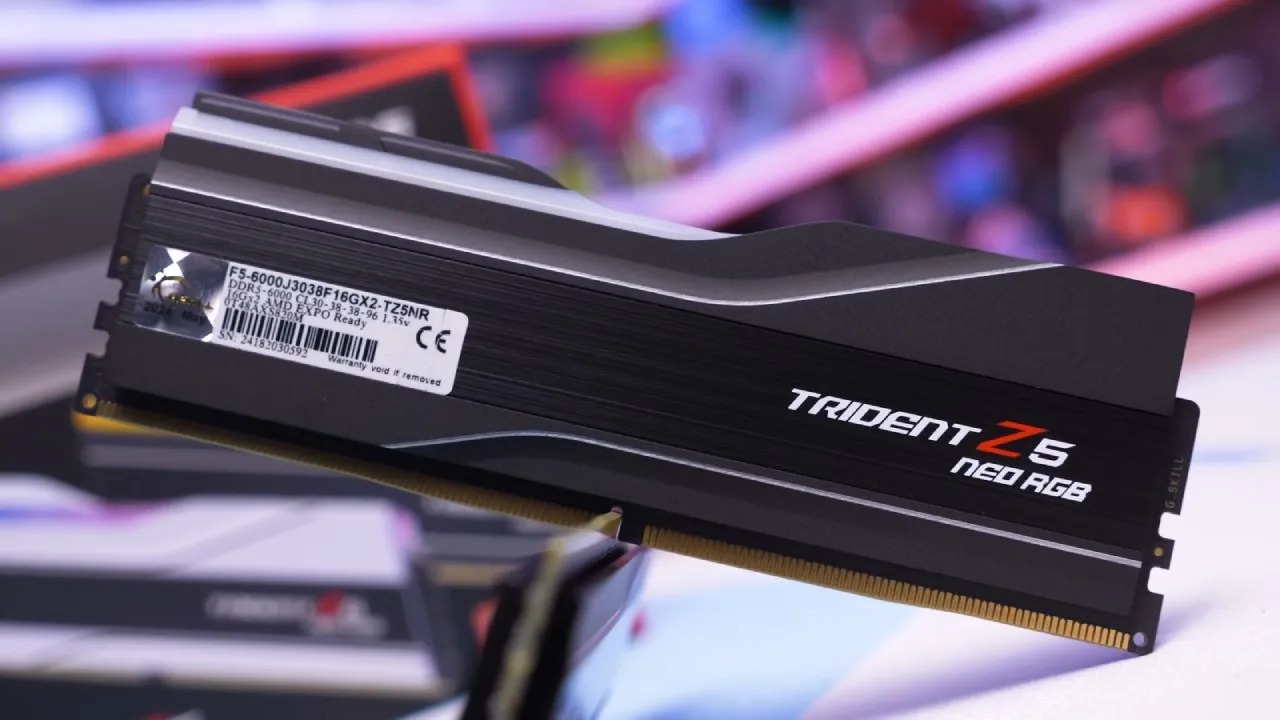
Intel Raptor Lake (14900KS) Performance
Testing with different DDR5 kits on the 14900KS showed noticeable performance improvements, including faster speeds. When we went from 6400 MT/s to 8200 MT/s, the 1% lows increased by 6%, and the average framerate increased by 3%. All of these things together improved the overall gameplay experience by 9%.
Games that use a lot of bandwidth, like Microsoft Flight Simulator 2024, had the biggest improvements. Games that use a lot of GPU power, like Black Myth Wukong, saw smaller improvements even at 1080p low settings. For professional workloads such as FEM, CAD, and CFD simulations, performance increased almost linearly with RAM speed, which makes sense given that many of these jobs use substantial memory.
Intel Arrow Lake (285K) Performance
On Arrow Lake, more high-speed CUDIMM kits enabled going beyond the usual UDIMM restrictions. Going from 6400 MT/s to 9000 MT/s improved the 1% lows by 7.4% and the overall gameplay experience by 10%.
But when memory speed exceeded 9000 MT/s, the system switched to Gear4, resulting in much worse latency and performance. Latency tightening made 1% lows much better, and rank gave performance a lift of about 2%. This is really important, but the bigger dual-rank kits are usually not worth the expensive price unless you really need more storage space.
Understanding Intel Memory Gear Modes
The memory gear modes show how quickly the RAM and the built-in memory controller (IMC) can function together. Gear2 operates at a 1:2 ratio, meaning the IMC runs at half the speed of the RAM. Gear4 works at a 1:4 ratio, meaning the IMC runs at 1/4 the RAM speed.
A 9000MT/s DDR5 kit, for instance, makes the IMC run at 4500MHz in Gear2 and just 2250MHz in Gear4. A 9200MT/s kit running in Gear4 has about 17% more latency than a 9000MT/s kit running in Gear2. Gear1 is usually not stable on Intel DDR5 systems and isn't useful. You also can't utilize Gear2 above about 9000MT/s reliably because of stability restrictions.
The effect is strong. A 9200MT/s Gear4 kit functions the same way as a 6400MT/s Gear2 kit, even though it has a lot higher raw bandwidth. Trend analysis suggests that Gear4 would need roughly 11800 MT/s to perform as well as a Gear2 setup with 9000 MT/s.
This is a lot more than DDR5 can do right now. So, don't buy RAM that runs faster than 9000MT/s, even if you can afford it. This is because currently, the memory controllers can't manage the speeds Gear4 needs to work.
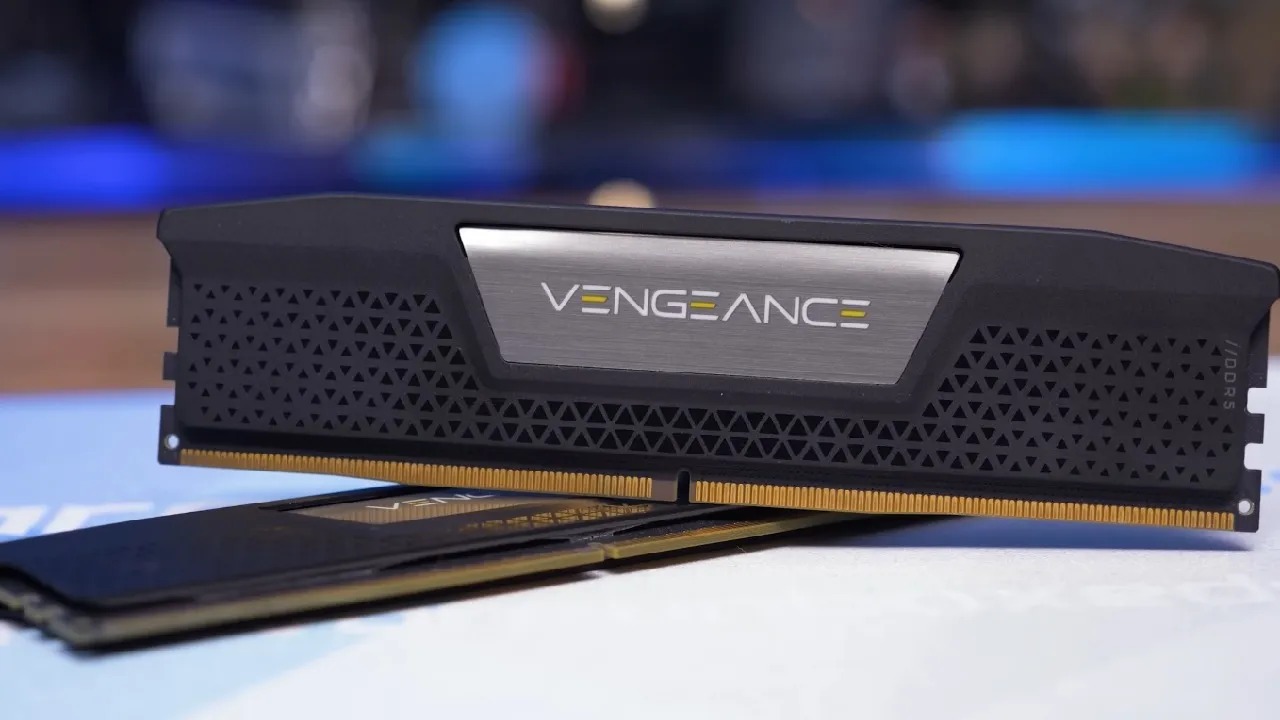
Overall Performance Findings
The speed enhancements from DDR5 made a major difference in eight games, especially at 1% lows, making the action smoother and more consistent. These improvements made the overall experience around 10% better when the CPU was fully used.
Lowering CAS latency helped a little, but dual-rank kits didn't help much at all. When there was more bandwidth, professional jobs changed in different ways: some got a lot bigger, but others stayed about the same. RAM is a lot more expensive now than it used to be, so think about how much work you need to do before you buy.
Value and Cost Considerations
A DDR5 6400 CL32 kit that used to cost about $100 is now over $400. This big change makes it very hard to figure out how much something is worth. When you compare framerate-per-dollar numbers, the best deal on both Raptor Lake and Arrow Lake platforms is for lower-speed DDR5 6400 kits with precise timings.
Arrow Lake customers can try Intel 200S boost or manual tuning to get faster speeds, but they can't be sure that their systems will stay stable. Because high-speed RAM was previously one of Intel's major advantages and is now far more expensive, the platform loses a key strength. At higher resolutions and graphical settings, RAM dependence decreases further, making expensive high-speed memory even less worthwhile.
AMD's X3D processors, which are relatively insensitive to memory speed, are well-positioned to handle the current memory market better than Intel's. Because RAM prices are still high, it's more vital than ever to choose the correct mix of memory, motherboard, and CPU. Focusing on value rather than peak specifications will help you achieve better long-term performance and lower costs.
Also, check our other Intel articles below:
- Intel Core Ultra 9 285K Review And Performance Breakdown (2025)
- Intel Core Ultra 9 285K vs AMD Ryzen 7 9800X3D: In-Depth Gaming Performance and Benchmark Comparison
- Intel Core i5-13400F Gaming Performance: Still Worth It in 2025?
- Intel Core i9‑14900K vs. AMD Ryzen 7 7800X3D: Power Profiles & Gaming Benchmarks
- Intel Core i9 14900K: Specs, Benchmarks, and Competitor Comparison
- Intel Core Ultra 5 245K Review: Gaming, Productivity & Power Efficiency Tested
- Intel Core Ultra 9 285 K's iGPU Gaming: In-Depth Benchmarks & Analysis
- Intel vs. AMD Gaming Laptop: Performance, Thermals & Battery Life Compared
- AMD Ryzen 7 9800X3D vs.7800X3D vs. Intel Core Ultra 7 265K: Gaming, Thermals & Price Analysis
Senior Editor, NoobFeed
Gaming Hardware Updates
No Data.