
Subnautica 2 Guide | How to Build Bases
Here’s a guide on how to build Bases in Subnautica 2.
Game Guide by Ragib Rawnak on May 15, 2026
You need a different strategy to build a base in Subnautica 2 compared to standard survival games. Your first goal is to locate the Welcome Center.
Check your Signals tab if you do not see it on your map. If that does not work, step outside your Life Pod and look for a wire on the ocean floor. Follow that wire directly to the destination.
Crafting a Scanner and Battery
You cannot unlock Blueprints without a Scanner. This tool requires a Battery to run. To get one, swim into nearby caves and find Purple Sponges.
Hit them with your Multi-Tool to gather Acid. You can then combine this Acid with Titanium or Quartz to finish the item. Keep an eye on your Scanner because it loses durability and eventually breaks. It helps to craft a backup in Subnautica 2.
Unlocking the Habitat Builder
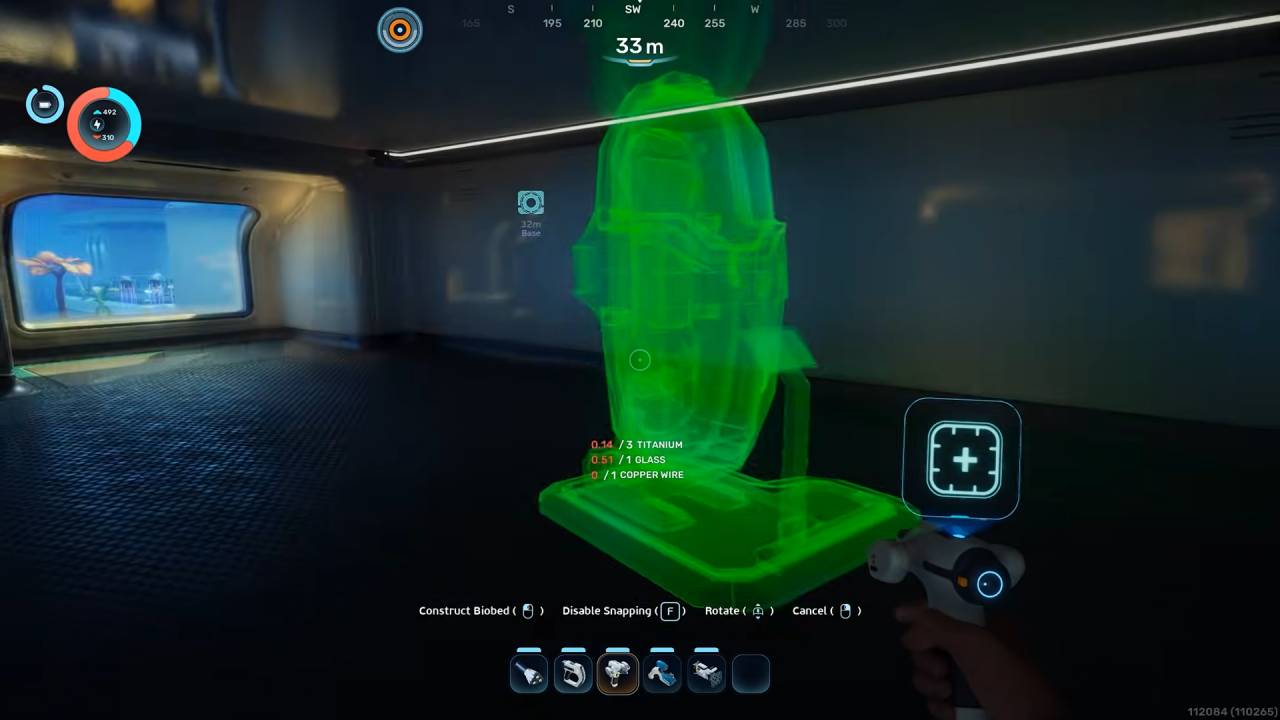
Head over to the Welcome Center with your new Scanner to hunt for the Habitat Builder. You have to scan two separate pieces. The first piece sits right outside near the Welcome Center sign. To get the second piece, locate a hole in the floor.
Clear away the Scrap Metal blocking your path and swim down. You will find an Oxygen source and the final piece right there.
Constructing Your First Base
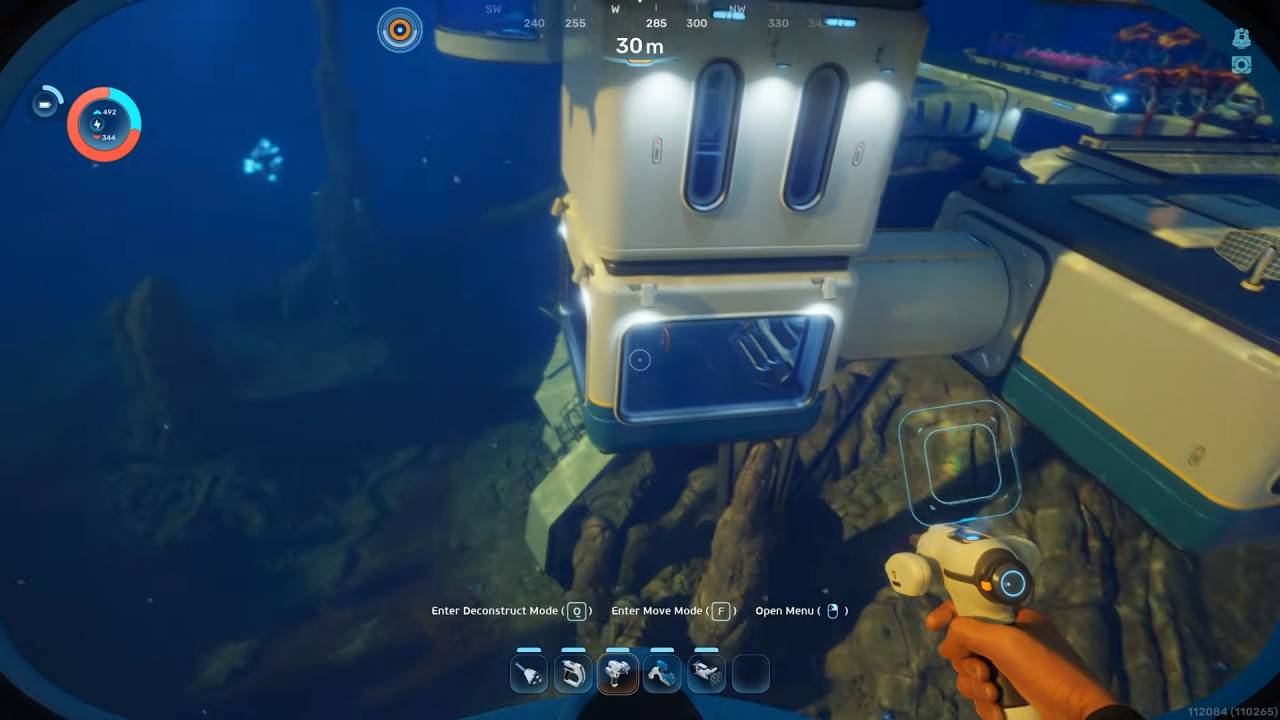
Do not try to move into the Welcome Center. The game will not let you fix it up or attach a door to it. You must start fresh. Find an open area near your Life Pod to set up camp. A minimal base only requires two Platforms and a single Tube.
This gives you a dry room to survive in and a spot to set up Storage boxes. You can add details like Windows later.
Scouting for New Blueprints
To expand your catalog, explore the deeper water. Keep an eye out for Pylons that blink with blue lights, or wires that run deep into cave systems in Subnautica 2.
These signs point to old outposts. When you look at a scannable object, a right-click prompt will appear on your screen. Keep collecting Titanium and Copper as you explore so you can build these new structures.
Managing Power and Oxygen
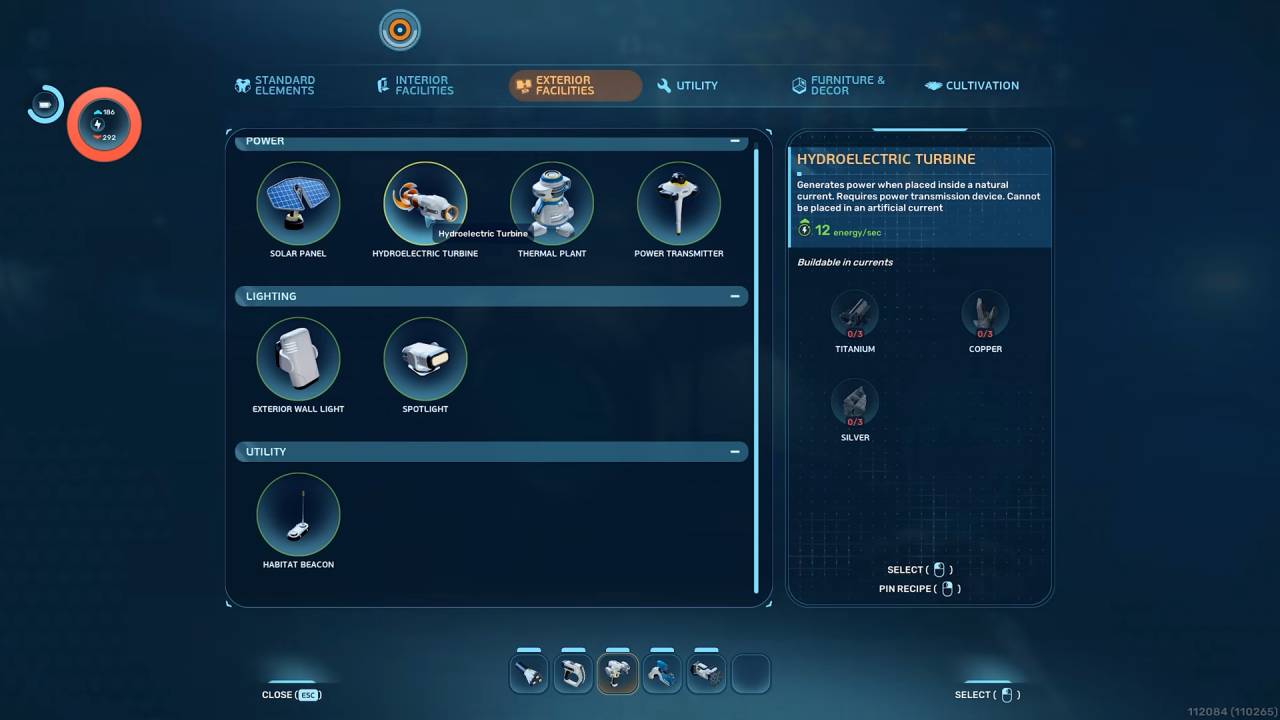
Bases do not run on their own. You must search the sea, locate Solar Panels, and scan them. These panels keep your lights on during the day, but they shut down at night.
To keep the lights on after dark, you have to load Batteries into a Generator. If your base runs out of juice, it floods with water. Your Oxygen will drop to zero and you will die. Keep scanning new objects to grow your base in Subnautica 2.
Also, check Subnautica 2 Review and our other guides below:
- Subnautica 2 Guide | How to Get the Digestion Ability
- Subnautica 2 Guide | How to Use Turbine
- Subnautica 2 Guide | How to Mine Ore
- Subnautica 2 Guide | How to Get Repair Tool Blueprint
- Subnautica 2 Guide | How to Get Lead
- Subnautica 2 Guide | How to Charge Batteries
- Subnautica 2 Guide | How to Get Heat Tolerance Ability
- Subnautica 2 Guide | How to Get Sonic Resonator Blueprint
- Subnautica 2 Guide | How to Make Mild Acid
- Subnautica 2 Guide | How to Get Ladder Blueprint
- Subnautica 2 Guide | How to Get Square Room Blueprint
- Subnautica 2 Guide | How to Make Strong Acid
- Subnautica 2 Guide | How to Get Tadpole Submarine
- Subnautica 2 Guide | How to Clear Bloom Infestation
- Subnautica 2 Guide | How to Get Power Transmitter Blueprint
- Subnautica 2 Guide | How to Get Hydroelectric Turbine Blueprint
- Subnautica 2 Guide | How to Get Processors
- Subnautica 2 Guide | How to Get Sulfur
- Subnautica 2 Guide | How to Get Gold
- Subnautica 2 Guide | How to Get Salt
- Subnautica 2 Guide | How to Get Lithium
- Subnautica 2 Guide | How to Get Portable Oxygen Generator Blueprint
- Subnautica 2 Guide | How to Get Rebreather Blueprint
- Subnautica 2 Guide | How to Get Fibrous Pulp
- Subnautica 2 Guide | How to Make Rubber
- Subnautica 2 Guide | How to Get More Inventory Space
- Subnautica 2 Guide | How to Get Base Upgrades
- Subnautica 2 Guide | How to Get Silver
- Subnautica 2 Guide | How to Get Food
- Subnautica 2 Beginner’s Guide | Gameplay Tips & Tricks
Senior Editor, NoobFeed
Latest Articles
No Data.