
Subnautica 2 Guide | How to Use Turbine
Here’s a guide on how to use Turbines in Subnautica 2.
Game Guide by Ragib Rawnak on May 16, 2026
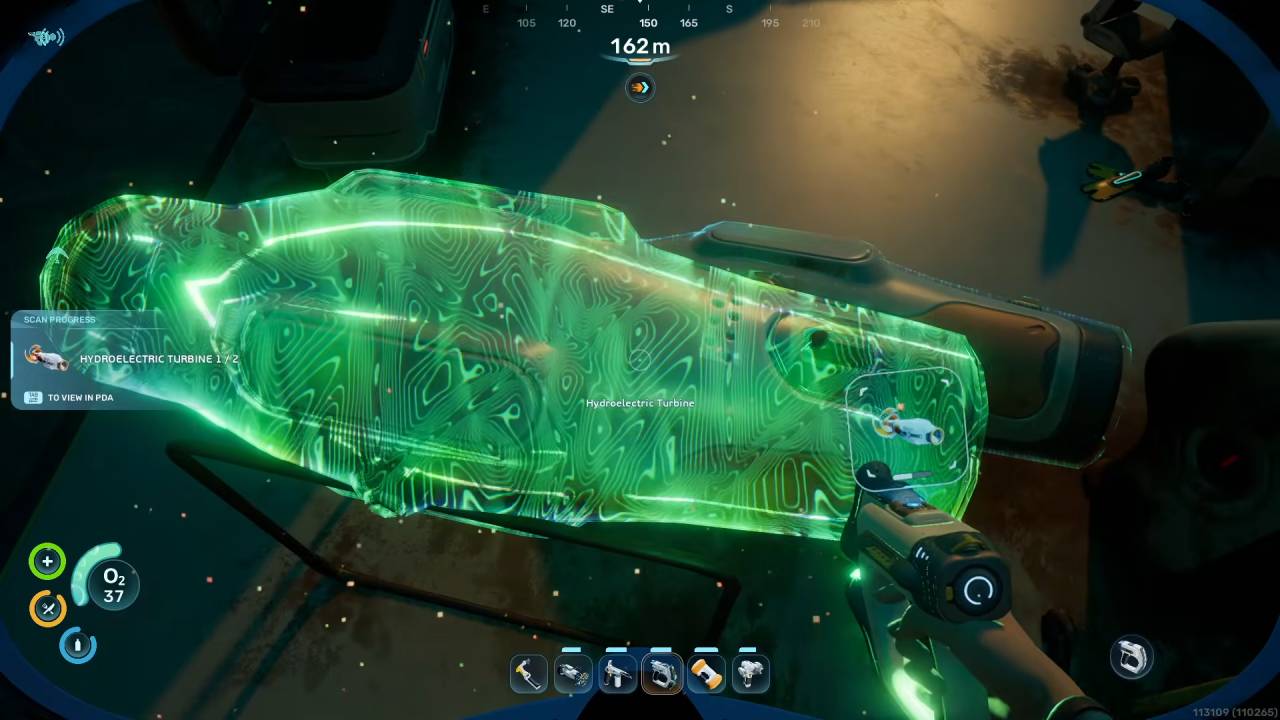
One of the best power sources to get your base pumped up in Subnautica 2 is to find and scan the blueprint to the Hydroelectric Turbine. This machine generates power constantly without relying on daylight.
While standard Solar Panels stop working entirely when darkness falls and can cause you to run out of oxygen, these turbines provide a steady energy supply through the night.
Finding a Natural Current
You cannot place this machine just anywhere in the open ocean. It requires a water flow that physically pushes your character when you swim into it.
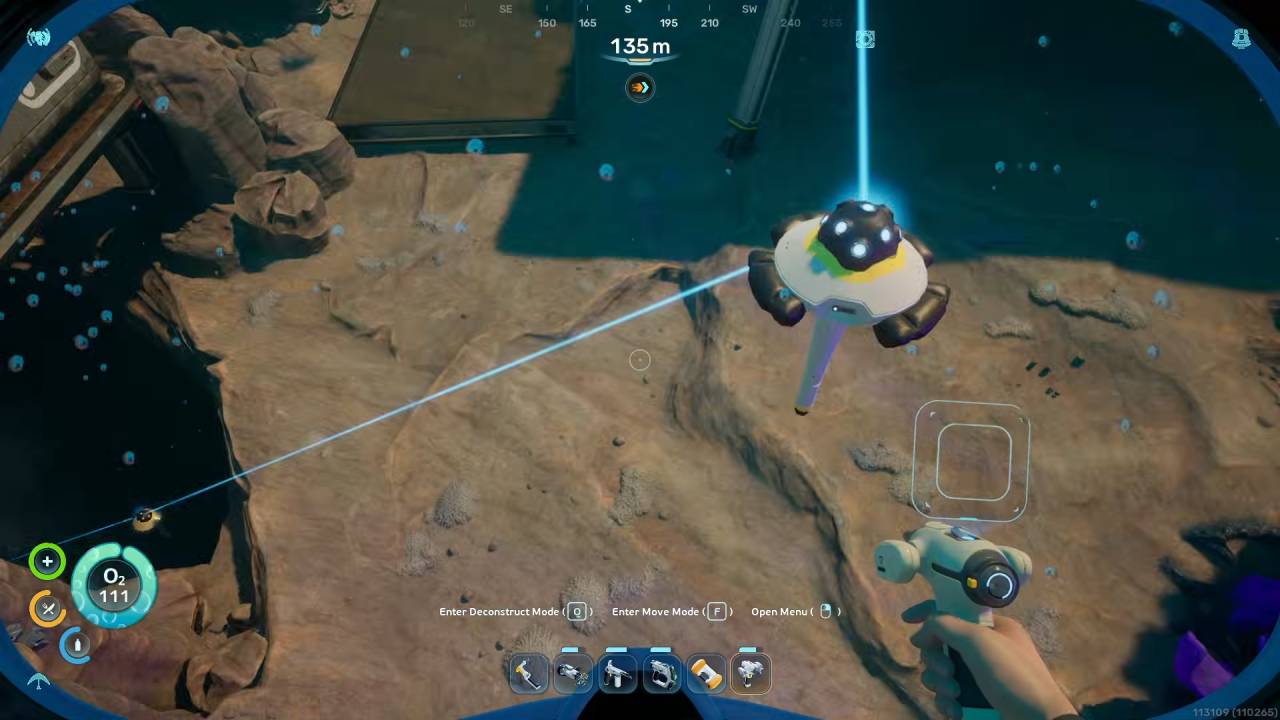
You can easily spot these locations by looking for a distinct blue aura in the water. Settling down near one of these moving water streams makes power management much simpler as you expand in Subnautica 2.
Placing the Turbine
When you hold the device to position it, look at the numerical readout on your screen. If you place it in still water, the display will show zero.
If you place it directly into the blue flow, the counter will go up to twelve, meaning it’s generating power. Once you place it, the unit will automatically turn to align itself with the moving water.
Connecting Power to the Base
To get the electricity back to your home, you’re going to need to run a connection line with a Power Transmitter. Placing a transmitter near your machine will create a visible beam of energy.
You can chain these together over long distances to get the power all the way back to your habitat in Subnautica 2.
However, if you build your structures close enough to the flow of water, you can attach a transmitter right to your exterior wall, which eliminates the need for a network of them altogether.
Also, check Subnautica 2 Review and our other guides below:
- Subnautica 2 Guide | How to Get the Digestion Ability
- Subnautica 2 Guide | How to Mine Ore
- Subnautica 2 Guide | How to Get Repair Tool Blueprint
- Subnautica 2 Guide | How to Get Lead
- Subnautica 2 Guide | How to Charge Batteries
- Subnautica 2 Guide | How to Get Ladder Blueprint
- Subnautica 2 Guide | How to Get Square Room Blueprint
- Subnautica 2 Guide | How to Make Strong Acid
- Subnautica 2 Guide | How to Get More Inventory Space
- Subnautica 2 Guide | How to Get Processors
- Subnautica 2 Guide | How to Get Heat Tolerance Ability
- Subnautica 2 Guide | How to Get Sonic Resonator Blueprint
- Subnautica 2 Guide | How to Get Tadpole Submarine
- Subnautica 2 Guide | How to Clear Bloom Infestation
- Subnautica 2 Guide | How to Get Power Transmitter Blueprint
- Subnautica 2 Guide | How to Get Hydroelectric Turbine Blueprint
- Subnautica 2 Guide | How to Make Mild Acid
- Subnautica 2 Guide | How to Get Portable Oxygen Generator Blueprint
- Subnautica 2 Guide | How to Get Rebreather Blueprint
- Subnautica 2 Guide | How to Get Sulfur
- Subnautica 2 Guide | How to Get Gold
- Subnautica 2 Guide | How to Get Salt
- Subnautica 2 Guide | How to Get Lithium
- Subnautica 2 Guide | How to Get Fibrous Pulp
- Subnautica 2 Guide | How to Make Rubber
- Subnautica 2 Guide | How to Get Base Upgrades
- Subnautica 2 Guide | How to Get Silver
- Subnautica 2 Guide | How to Get Food
- Subnautica 2 Guide | How to Build Bases
- Subnautica 2 Beginner’s Guide | Gameplay Tips & Tricks
Senior Editor, NoobFeed
Latest Articles
No Data.